- 4 -
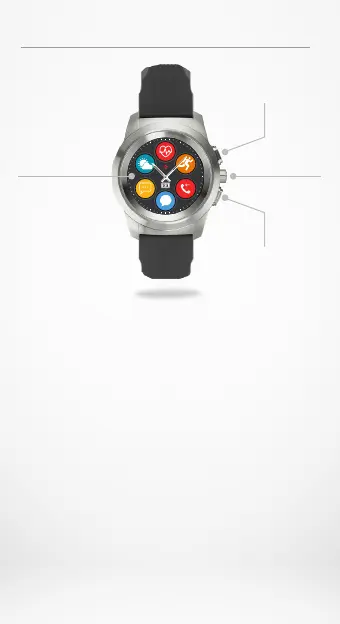
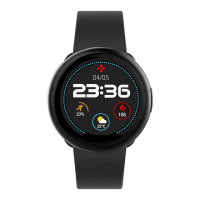
Color
touchscreen
Upper
button
Smart
crown
Lower
button
OVERVIEW
I UPPER BUTTON
Press to light up the screen, return to home page from any menu
or put the device in standby mode.
I LOWER BUTTON
• Press to light up the screen, go one step back in the menu
structure, exit a menu or have access to your calendar events from
your home page.
• Press & Hold to Power ON/OFF.
I UPPER + LOWER BUTTON
Press & Hold the upper button and the lower button for 10 seconds
to reset the device.
Warning: all data stored into the device will be lost.
I SMART CROWN
• Turn the crown to navigate through the main menu.
• Press the crown to select an app.
• Double press to manually move the hands to 9:15
• Single press to enable night mode (from standby screen).











 To Next Page