- 5 -
4. BASIC OPERATIONS
I TURN ON THE SCREEN
Touch the Navigation button when the screen is in standby mode
I MOVE BETWEEN SCREENS
Simply touch the navigation button to toggle from one screen to the next one
I ENTER A MENU
Long press the Navigation button on the screen in which you want to access
I EXIT A MENU
Long press the Navigation button from the selected feature screen
I SELECT AND CONFIRM
Touch the Navigation button to choose and long press to confirm
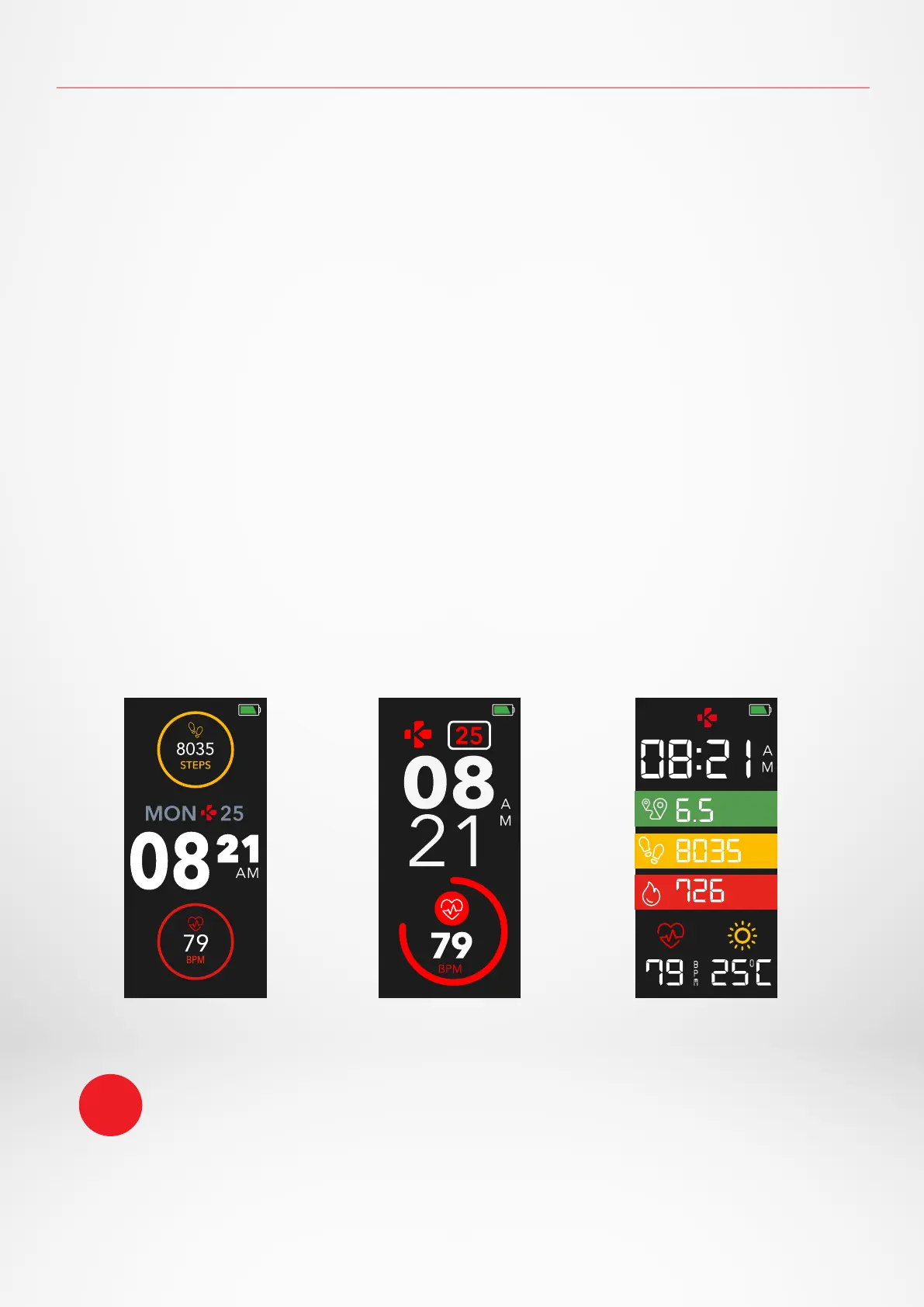
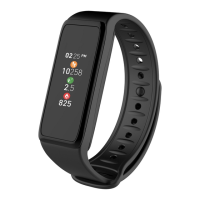
I CHANGE THE WATCH FACE
To select one of the 3 watch faces available, simply long press on the active one to toggle to the
next one and so on until you find your preferred watch face
To ensure ZeTrack is responding accurately to your taps, we recommend using your
fingertip and not your nail.
i




 To Next Page