- 11 -
10.HEART RATE
11.SLEEP
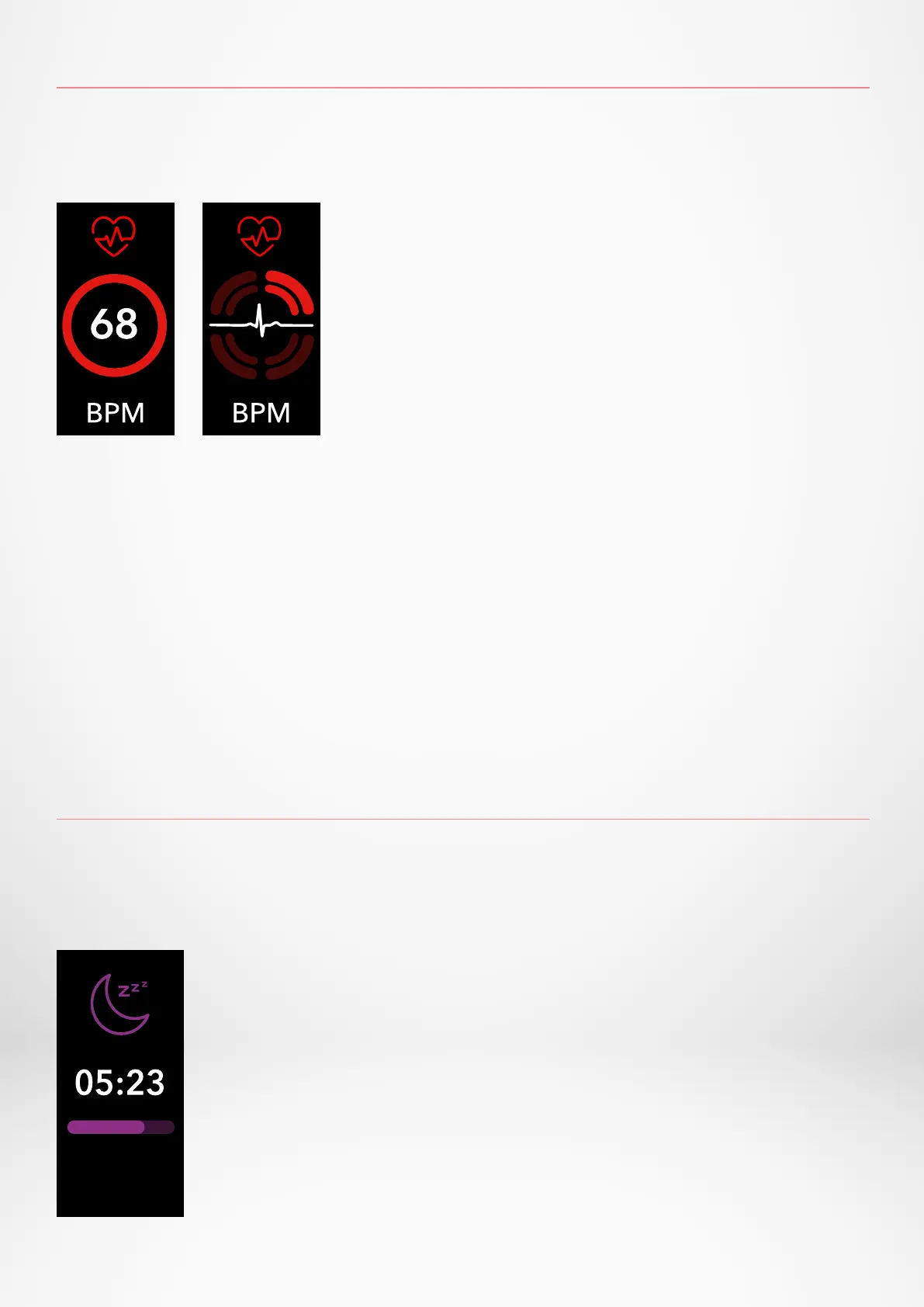
Equipped with an optical heart rate sensor, ZeTrack+ measures manually or auto-
matically your heart rate frequency throughout the day.
Once activated, two green LED lights will start flashing on the back of the
device.
ZeTrack+ tracks the hours slept and the quality of your sleep (light sleep, deep
sleep, awake times).
I MANUAL MODE
1. Go to Heart rate screen
2. As soon as you reach this screen, ZeTrack+ will
start measuring your heart rate.
I PRESET SLEEP MODE
1. Open the MyKronoz App
2. Tap on Settings tab
3. Tap on Advanced settings
4. Click on Sleep to enter your desired bed and wake up times.
By default, ZeTrack+ will track your sleep from 11pm until 7am.
You can also view your last saved data directly from the device.
I AUTO MODE
1. Open the MyKronoz App
2. Tap on Settings tab
3. Tap on Advanced settings
4. Eable Auto track


 To Next Page