- 10 -
The activity tracker resets at midnight.
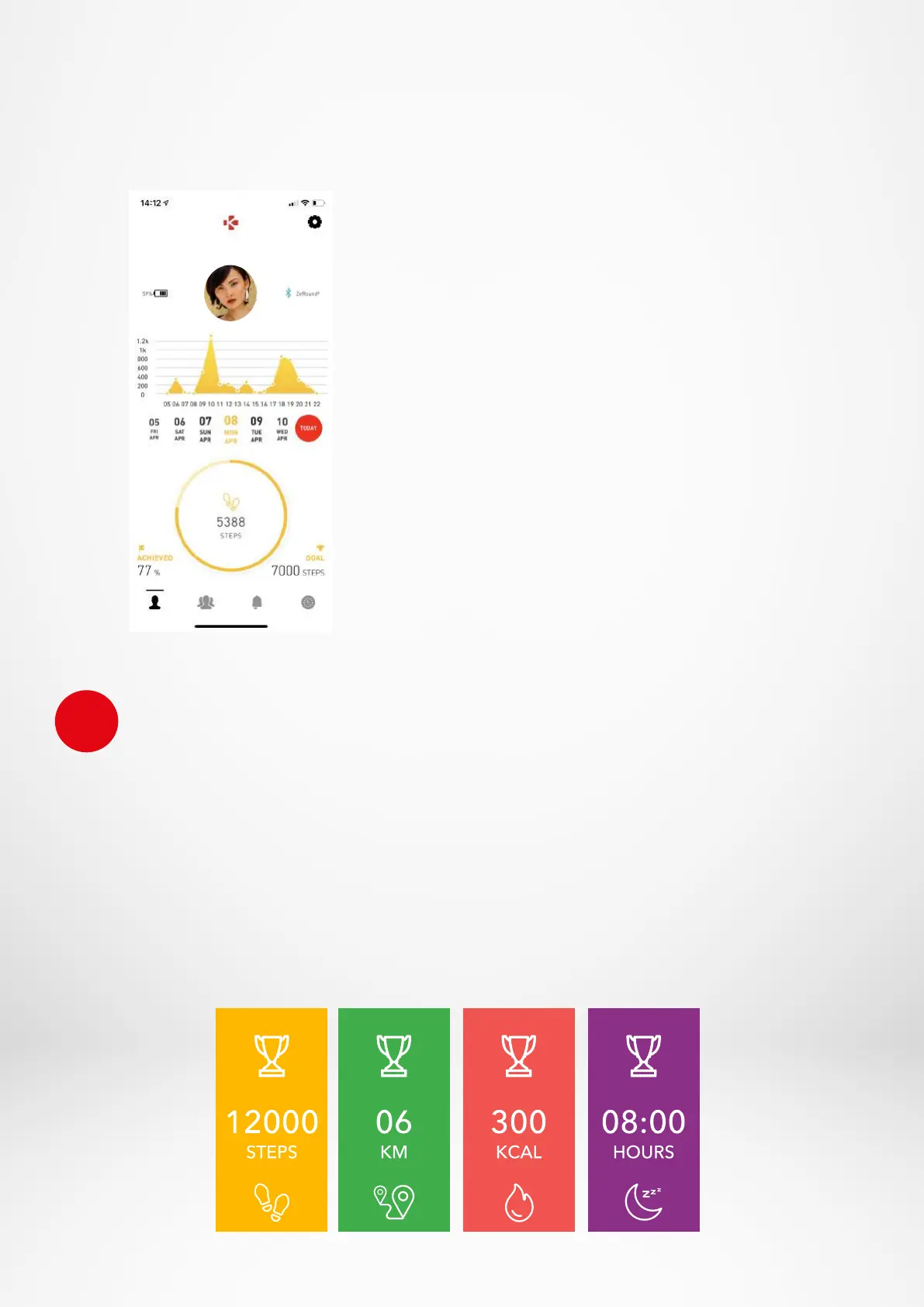
To save your latest activity, go to the Activity tab of the MyKronoz App. Your activity will sync
automatically as soon as you open this page. To sync your data manually, slide your finger
down the screen. ZeTrack+has the ability to store up to 5 days of your activity data. Then, you
will have to synchronize your ZeTrack+with your mobile app in order to avoid loss of data.
i
You can also monitor your activity data and history from
the MyKronoz Mobile App. On the main activity screen,
you can check your performance level against your
daily goals. Click on any activity bar to get a detailed
graph of your daily, weekly and monthly performance.
I SET A DAILY GOAL
Reach the goals settings menu of the MyKronoz App to set daily goals for steps taken,
distance travelled, calories burned and hours slept. On the Steps screen of your ZeTrack,
a progress bar will show how close you are to your daily goal. Once you hit one of your
daily goals, ZeTrack+will gently vibrate and display a Goal achieved interface.
To save your latest activity, go to the Activity tab of the MyKronoz App. Your activity
will sync automatically as soon as you open this page.
To sync your data manually, slide your finger down the screen.
Sofia


 To Next Page