- 9 -
8. FIRMWARE UPDATE
9.ACTIVITY TRACKING
Keep your ZeTrack+ updated to get the latest feature improvements and
product updates.
When an update is ready to install, you will receive a notification from the
MyKronoz app.
After you start the update, a progress bar will appear on the app and on the
activity tracker.
Make sure your ZeTrack+ and app are near each other during the update
progress.
Before you update the activity tracker, make sure your ZeTrack+ is charged at least
30% or more before you update.
When the ZeTrack+ is connected and synced to the ZeTrack+ app, you can save
and view your personal health data.
Only your daily activity shows up on your activity tracker. You can view previous
days, weeks or months activity on the MyKronoz app.
ZeTrack+ has a built-in 3-axis accelerometer that allows you to track your daily acti-
vity based on your movements.
This, together with your profile information, allows your tracker to calculate your
steps, walking distance and calories burned.
In order to get the most accurate results we recommend you wear your watch on your
left wrist if you’re a right-handed and on your right one if you are left-handed.
I VIEW YOUR STATS
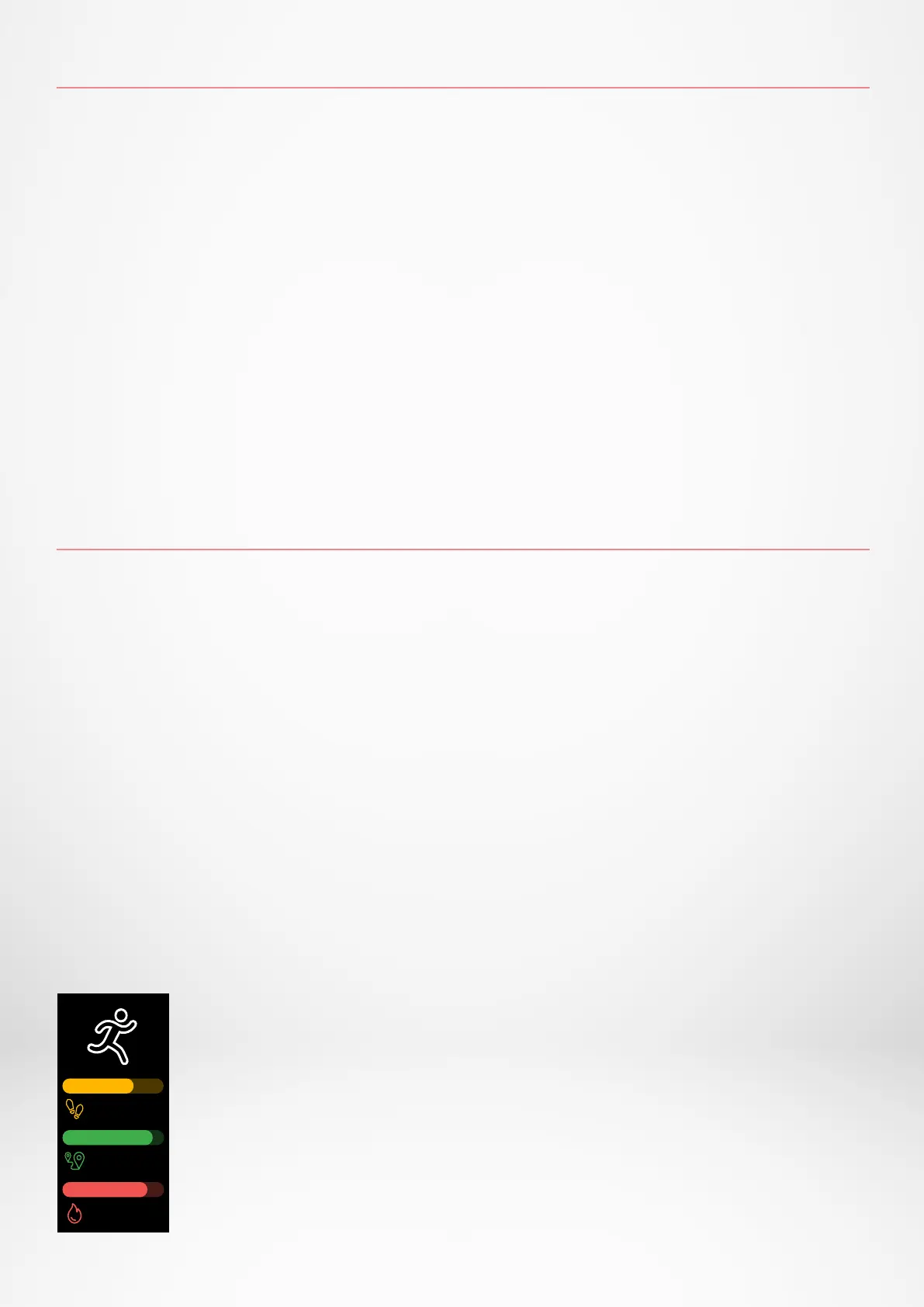
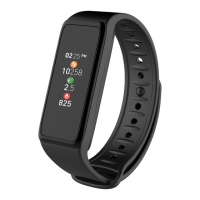
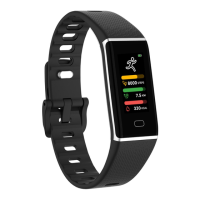
ZeTrack+ tracks throughout the day:
• Number of steps taken
• Distance travelled
• Calories burned
8000
7.5
330
KCAL
KM
STEPS


 To Next Page