- 15 -
16.INACTIVITY ALERT
Thanks to these particular alerts, you’ll always make sure to have the right amount
of activity throughout the day. You can set up when and how frequently you want
to your ZeTrack+ to alert you.
I ENABLE PRESET SLEEP MODE
1. Open the MyKronoz App
2. Tap on Settings tab
3. Select Inactivity
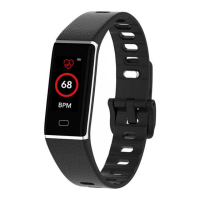
To dismiss an incoming inactivity alert, simply touch the screen or press
any button on the watch.
If the weather condition for your current location seems wrong or doesn’t appear, make sure
that the location services for the MyKronoz App are switched ON.
i
15.WEATHER
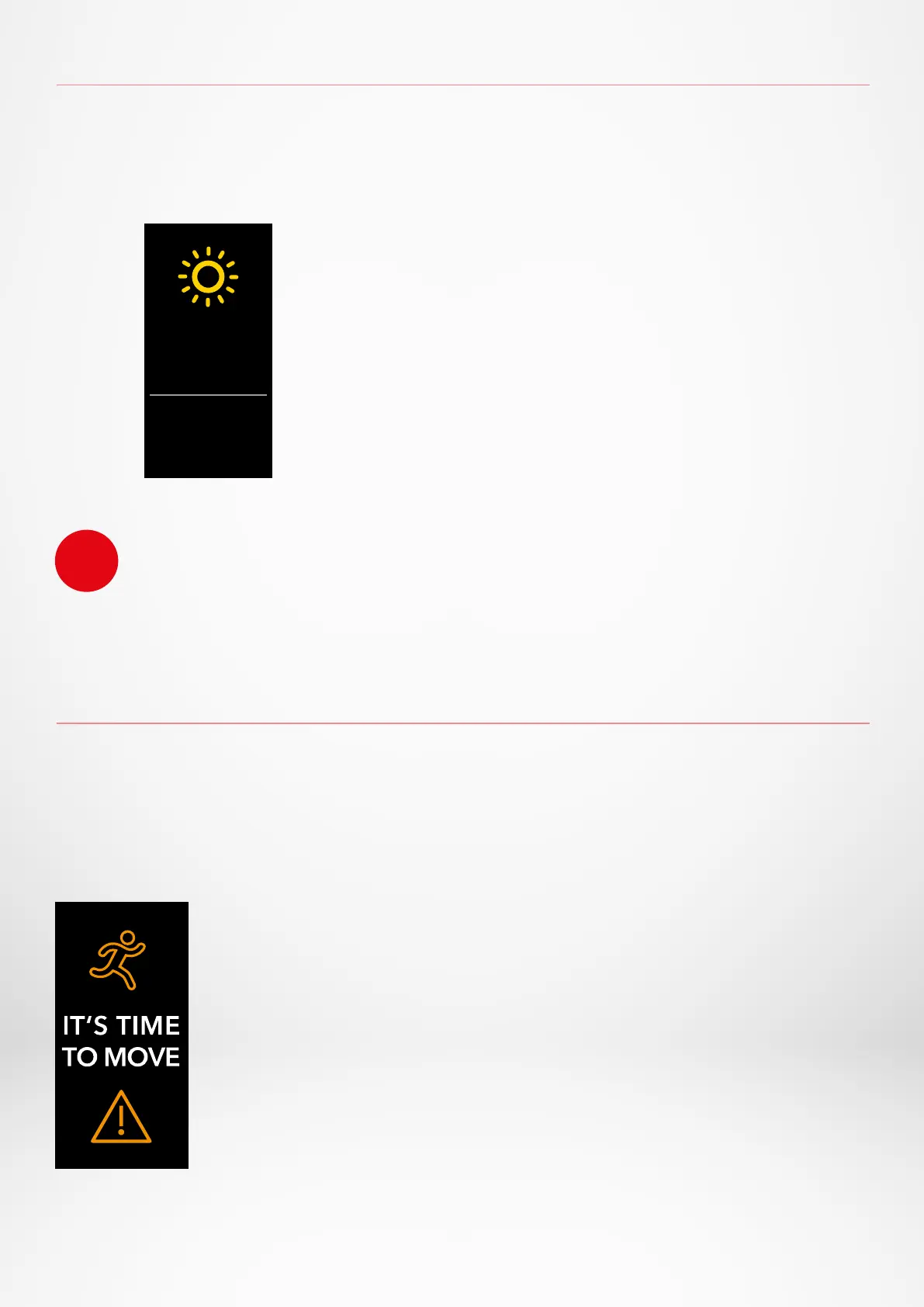
To check the current weather, go to the Weather interface on your ZeTrack+.
By default, the weather screen shows your current location.
26
°C
MAX
23°C
MIN
14°C
1. Open the MyKronoz App
2. Tap on Settings tab
3. Tap on Advanced settings
4. Select Weather
To change the temperature unit or set your location
manuall :


 To Next Page