III-1. Operation
III-1.1 Control
1) Install the Shaker in the proper place of Incubator or any container.
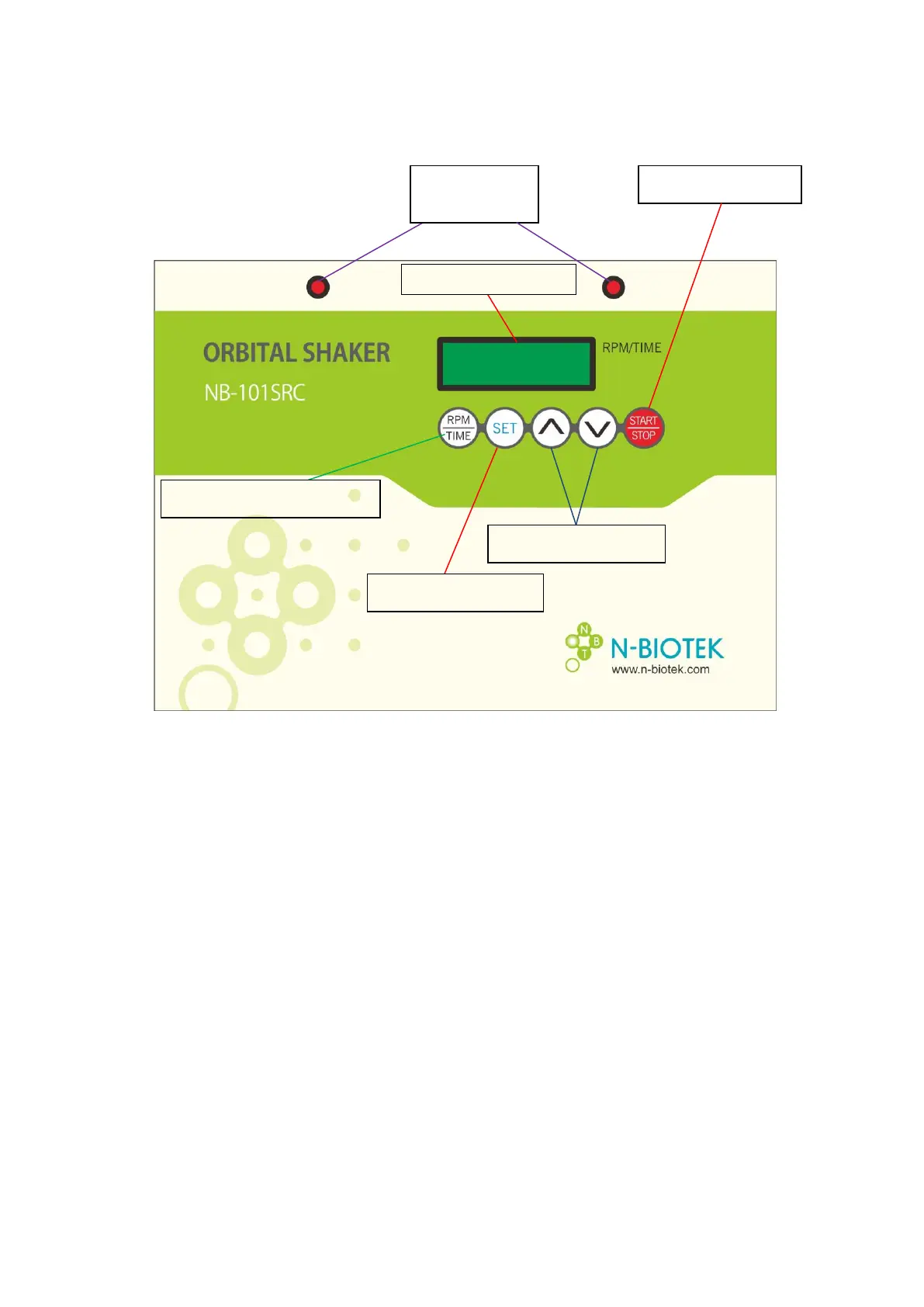
2) Place the power switch (located on the rear of the controller) in the "ON" position (the
display will illuminate).
3) To set the desired time, Press and hold the "RPM/TIME" key for approximately 2
seconds until LED displays "t” followed by the current set time. Press the "SET" key
located underneath the time/speed display. The set time is displayed and will blink
continuously. It can be adjusted by using the UP (▲) and DOWN (▼) keys. Once the
desired time is displayed, press the “SET” key to confirm.
* If you do not press the "SET" key to store the desired time the new time will not be
saved and the set time will return to the prior setting.
3) To set the desired mixing speed, Press and hold the "RPM/TIME" key for
approximately 2 seconds until LED displays “r” followed by the current set
RPM/TIME selection Button


 To Next Page
 Loading...