mixing speed. Press the "SET" key located underneath the time/speed display. The set
speed is displayed and will blink continuously. It can be adjusted by using the UP (▲)
and DOWN (▼) keys. Once the desired speed is displayed, press the “SET” key to
confirm.
* If you do not press the "SET" key to store the desired speed the new speed will not be
saved and the set speed will return to the prior setting.
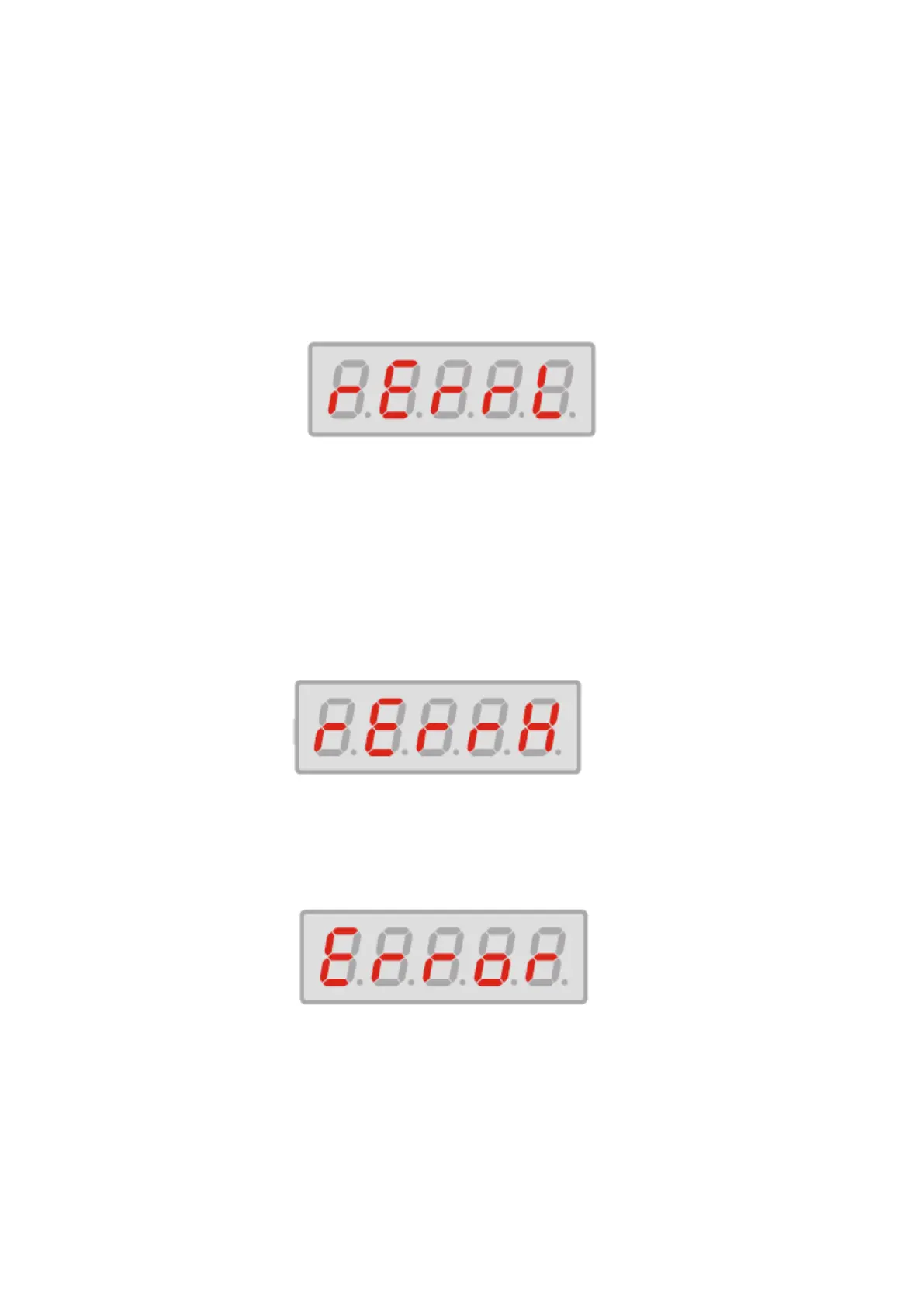
III-2. Error Messages
1) This message “rErrL” represents a low speed speed error
- Check the platform to ensure that nothing is obstructing it’s movement
- Check the set speed to make sure that it is within the acceptable range (30 to 300rpm)
Solution : Use your hand to move platform. While the platform is moving press and hold
the "STOP" and "SET" keys simultaneously.
2) This message “rErrH” represents a high speed error.
- Removal of load or partial load.
Solution : If a vessel has been removed, replace the vessel or restart the machine.
3) This message, “Error” represents an electrical error.
- Machine has lost power during the run.
Solution : Check that the power cord is properly installed and restart or check that the
circuit has not been interrupted and restart.


 To Next Page
 Loading...