33
20.
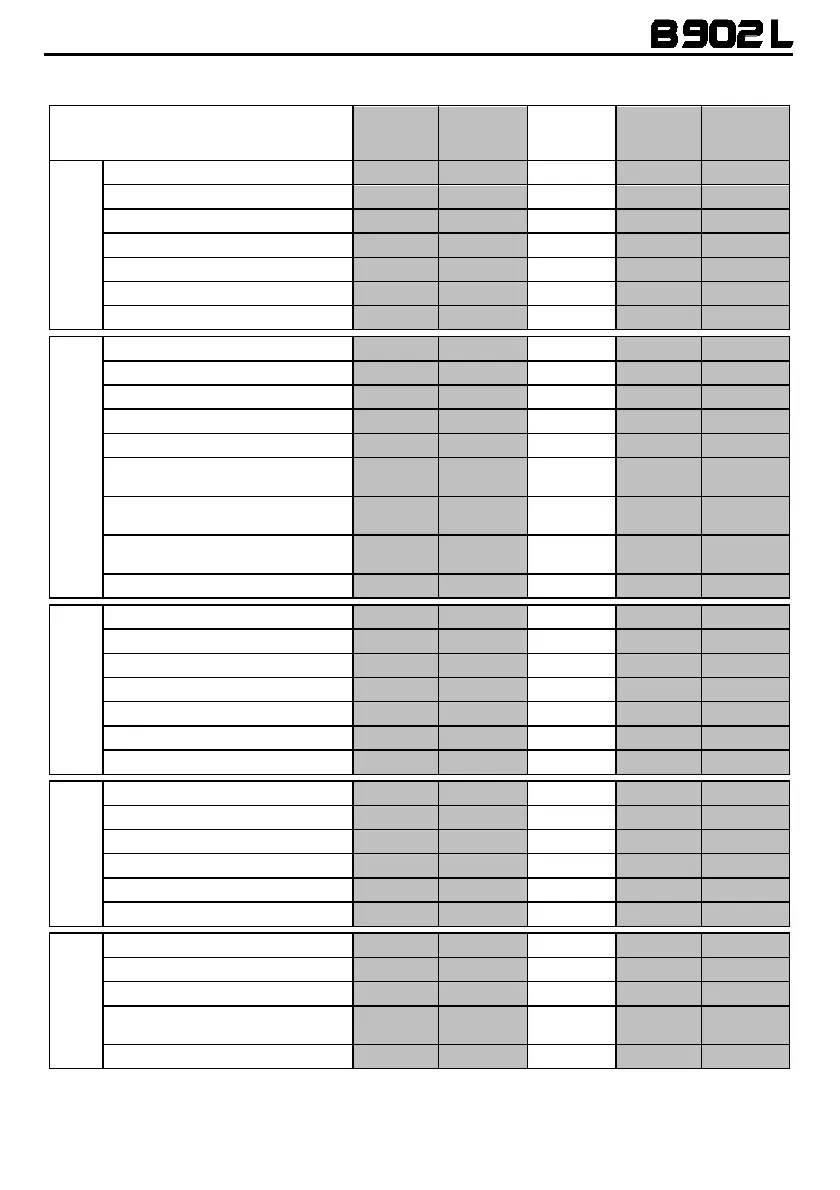
SUMMARY TABLE OF CONTROLS
Key
n
ON
+
Basic Functions
Turning on
2 sec
Turning off
6 sec
Increase Volume
X
Decrease Volume
X
Management of Lights Menu
2 sec
Pairing up Menu***
4 sec
Configuration Menu
4 sec
Bluetooth Devices
Answer phone call*
X X X X
Voice call
2 sec
Speed Dialling Menu**
X X
Hang up/reject a phone call
2 sec
Manual Device Connection
2 sec
Phone Conference Activation
CHANNEL 1
X
Phone Conference Activation
CHANNEL 2
x2
Phone Conference Activation
CHANNEL 3
x3
Turning off the Conference function
X
Bluetooth Music /
Cable
Play music (Play)
X
Pause Function (Pause)
X
Next track (Forward)
2 sec
Previous track (REW)
2 sec
Share A2DP music
X
Activate audio via cable
x3
Deactivate audio via cable
x3
N-Com Intercom
(600/900 series)
Connection CHANNEL 1
X
Disconnection of active intercom
X
Calling CHANNEL 2
x2
Calling CHANNEL 3
x3
Group intercom connection
2 sec
Group intercom disconnection
X
Radio Menu
Turning on the Radio
x2
Turning off the Radio
x2
Automatic search for new station
2 sec
Change station
(pre-set stations)
2 sec
Pre-set station
4 sec
*Press any key on the N-Com keypad.
**Press the keys at the same time.
***Starting with the system switched off.



 To Next Page