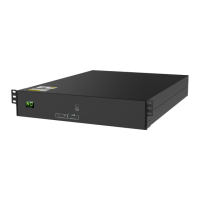
3.3.3. If there is not a green Battery Level LED flashing check the UPS to be sure it is
connected properly and indicating that it is charging via the LCD. If the red Fault
light is flashing check to be sure the Termination cable is installed properly. If the
Fault light is solid red and there is more than one green light lit, check that the
COM BMS cable is connected properly and/or the ID dial is set to “0”. NOTE: If
your battery has one solid red light and one solid green light it is in Low Voltage
Protection Mode and will need to be returned to and N1C Service Center for
recharging.
3.3.4. Once the battery has reached the desired charging level, turn off (push down)
the breaker on the back of the battery module. Disconnect the DC cables from
the UPS, remove the Termination and COM BMS cable, and turn off the UPS.
4. Charge Procedure using External DC Power Source
4.1. Equipment List:
Equipment
Rating Requirement
Comments
DC Source
60V/30A
For example, KIKUSUI PWR800L 80V/50A.
As long as charging voltage range is over 60V
and charging current range is over 30A, these can be applied
to charge the battery.


 To Next Page
 Loading...