EasyManua.ls Logo

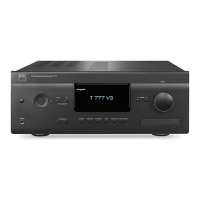
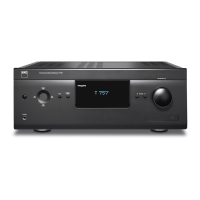
NAD T 757 - User Manual

NAD T 757
44 pages
Print Icon
To Next Page IconTo Next Page
Loading...
®
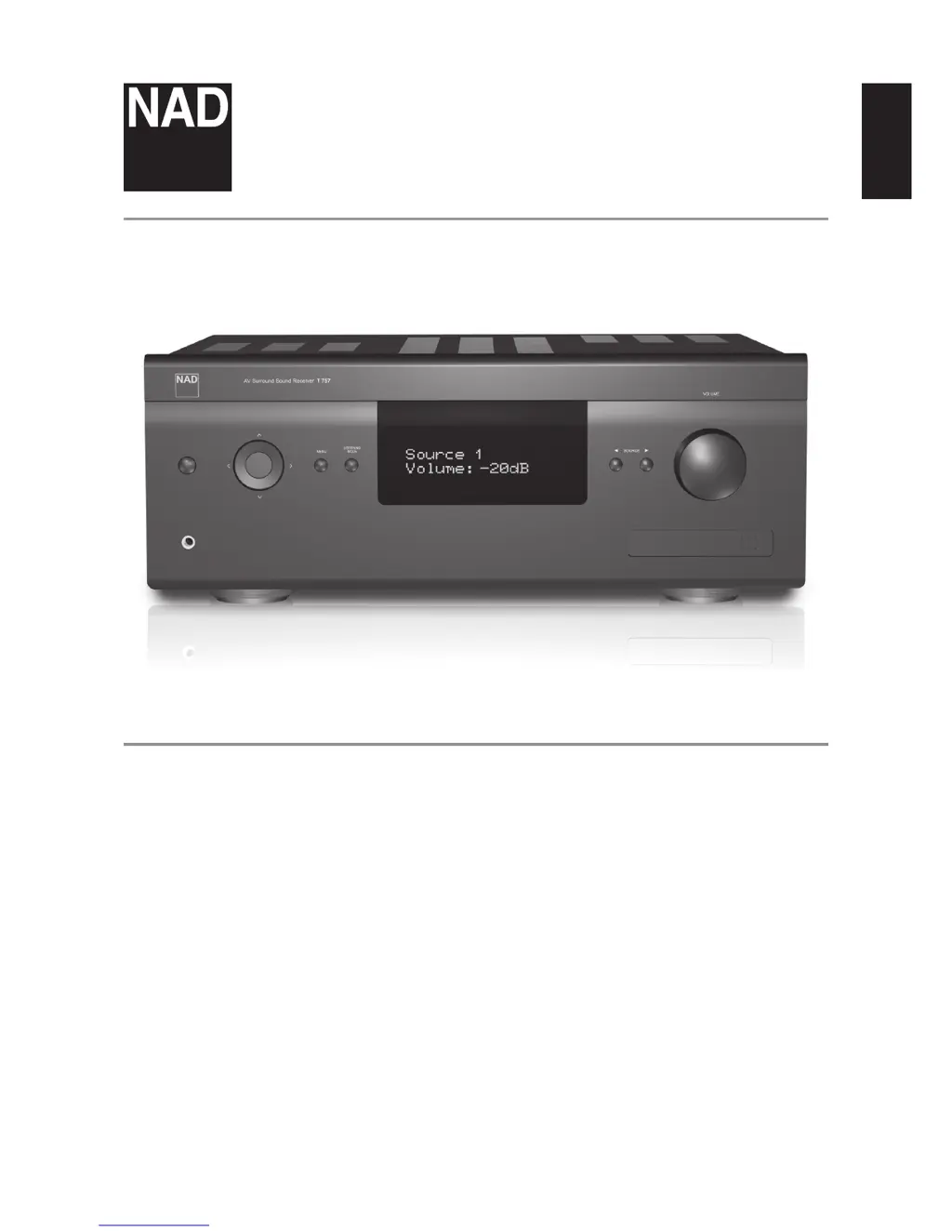
T 757
AV Surround Sound Receiver
ENGLISHPORTUGUÊS FRANÇAISESPAÑOLITALIANODEUTSCHNEDERLANDSSVENSKAРУССКИЙ
Owners Manual

Table of Contents

Questions and Answers

  • A
    Amanda SparksAug 15, 2025
    Why is my NAD Receiver T 757 not responding to the remote control?
    • M
      Molly ShawAug 15, 2025
      If your NAD Receiver T 757 isn't responding to remote commands, consider these possibilities: 1. The batteries in the remote might be flat or incorrectly inserted. Check and replace them if necessary. 2. There might be an obstruction between the remote's IR transmitter and the receiver's IR window. Ensure a clear line of sight. 3. Bright sunlight or ambient light might be interfering with the receiver's front panel. Try reducing the light.
  • T
    Tracy PerryAug 18, 2025
    What to do if there is no sound from surround channels on my NAD T 757 Receiver?
    • D
      darlenebrownAug 18, 2025
      If you're not getting any sound from the surround channels on your NAD Receiver, there are a couple of things to verify: * Ensure that an appropriate surround listening mode is engaged. * Also, check that the surround channels aren't set to “OFF” in the “Speaker Configuration” menu. If they are, correct the “Speaker Configuration” or “Speaker Levels” settings.
  • C
    Catherine StanleyAug 21, 2025
    What to do if there is no sound from all channels on my NAD T 757?
    • T
      Tyler RodriguezAug 21, 2025
      If you're experiencing a complete lack of sound from your NAD Receiver, there are a couple of things to check: * First, make sure the AC power cable is securely plugged into both the receiver and the outlet. * Also, verify that the Mute function isn't activated. If it is, toggle the [MUTE] button to deactivate it.
  • H
    Heidi AndrewsAug 25, 2025
    How to fix no sound from the Subwoofer on my NAD Receiver?
    • R
      Robert CortezAug 26, 2025
      If you're not getting any sound from your subwoofer with your NAD Receiver, here's what you can check: * Ensure the subwoofer is powered on, properly connected, and receiving power from its AC outlet. * Also, verify that the subwoofer isn't set to “OFF” in the “Speaker Configuration” menu. If it is, correct the “Speaker Configuration” or “Speaker Levels” settings.
  • M
    Michael KennedyAug 28, 2025
    What to do if my NAD Receiver has no sound from some channels?
    • H
      heather47Aug 28, 2025
      If you're experiencing a lack of sound from some channels on your NAD Receiver, consider the following: * Check the cables to ensure they are properly connected and not faulty. * Also, verify that the affected channel(s) are not set to “OFF” in the “Speaker Configuration” menu. If they are, correct the settings.
  • A
    Amy VelezAug 31, 2025
    Why is Dolby Digital/DTS not working on my NAD Receiver?
    • S
      Shirley CoxSep 1, 2025
      If Dolby Digital/DTS isn't working on your NAD Receiver, here are a couple of things to check: * Make sure the source's digital output is correctly connected to a digital input on your T 757. * Also, ensure that the source component is properly configured for multichannel digital output.
  • A
    Angel ChaseSep 4, 2025
    How to enable sound from the Center channel on my NAD T 757 Receiver?
    • G
      Gary BranchSep 4, 2025
      If you're not getting any sound from the center channel on your NAD Receiver, here's what to check: * If the source is a 2/0 Dolby Digital or DTS recording without a center channel, play a known 5.1-channel recording or select Dolby Pro Logic IIx Music mode. * Also, ensure that the center channel isn't set to “OFF” in the “Speaker Configuration” menu. If it is, correct the “Speaker Configuration” or “Speaker Levels” settings.
  • M
    Margaret MaloneSep 7, 2025
    What does 'No Service List' mean on my NAD T 757 Receiver display?
    • L
      ldanielsSep 7, 2025
      If your NAD Receiver display shows “No Service List”, it could be due to: * The DAB antenna not being connected properly. Check the connection and position of the DAB antenna. * Lack of DAB coverage in your area. Call your local DAB broadcast providers for coverage information.
  • R
    Richard RossSep 12, 2025
    Why is there no RDS information on my NAD T 757?
    • B
      Brittany TaylorSep 12, 2025
      If you're not receiving RDS information on your NAD Receiver, consider the following: * The station signal might be too weak. Check the station tuning and adjust or replace the antenna. * The station might not be transmitting RDS data. Tune to an RDS station that supports program-service name (PS mode) and radio-text mode (RT).

Summary

Important Safety Instructions

Apparatus Exposure Warning

Prominent warning about protecting the unit from liquids and moisture.

Environmental Protection Notes

Guidance on product disposal and recycling at the end of its life.

Battery Disposal Information

Information about the collection and disposal of waste batteries.

Introduction

Getting Started

Basic steps to begin using the receiver.

Whats in the Box

Lists all included accessories and components.

Initial Setup

Guidance on preparing for the first connection and setup.

Choosing a Location

Advice on selecting an optimal placement for the unit.

Default Source Settings

Lists the pre-configured input assignments.

Identification of Controls

Front Panel Controls

Detailed description of all controls on the front panel.

Identification of Controls

Rear Panel Overview

Detailed description of all rear panel input/output connectors.

Component Video & 7.1 Input

Details on component video inputs and 7.1 channel analog input.

Audio Pre-Out & Switched Outlet

Information on audio pre-outputs and switched AC outlet.

Identification of Controls

AVR 4 Remote Control Functions

Detailed description of buttons on the AVR 4 remote.

Remote Control for Media Players

Using the remote for CD, DVD, and Blu-ray players.

Identification of Controls

Remote Control for Tuner Functions

Using the remote to control tuner operations.

Identification of Controls

AVR 4 Remote Control Library

How to load and manage remote control codes.

ZR 5 Zone Remote Control

Description of the ZR 5 remote for Zone 2 control.

Identification of Controls

Alternate IR Channel Setup

Configuring IR channels for independent control.

Operation

Using the T 757 Main Menu

Navigating the primary on-screen menu structure.

Operation

Listening Mode Options

Detailed descriptions of various audio listening modes.

Operation

DSP Options and Tone Controls

Configuring sound processing and equalization settings.

Zone Controls

Managing audio output for a second zone.

Operation

Using the T 757 Setup Menu

Accessing and configuring system settings.

HDMI Setup Options

Configuring HDMI Control (CEC) and ARC.

Operation

Source Setup Configuration

Setting up and assigning audio/video inputs to sources.

Operation

Digital Audio and Video Input Setup

Configuring digital audio and video input assignments.

A;V Presets and Trigger Out

Setting up audio/video presets and trigger output.

Operation

iPod Setup Configuration

Setting up and configuring iPod connectivity.

Audyssey Setup Procedure

Step-by-step guide to automatic speaker calibration.

Operation

Speaker Configuration Settings

Defining speaker sizes, crossovers, and presence.

Setting Speaker Levels

Adjusting speaker volume levels for optimal balance.

Operation

Speaker Distance and Volume Adjustment

Setting speaker distances and adjusting main volume.

Zone Setup and Controls

Configuring and controlling the second audio zone.

Operation

Amplifier and Trigger Setup

Configuring amplifier channel assignments and trigger outputs.

Listening Mode Setup

Configuring listening modes for various audio formats.

Operation

Dolby Audio Formats

Explains Dolby Digital Plus, TrueHD, and Digital EX formats.

DTS, PCM, and Analog Audio

Explains DTS, PCM, and analog audio signal handling.

Operation

Dolby and DTS Setup Options

Configuring Dolby and DTS settings, including dynamic range.

Operation

DTS Surround Modes

Explains DTS-ES Matrix 6.1 and DTS Neo:6 surround modes.

Display Setup Configuration

Customizing VFD and OSD display settings.

Operation

A;V Presets Configuration

Creating, saving, and loading custom audio/video presets.

Operation

Speaker Configuration for Presets

Adjusting speaker settings to be saved within A/V Presets.

Operation

A;V Presets and Source Association

Setting up Preset 2 and associating presets with sources.

Recalling A;V Presets

How to select and apply stored A/V presets.

Operation

Listening to AM;FM Radio

Guide to tuning, storing, and recalling AM/FM radio stations.

Operation

AM;FM Radio User Names and RDS

Assigning names to presets and understanding RDS data.

Operation

Listening to XM Radio

Guide to connecting antenna, tuning, and storing XM channels.

Operation

Listening to DAB Radio

Guide to connecting DAB module and performing scans.

Operation

DAB Radio Station Management

Managing DAB station lists, tuner modes, and manual scans.

DAB Signal Compression (DRC)

Adjusting Dynamic Range Control for DAB broadcasts.

Operation

DAB Radio Reset and Information

Resetting DAB module and viewing broadcast information.

Operation

Listening to Your iPod Player

Connecting and controlling an iPod via the T 757.

Operation

NAD IPD 2 and Video;Photo Playback

Using the NAD IPD 2 and viewing iPod media.

Reference

Troubleshooting Guide

Solutions for common operational issues and conditions.

Reference

Technical Specifications

Detailed technical data and performance metrics of the T 757.

NAD T 757 Specifications

General IconGeneral
BrandNAD
ModelT 757
CategoryReceiver
LanguageEnglish

Related product manuals