EXECUTING MACRO
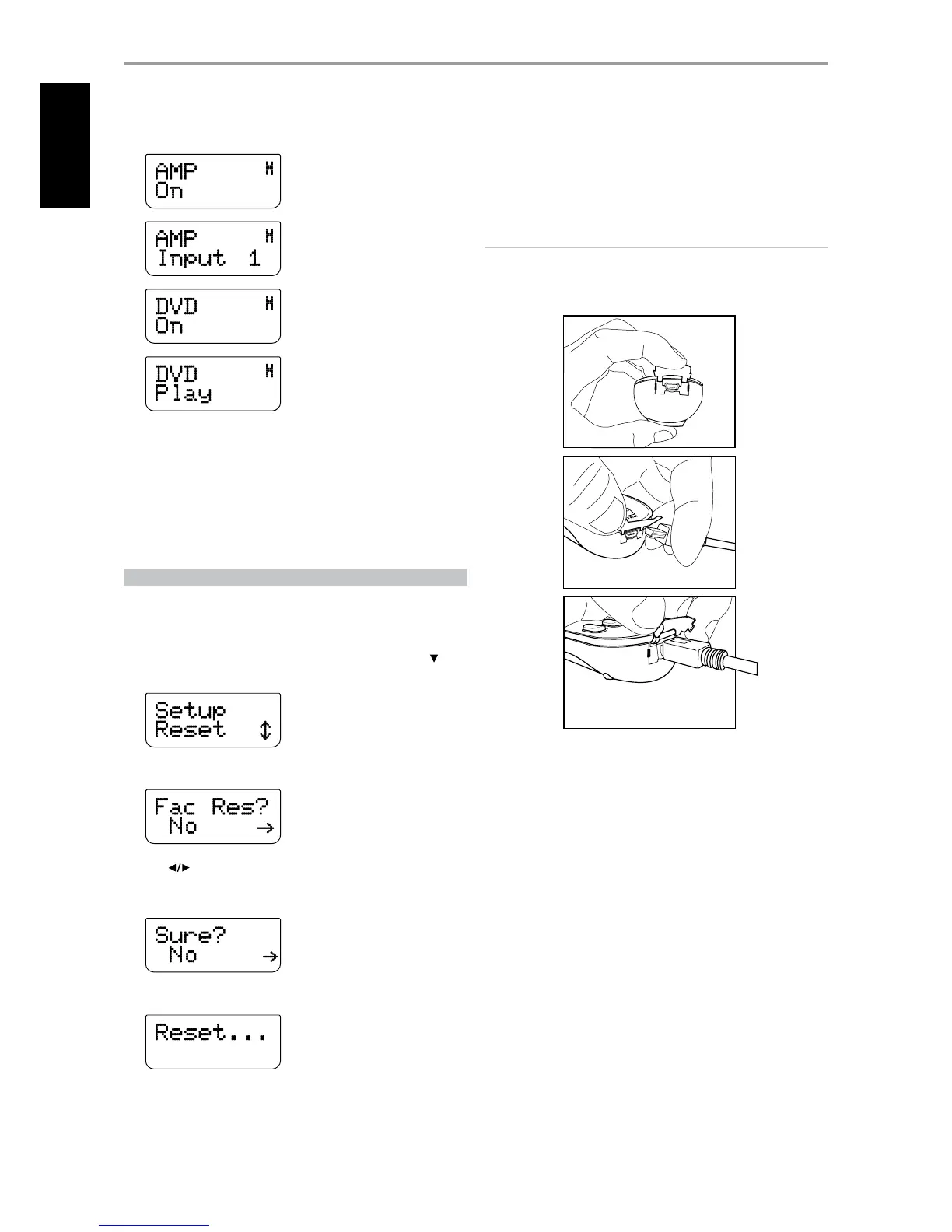
To execute the above macro example, press [MACRO] and then [0].
The corresponding macro will run; the display will show each step/
command as the macro is executed. Pressing any other HTRC 1 key while a
macro is executing will abort the macro.
By default, when a macro is executed, the currently selected device will be
returned to what it was before the macro was executed. However, if the
very last button pressed while recording a macro is a DEVICE SELECTOR key,
the device will be changed at the end of executing the macro.
RESET
Selecting this option and answering “Yes” to both conrmations will reset all
HTRC 1 options to the factory default. All user congurations, macros, and
custom device programming will be erased.
1 Press [AMP] in the DEVICE SELECTOR page.
2 Press and hold [TUNER (10+/SETUP)] and [ENTER] buttons. Use [ ] to
scroll to “Reset”.
3 Press [ENTER].
4 Use [ ] to select between “No” (HTR C1 will not be reset) and “Yes”
(HTR C1 will be reset to its factory defaults). When you select “Yes”,
another prompt display will be shown.
5 Select “Yes” to reset the HTR C1 and complete the process.
USB INTERFACE
The HTRC 1 allows one to upload and download the conguration through
a Windows PC and NAD’s Proprietary HTRC 1 programming software. Use
a USB A male to mini USB B male 5-pin cable (not supplied) between your
Windows® PC and the HTRC 1. See illustration below on how to connect a
USB A male to mini USB B male 5-pin cable to the HTRC 1.
NOTE
Please log onto www.nadelectronics.com for the latest HTRC 1 interface
control software. Your custom installer or dealer can assist you in the
proper setup and conguration of the mini USB interface and software.
OPERATION
USING THE HTRC 1 REMOTE CONTROL


 To Next Page