11
Selecting Allegro Media
Server followed by items in
the subsequent lists enables
the selection of playlists,
albums or individual tracks for
playback.
The Playing and Library
screens for other inputs follow
the same protocol of item
selection.
The Library screen displays
lists of playback items
available to the selected NDS
input. The adjacent illustration
shows Allegro Media Server is
available to the NDS UPnP™
input.
Note: Allegro Media Server
is an application that makes
iTunes songs and playlists
available to UPnP™ players.
3.8.2 Using n-Stream
The n-Stream app is based on
three main screens. The Inputs
screen, the Playing screen
and the Library screen. These
screens are selected by
touching the icons at the top
of the display.
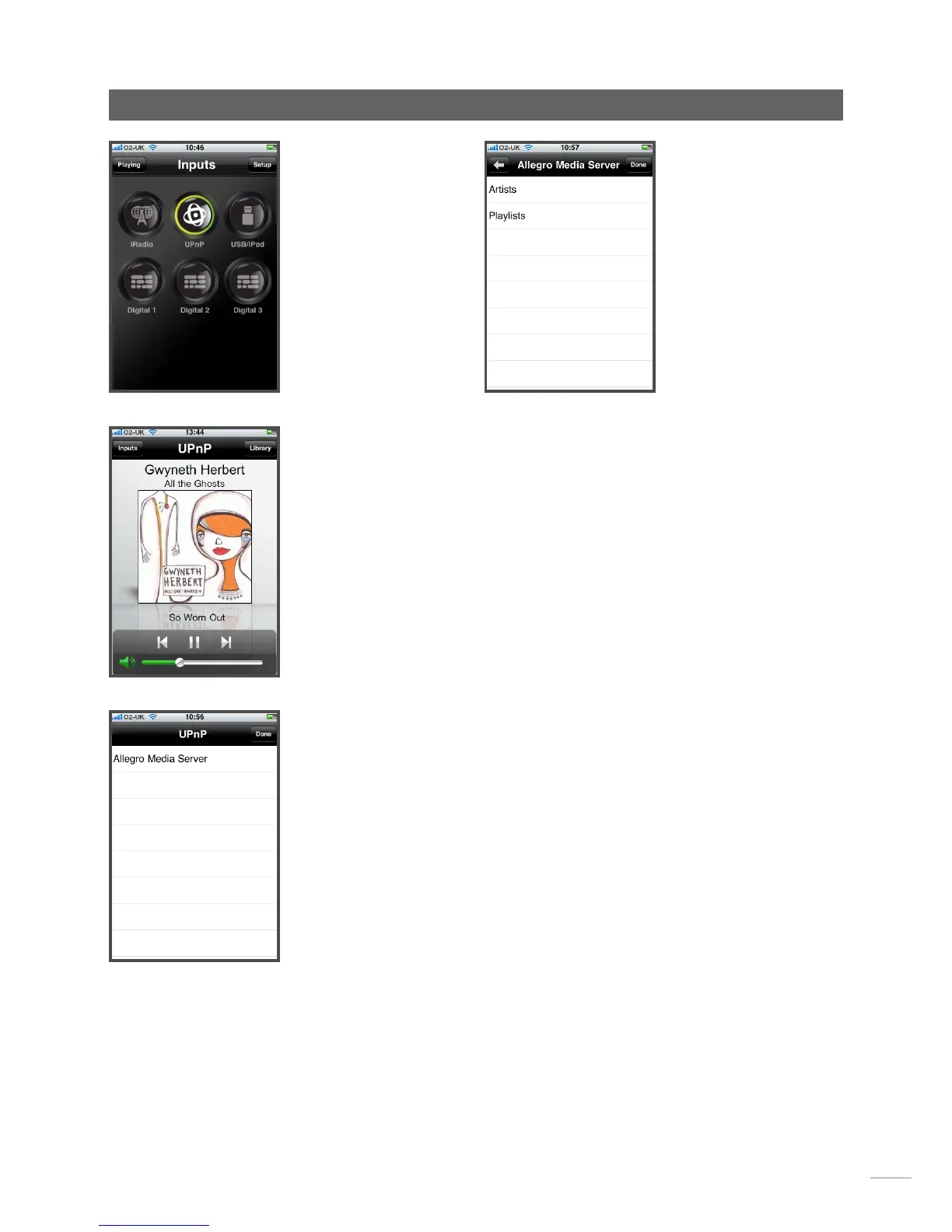
The Inputs screen enables
selection of NDS inputs. Input
names reflect those specified
in the NDS input setup menus
(See Section 4.3) or through
System Automation (See
Section 4.9).
The Playing screen displays
the currently playing item
and provides appropriate
transport controls. When
a Radio station is playing
an icon is also provided to
open a preset station menu
through which presets can be
either stored or recalled.
Operation


 To Next Page