16
4.9 The System Automation Menu
With System Automation enabled
and an NDS Remote Out socket
connected to the Remote In
socket of a Naim preamplifier
(or integrated amplifier), CD
player or the Naim DAC, the
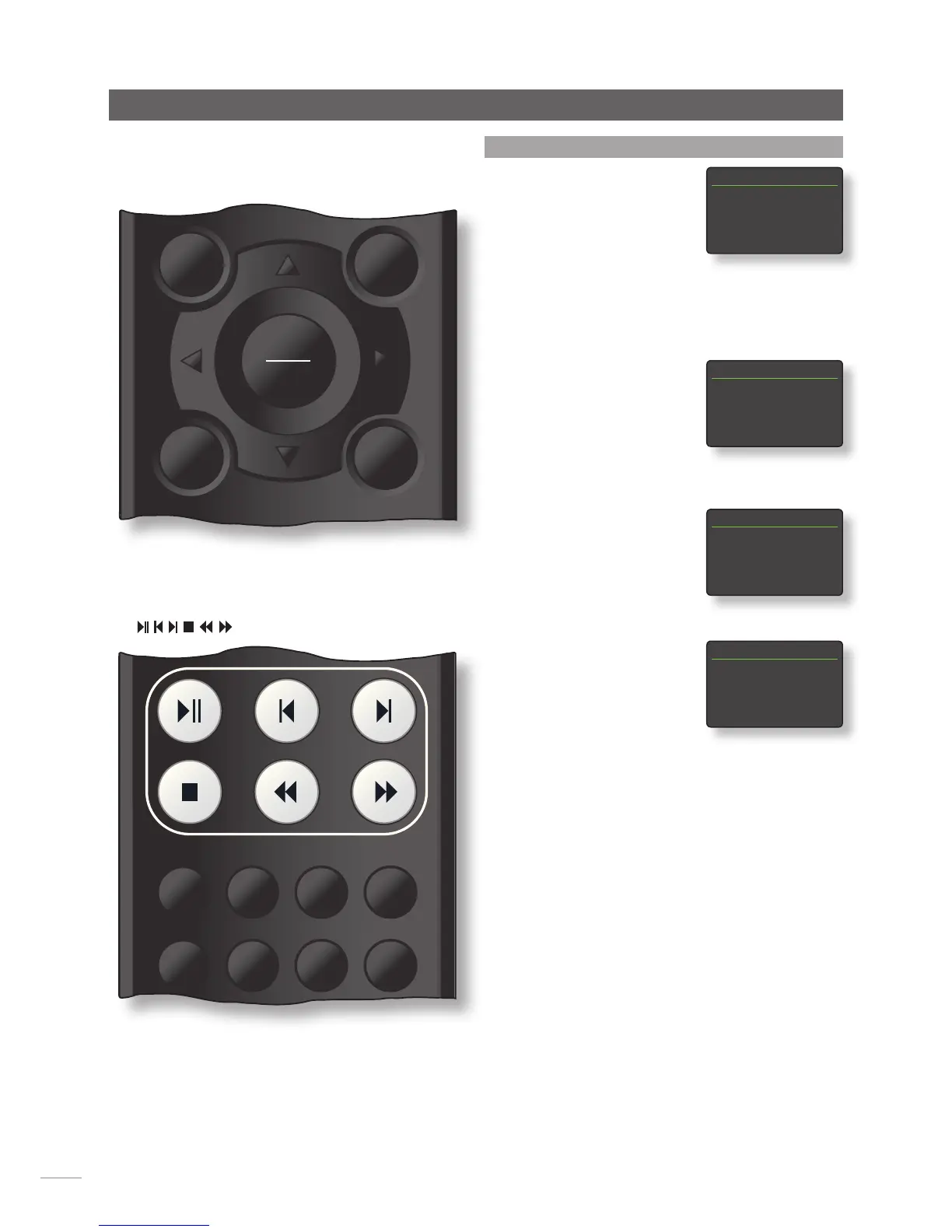
NDS handset and n-Stream App can provide system-wide
control.
The System Automation setup menu comprises five items.
These are explained in the following paragraphs:
Selecting Preamp or Naim DAC
opens a menu that enables
preamplifier or DAC inputs to be
added to the inputs available
for selection via the NDS handset
and n-Stream interfaces. Inputs
can be enabled, disabled and renamed and, as “virtual”
NDS inputs, can be assigned to NDS handset input keys.
Selecting NDS Connection
opens a menu that enables
the preamplifier input to which
the NDS is connected to be
specified. This preamplifier input
is then automatically selected on
selection of NDS inputs.
Selecting CD Player opens a
menu that makes CD transport
control available through the
NDS n-Stream interface. Select
Enabled to enable CD control
and select Input Used to specify
the NDS, preamplifier or DAC input that the CD player is
connected to.
Note: CD player transport control using the NDS handset is
not possible. The n-Stream App must be used.
Selecting Advanced Setup opens a menu that provides
access to a range of advanced configuration parameters.
These parameters will not normally need adjustment.
Contact your retailer, distributor or Naim directly for more
information if required.
Setup
System Automation 1/5
4Preamp
DAC
Streamer Audio
CD Player
Preamp 1/7
4Enabled Yes
Pre CD
Pre Tuner-Disabled
Pre HDD-Disabled
Streamer Audio 1/1
4Input Used Pre AV
CD Player 1/2
4Enabled No
Input Used Digital 1


 To Next Page