EasyManua.ls Logo

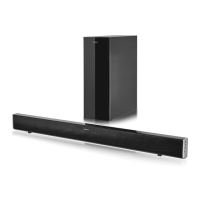
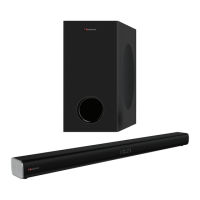
Nakamichi APOLLO 220 - User Manual

Nakamichi APOLLO 220
40 pages
Print Icon
To Next Page IconTo Next Page
Loading...
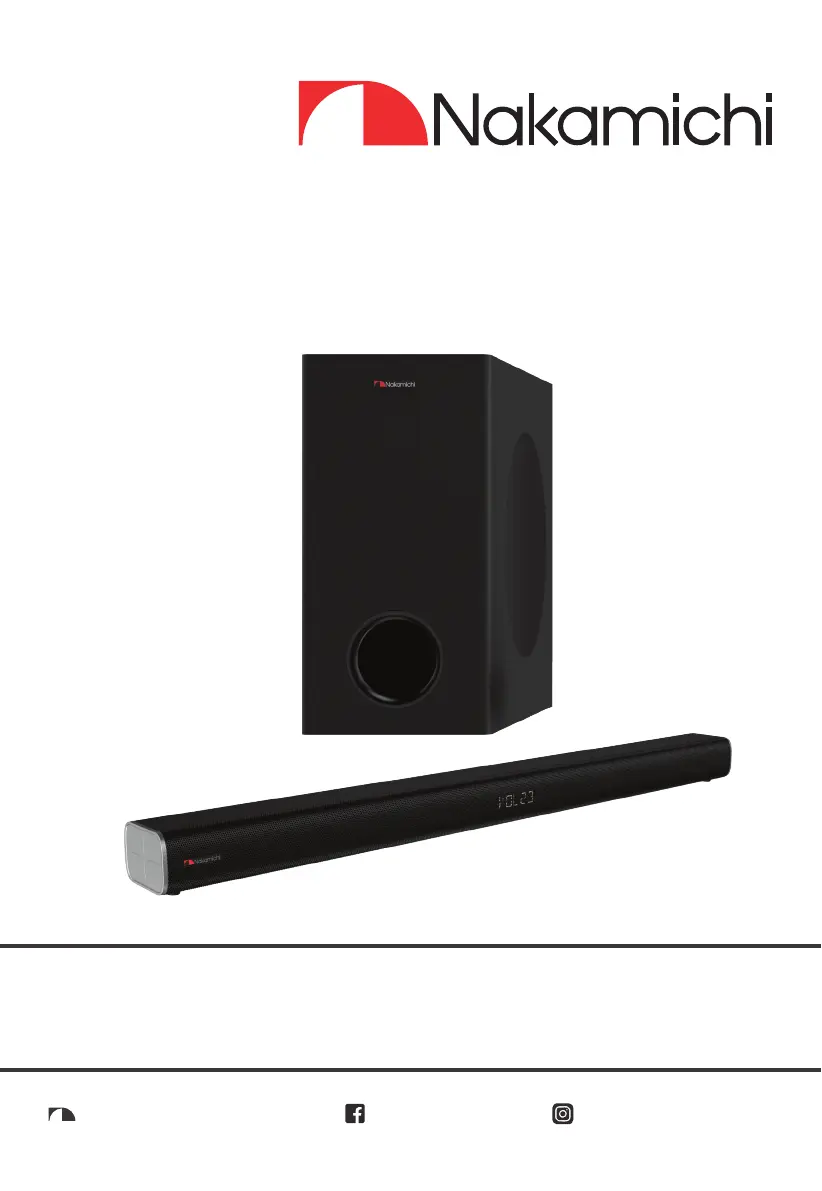
2.1CH DOLBY SOUNDBAR WITH
WIRELESS SUBWOOFER
nakamichihomeaudionakamichihomeaudio.com nakamichi.global
APOLLO 220
User Manual

Table of Contents

Questions and Answers

  • L
    Lauren NunezJul 29, 2025
    How to fix Nakamichi APOLLO 220 Speaker System remote control that is not working?
    • A
      Amber LopezJul 29, 2025
      If the remote control for your Nakamichi Speaker System isn't working, first, try reducing the distance between the remote and the unit. Ensure the battery is correctly inserted with the polarities (+/-) aligned as indicated. If that doesn't work, replace the battery. Also, make sure you are aiming the remote control directly at the sensor on the front of the unit.
  • D
    Darlene BarreraAug 8, 2025
    What to do if my Nakamichi APOLLO 220 Speaker System has no power?
    • S
      Steven RamirezAug 8, 2025
      If your Nakamichi Speaker System has no power, first ensure that the AC cord is properly connected. Next, check that there is power at the AC outlet. Finally, press the standby button to turn the unit on.
  • R
    Ricky DeanAug 13, 2025
    Why does my Nakamichi APOLLO 220 turn off after 15 minutes?
    • B
      Barbara WagnerAug 13, 2025
      The Nakamichi Speaker System has a 15-minute power-off function as part of the ERPII standard for saving power. If the unit's external input signal level is too low, it will turn off automatically after 15 minutes. To prevent this, increase the volume level of your external device.
  • S
    Samuel Moran PhDAug 18, 2025
    What to do if I can’t find the Bluetooth name of Nakamichi APOLLO 220 on my Bluetooth device?
    • J
      Joshua BeardAug 18, 2025
      If you can't find the Bluetooth name of your Nakamichi Speaker System on your Bluetooth device, ensure that the Bluetooth function is activated on your device. Also, verify that you have attempted to pair the unit with your Bluetooth device.
  • T
    Terry ChavezAug 23, 2025
    What to do if the subwoofer is idle on my Nakamichi Speaker System?
    • R
      Ronald MaldonadoAug 23, 2025
      If the subwoofer is idle or its indicator light is off on your Nakamichi Speaker System, unplug the power cord from the mains socket and plug it back in after 4 minutes to reset the subwoofer.
  • M
    Monique JonesNov 2, 2025
    What to do if my Nakamichi APOLLO 220 Speaker System has no sound?
    • N
      Norman Barr Jr.Nov 2, 2025
      If your Nakamichi Speaker System isn't producing sound, ensure it's not muted by pressing the MUTE or VOL+/- button. Try switching the soundbar to standby mode and then back on using the power button on the unit or remote. Unplug both the soundbar and subwoofer from the power socket, then plug them back in and switch on the soundbar. Also, verify that the audio setting of your input source (TV, game console, etc.) is set to PCM or Dolby Digital mode when using a digital connection like HDMI or OPTICAL. If you are using a subwoofer, move it closer to the soundbar, ensuring it's within 6 meters. If the sound bar may have lost connection with the subwoofer, re-pair the units by following the steps on the section “Pairing the Wireless Subwoofer with the Soundbar.” Finally, the unit may not be ...

Summary

Safety and Warnings

General Safety Guidelines

Essential safety precautions for operating the Nakamichi Apollo 220 system.

Battery and Disposal Warnings

Critical warnings regarding battery handling, usage, and proper product disposal.

Package Contents

Component Identification

Main Unit Details

Identifies ports, buttons, and sensors on the primary soundbar unit.

Subwoofer and Remote Controls

Details the features and controls of the wireless subwoofer and remote.

Setup and Mounting

Remote Control Preparation

Instructions for preparing the remote, including battery replacement.

Placement and Wall Mounting

Guidelines for unit placement and detailed steps for wall installation.

Audio Connections

Wired Input Setup

Connecting various audio sources via HDMI ARC, Optical, Coaxial, and Line In.

Power and Subwoofer Pairing

Instructions for connecting power and pairing the wireless subwoofer.

Basic Operation

Volume, Tone, and Sound Effects

Adjusting volume, bass, treble, surround sound, and EQ presets.

Brightness and Power Management

Adjusting display brightness and understanding power-saving features.

Advanced Audio Operation

Wired Input Operation

Operating the unit with wired audio inputs like HDMI ARC and Line In.

Bluetooth Connectivity

Steps for pairing Bluetooth devices and streaming audio.

Troubleshooting Common Issues

Product Specifications

Nakamichi APOLLO 220 Specifications

General IconGeneral
BrandNakamichi
ModelAPOLLO 220
CategorySpeaker System
LanguageEnglish

Related product manuals