34
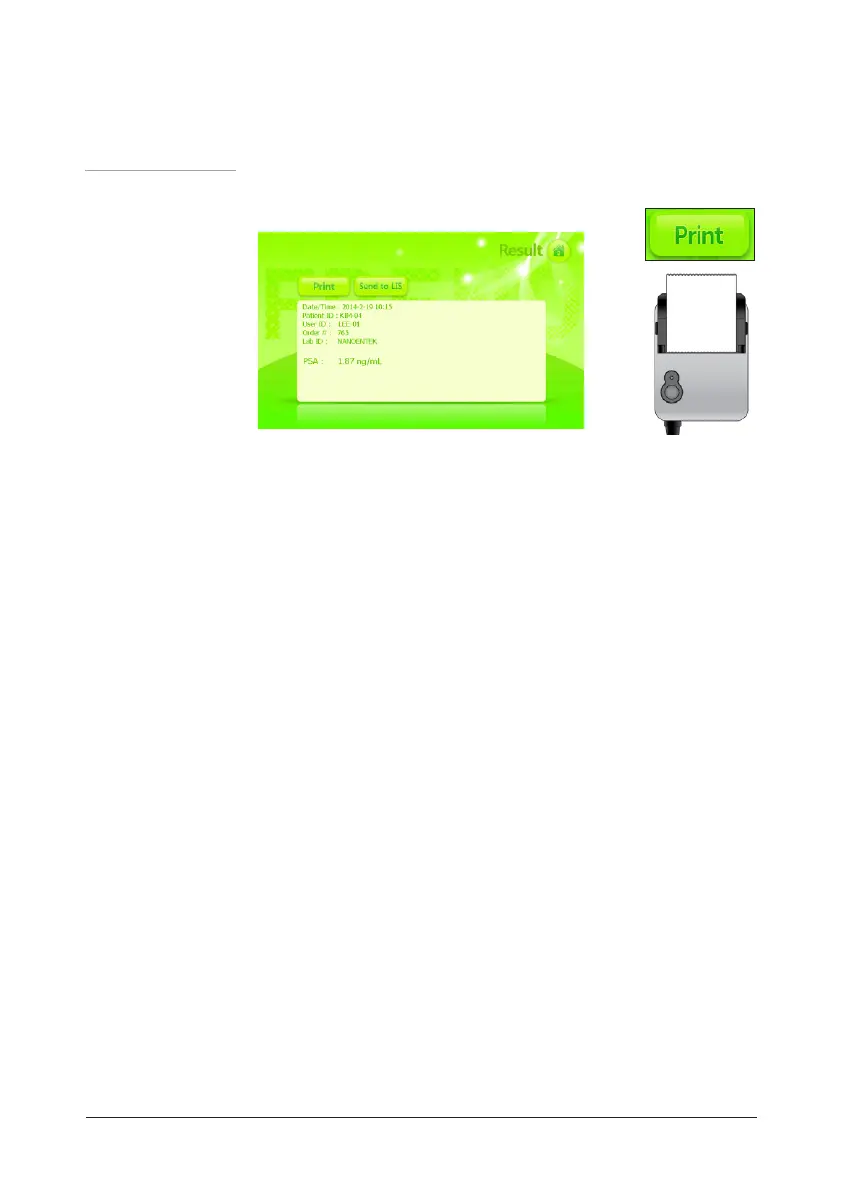
19. If the FREND
TM
System is connected to an optional printer, press
the Print button and the results will be printed out.
• Printers is optional and if needed should be purchased separately.
20. The test is complete. If another sample is to be run, repeat again
steps 12-19.
• The results are stored automatically. If the DATA button on the main screen
is pressed, more information is visible.
FREND
TM
System
operating
procedure
Operation


 To Next Page