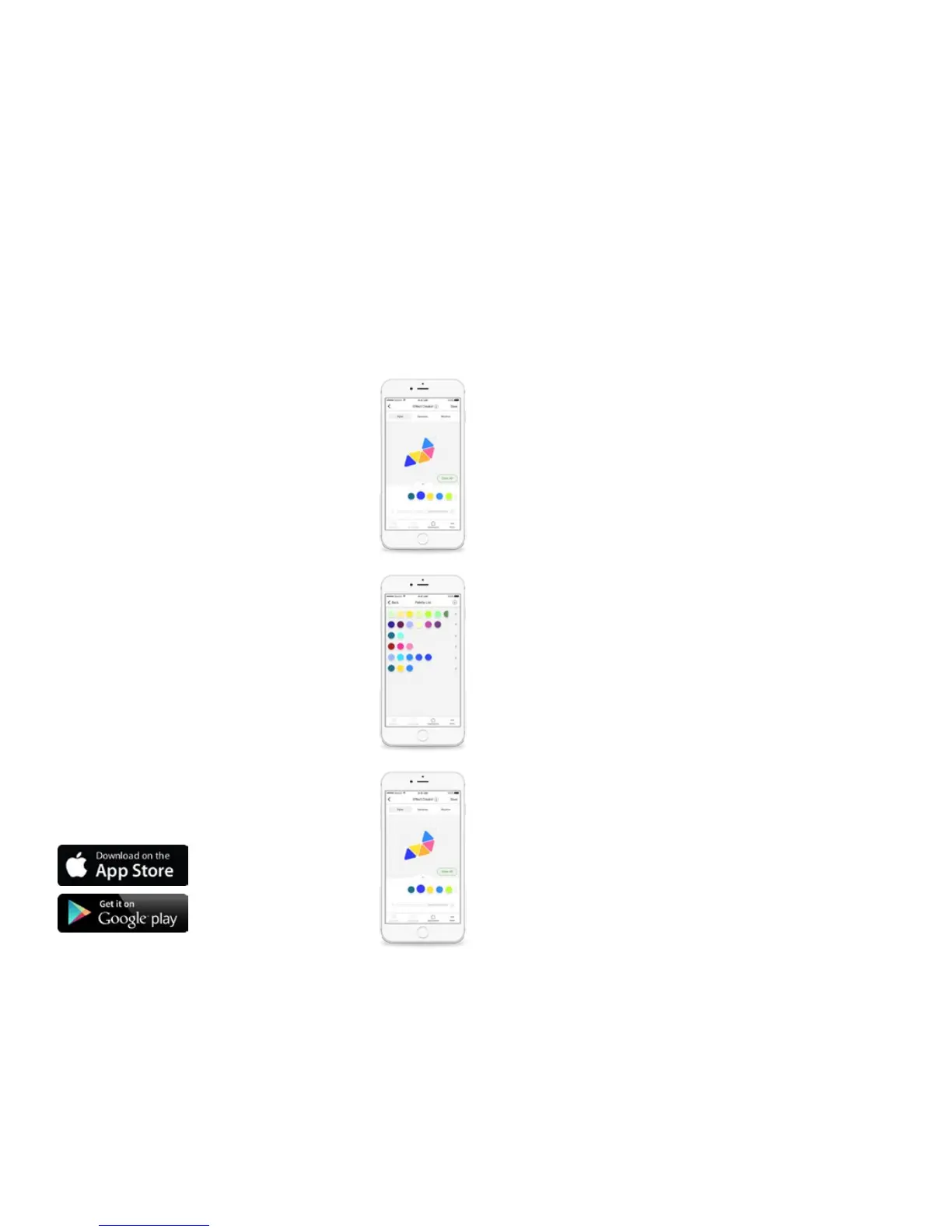
1. Layout: The conguration of the Aurora panels is
automatically detected and shown in the App. With two
ngers, you can pinch to zoom and rotate the Aurora so it
matches the panels’ physical orientation.
Color, Rhythm music scenes, and the Group actions make up the core of the
Aurora software experience. These include saved congurations for your
Aurora to display on the panels. There are four main components to a scene:
CONTROL
VIA APP
2. Palette: this is the set of colors you use to create your
scene. We’ve included a few in the App, but you can
create as many Palettes as you like. You can use up to 20
colors in a single Palette.
3. Paint: Tap a Palette color and tap a panel to paint it. Hold
your nger on a panel and slide up or down to change the
brightness of that individual panel. Or use the slider to adjust
the brightness of all of the panels.
1/3


 To Next Page