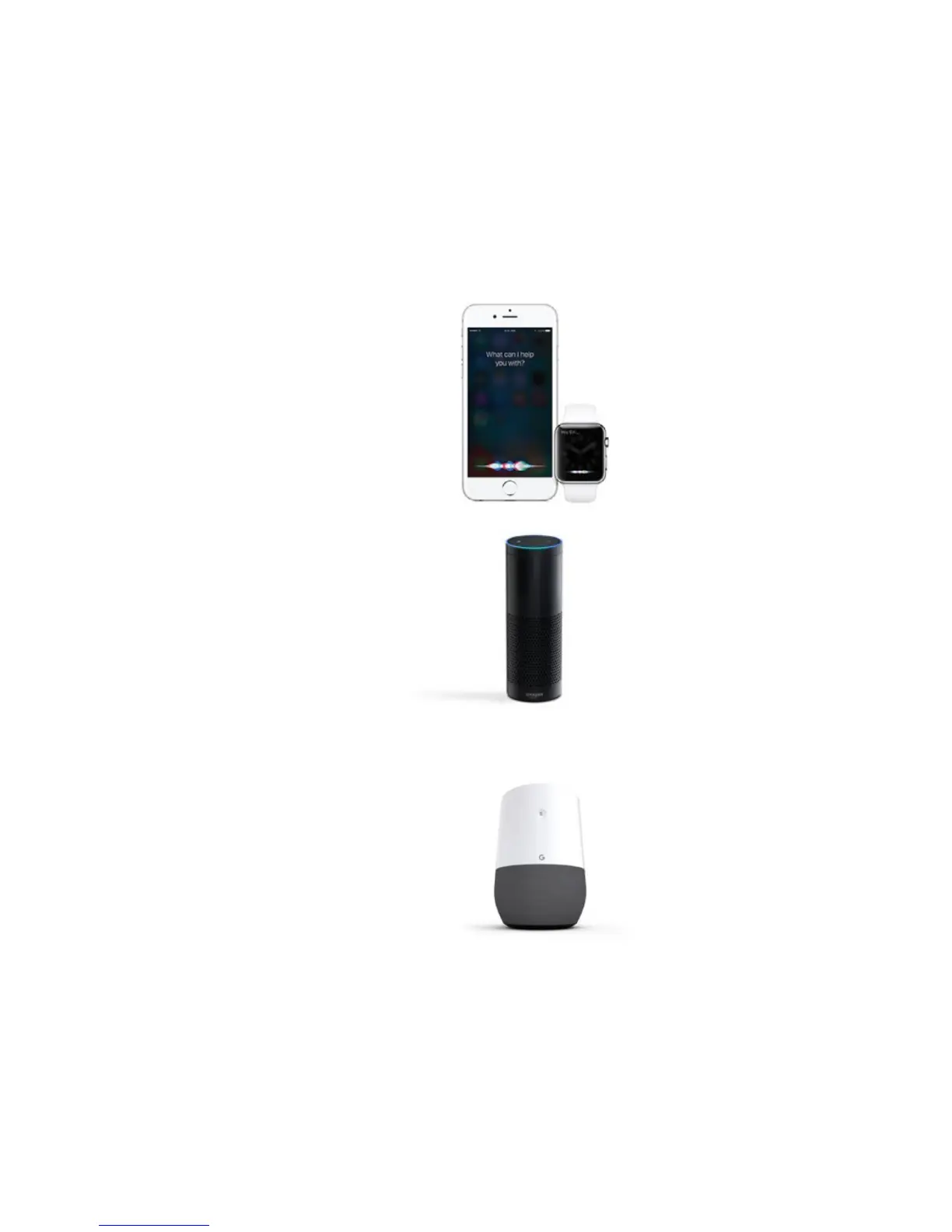
Siri
Hey Siri...
“Turn [My Aurora] on/o.”
“Set [My Aurora] to 10% brightness.”
“Dim [My Aurora].”
“Set [Animation Name]”
“Set [My Aurora] to Green”
Amazon Alexa
Alexa...
”Turn on [Scene Name or Device Name].”
“Turn o [Scene Name or Device Name].”
“Brighten [Scene Name or Device
Name].”
“Dim [Scene Name or Device Name].”
“Set my [Device Name] to 50%”
Google Assistant
Okay, Google...
“Turn on/o [Device Name].”
“Turn on/o the lights in [Room Name].”
“Turn on/o all my lights.”
“Brighten/dim [Device Name].”
“Brighten/dim the lights in [Room Name].”
“Brighten/dim all my lights.”
“Set my [Device Name] to [%].”
“Set my <or> make my [Device Name] [color].”
You can easily control your Aurora by
voice in a few dierent ways. In the
App, make sure to name your Aurora
something easy to say.
VOICE
CONTROL


 To Next Page