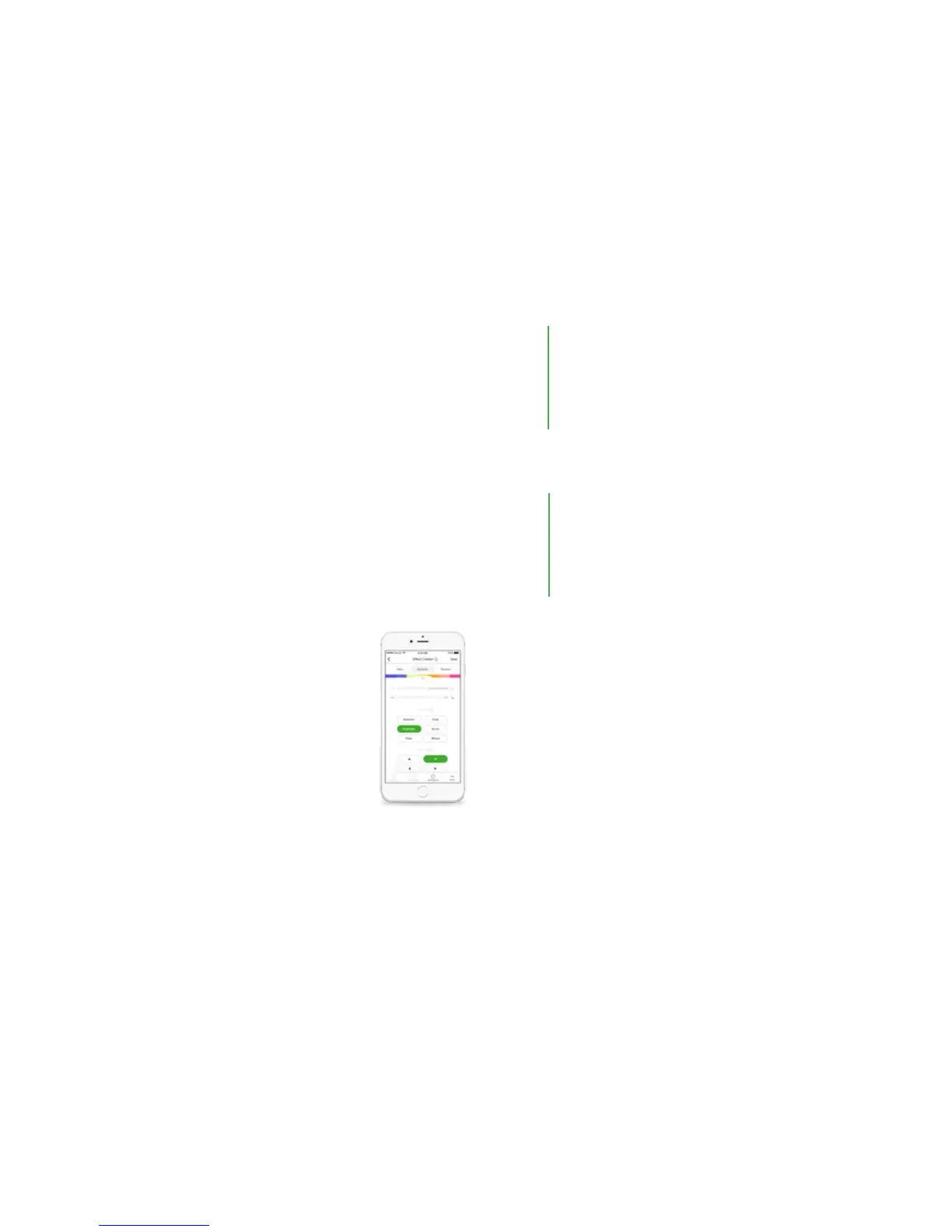
5. Adjustment Sliders:
Speed: How quickly do you want your Animations to go? This acts a bit
dierently depending on the Eect type.
Brightness: Control how bright you want your panels to be using this slider.
v. Fade: The Aurora cycles through your Palette colors one at a time
vi. Burst: Your Palette colors radiate out from the center of the Aurora
panels.
CONTROL
VIA APP
Color Transitions:
Curvy Squiggles - Smooth transitions between colors on the selected palette.
Block Squiggles - Delayed transitions where each color will have a half second
delay before changing to the next color on the palette.
Repeat: You have the option of looping the scene, or ending the scene after
cycling through the palette.
Color Transitions:
Curvy Squiggles - Smooth transitions between colors on the selected palette.
Block Squiggles - Delayed transitions where each color will have a half second
delay before changing to the next color on the palette.
Repeat: You have the option of looping the scene, or ending the scene after
cycling through the palette.
3/3


 To Next Page