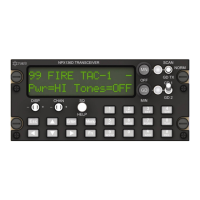
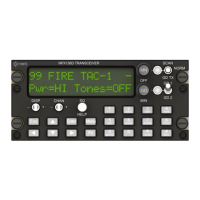
Power On/Off
Rotate MN knob past detent CW / CCW.
Display Layout
003 AIR TAC1 N
T:166.675 067
L
o
Toggle the DISP +/- Switch to view receive or transmit frequency.
Modes of Operation
The Scan / Norm / Guard Tx switch on the upper right of the faceplate
controls the operating modes of the radio.
For normal operation put this switch in the center position. All operation
in the following sections assumes the radio is in normal operating mode.
To return from any editing menu press Esc until normal operating mode
is displayed.
Display Illumination Level
Press Menu, Settings Menu is displayed.
Press Enter, DsplBrt Lt<Off/On>:XX is displayed.
Press the ▲ / ▼ arrow buttons to change illumination level 1-20.
Press Esc, Save Changes? is displayed, press Enter.
Scroll Channels Up/Down
Toggle the CHAN switch + / - , or press the ► / ◄ buttons
Select a Specific Channel
Press the 0-9 buttons, Goto Channel:XXX then Enter.
Edit a Frequency
Select the channel to edit.
Press Menu until Channel Menu is displayed.
Press Enter, Edit Main? is displayed.
Press Enter, RxFreq:MMM.kkkk is displayed.
Press the 0-9 buttons to enter the frequency.
Press Menu, TxFreq:MMM.kkkk is displayed.
Press the 0-9 buttons to enter the frequency.
Press Esc, Save Changes? is displayed, press Enter.


 To Previous Page
 Loading...