PRODUCT FEATURES:
• Supports USB 3.0 with UASP up to 6Gbps
• Supports 2.5’’&3.5’’SATA I/II/III HDD or SSD
• Supports capacity 2x4TB or above
• Supports One Touch Backup or Duplicate
(OTB need software to support with PC connected,
Clone no need software to support without PC.)
• LED indicates power and data access and progress
• Supports plug & play
• Powered AC 100~240V 50~60Hz 0.8A,
DC 12V2.5A
PACKAGE CONTENTS:
• HDD Docking Station
• USB 3.0 cable
• User’s manual
• Power adapter(12V/2.5A)
HARDWARE SETUP:
Note: Images are for example only. Actual positions of switches or connectors and pieces may vary
depending on the model.
SYSTEM REQUIREMENTS:
• USB 3.0 port or USB 2.0 port (if the device is
connected to an USB 2.0 port, the transfer speed will
down to 480Mbps)
• Windows 2000 / XP / Vista / Win7 / Win8 / Win10 /
Mac OS 10.X or above (No driver installation needed)
•
OTB function does not work under Windows 98 and Mac.
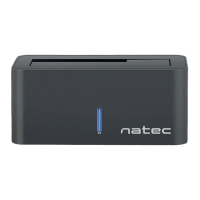
Thank you for purchasing our Natec Kangaroo Dual USB 3.0 HDD Docking Station.
For your safety and the satisfaction of using this product, please read this manual carefully before
installation.
USER MANUAL
Natec Kangaroo Dual USB 3.0
HDD Docking Station
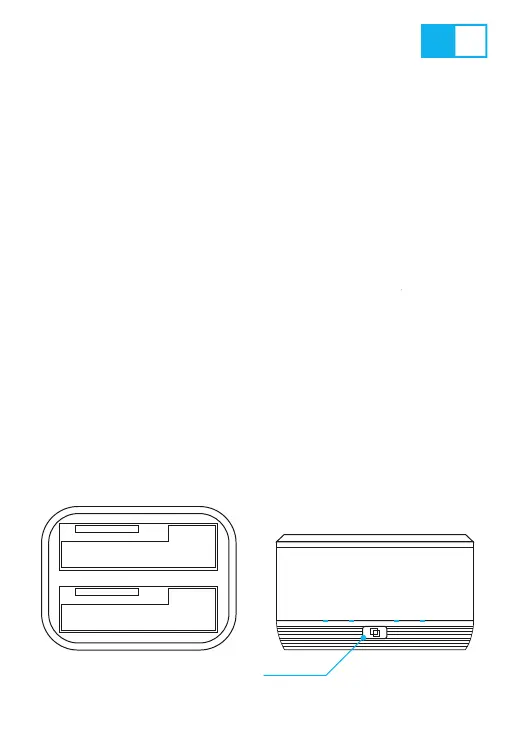
HDD-A (Source)
HDD-B (Target)
CLONE button
EN PL



 To Next Page