Getting Started: AUDIO 4 DJ – 19
4.3 Recording Audio from a Line-Level Source
The following setup guide uses a CD player as an example for devices using the AUDIO 4
DJ’s Line Input Mode. The same applies if you want to connect a hardware synthesizer, a
drum machine or another device that outputs a line-level signal.
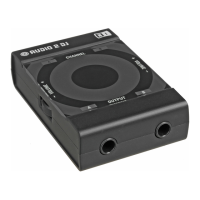
To record audio from an external CD player, connect the devices as pictured in the above diagram.
Make sure the volume controls of the amplier are turned down completely!
In the AUDIO 4 DJ Settings Tool’s Input Mode Selector, select Line.
Use a RCA cable to connect your CD player’s audio outputs to a free input pair of the
AUDIO 4 DJ, e.g. AUDIO 4 DJ (CH. A, In 1/2).
Put a CD in your CD-Player and start playing it.
1.
2.
3.
4.



 To Next Page