KORE 2 – 177
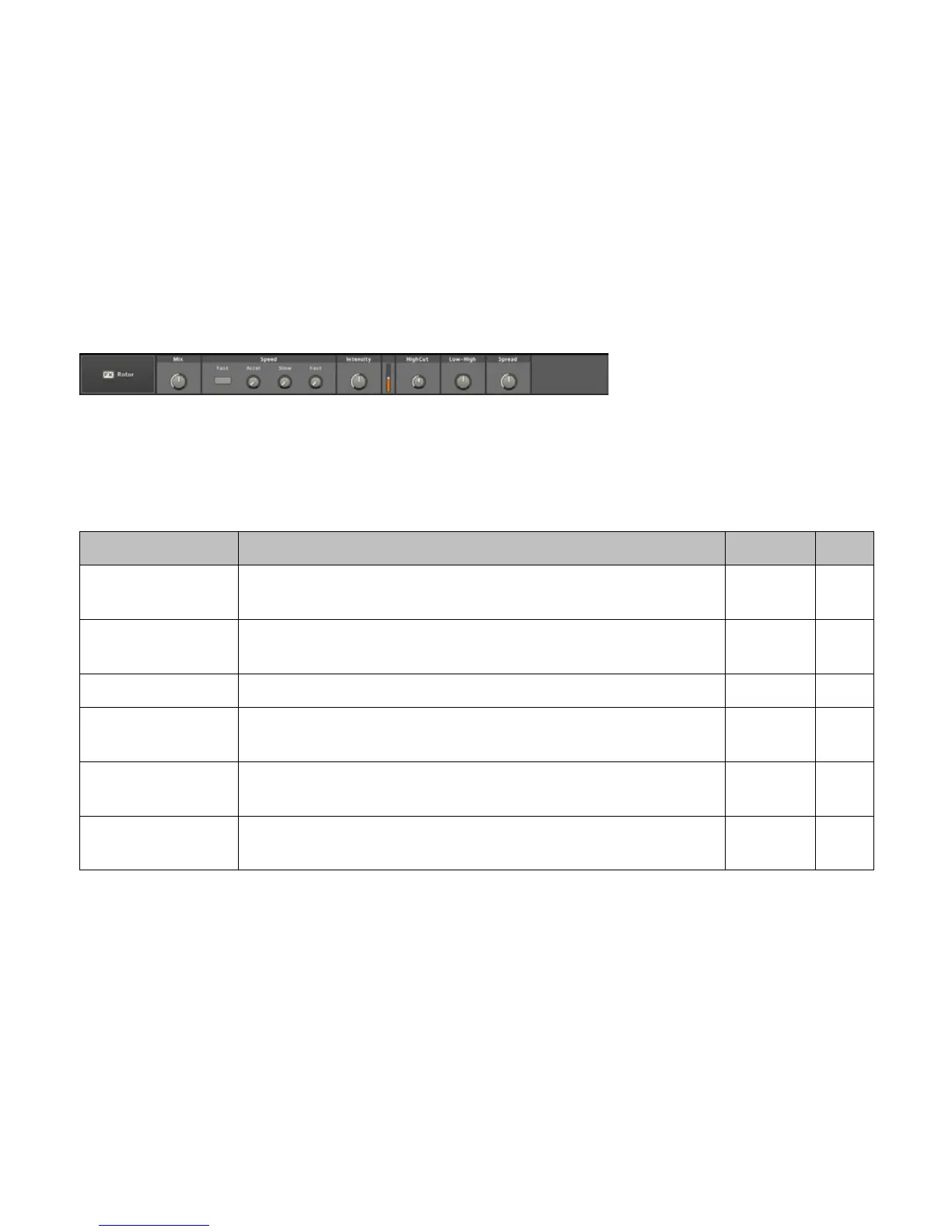
3.8.29 Rotor
This effect, the same one used in NATIVE INSTRUMENTS’ acclaimed
B4 “virtual organ,” simulates the effect of miking a rotating speaker. It
produces the classic stereo-swirling sound you know from a lot of 70s
rock music.
Label Function Range Unit
Mix
Controls the balance between the dry, unprocessed signal (at the left) and the
wet, processed signal (at the right).
0..100 %
Fast
Chooses between the two speeds of the Rotor, that are dened via the [Slow]
and [Fast] knobs.
On/Off
Acceleration Sets the time it takes the Rotor to spin from slow to fast. 0..2 s
Slow
The Slow speed sets the rotational speed of the rotor when the [Fast] switch is
off.
0..2 Hz
Fast
The Fast speed sets the rotational speed of the rotor when the [Fast] switch is
on.
0..12 Hz
Intensity
Controls the intensity of the effect. Think of it as the distance of the mics to the
Rotor speaker.
0..100 %



 To Next Page