KORE 2 – 176
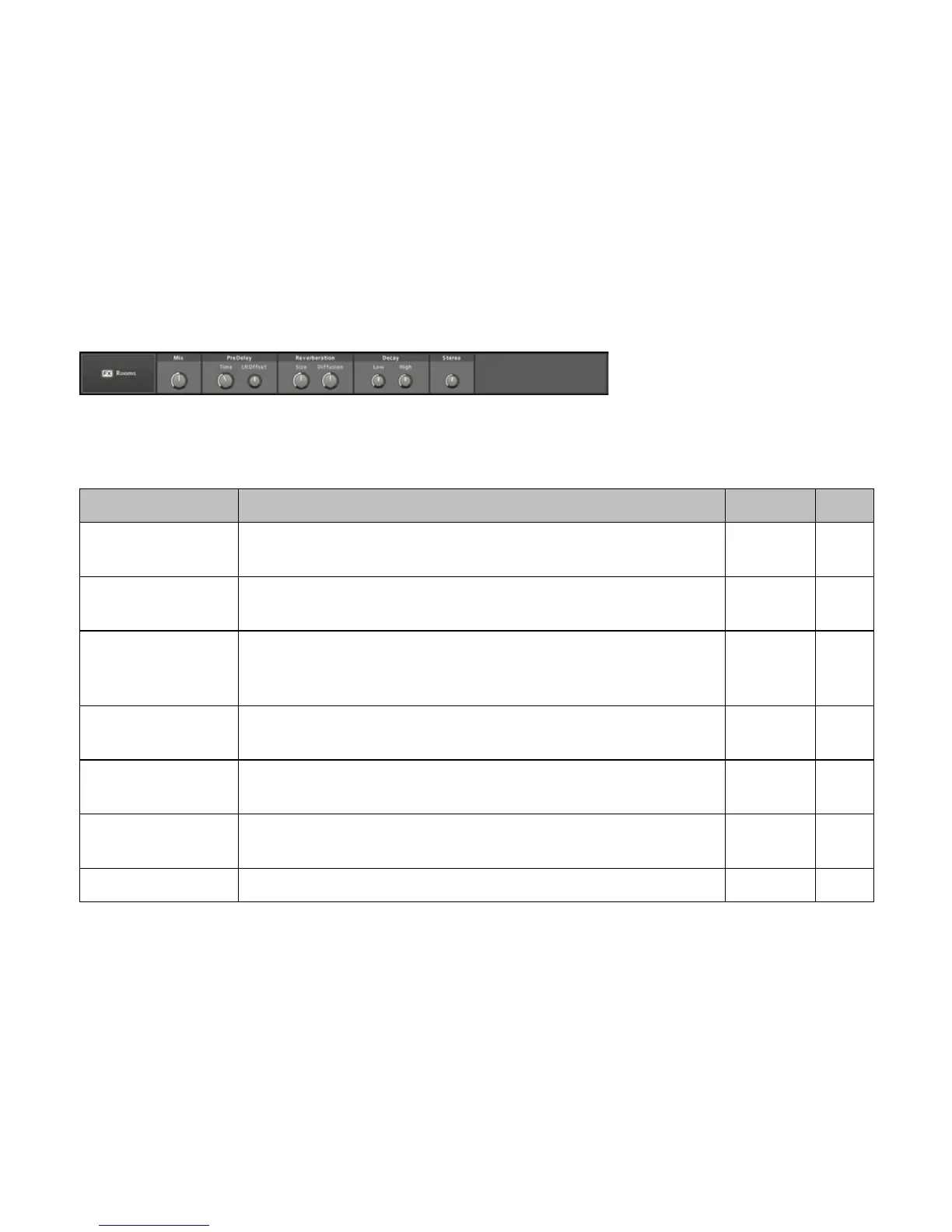
3.8.28 Rooms
This reverb unit specializes in room reections. It is an efcient solution
when long reverberation isn’t needed.
Label Function Range Unit
Mix
Controls the balance between the dry, unprocessed signal (at the left) and the
wet, processed signal (at the right).
0..100 %
Pre-Delay
Sets the time by which the incoming signal is delayed before it feeds into the
main reverb effect.
0..50 ms
Pre-Delay LR Offset
Sets the stereo position of the pre-delayed signal. Negative values decrease the
left channel delay time (as a percentage of the main delay time) while increasing
the right channel time. Positive values create the opposite effect.
-100 ...
+100
%
Reverberation Size
Controls the size of the simulated reverb room, which equals
the decay time of the reections.
1..100
Reverberation Diffusion
Sets the amount of diffusion applied to the reverb signal. With lower values you’ll
hear more discrete reections in the overall sound.
0..100 %
Low Decay
High Decay
Sets the decay time of the reverb signal’s low and high frequency bands. A
higher value results in a longer reverb time for the respective frequency band.
0..100 %
Stereo Sets the effect signal’s stereo width between mono (0%) and full stereo (100%). -20..+20 dB



 To Next Page