NICVIEW Instructions for Use P/N 028158 Revision Date February 5, 2020 6
1.1.3 SYMBOLS:
The following table defines the symbols located on the equipment or in this Manual.
STANDARD REFERENCE & TITLE OF THE
SYMBOLS USED
Consult Instructions for Use
ISO 15223-1 Symbol 5.4.3
Consult instruction for use
ISO 15223-1 Symbol 5.4.4
Caution
ISO 60601-1
Table D.2 #2 Warning
ISO 15223-1 Symbol 5.1.1
Legal Manufacturer address
ISO 15223-1 Symbol 5.1.3
Date of Manufacturing
ISO 15223-1 Symbol 5.1.6
Catalog number
ISO 15223-1 Symbol 5.1.7
Serial number
ISO 15223-1 Symbol 5.3.7
Storage temperature limit for the device
ISO 15223-1 Symbol 5.3.8
Storage relative humidity limit of the
2. HARDWARE
The following information is presented with the assumption that the NICVIEW System has been installed in the
facility.
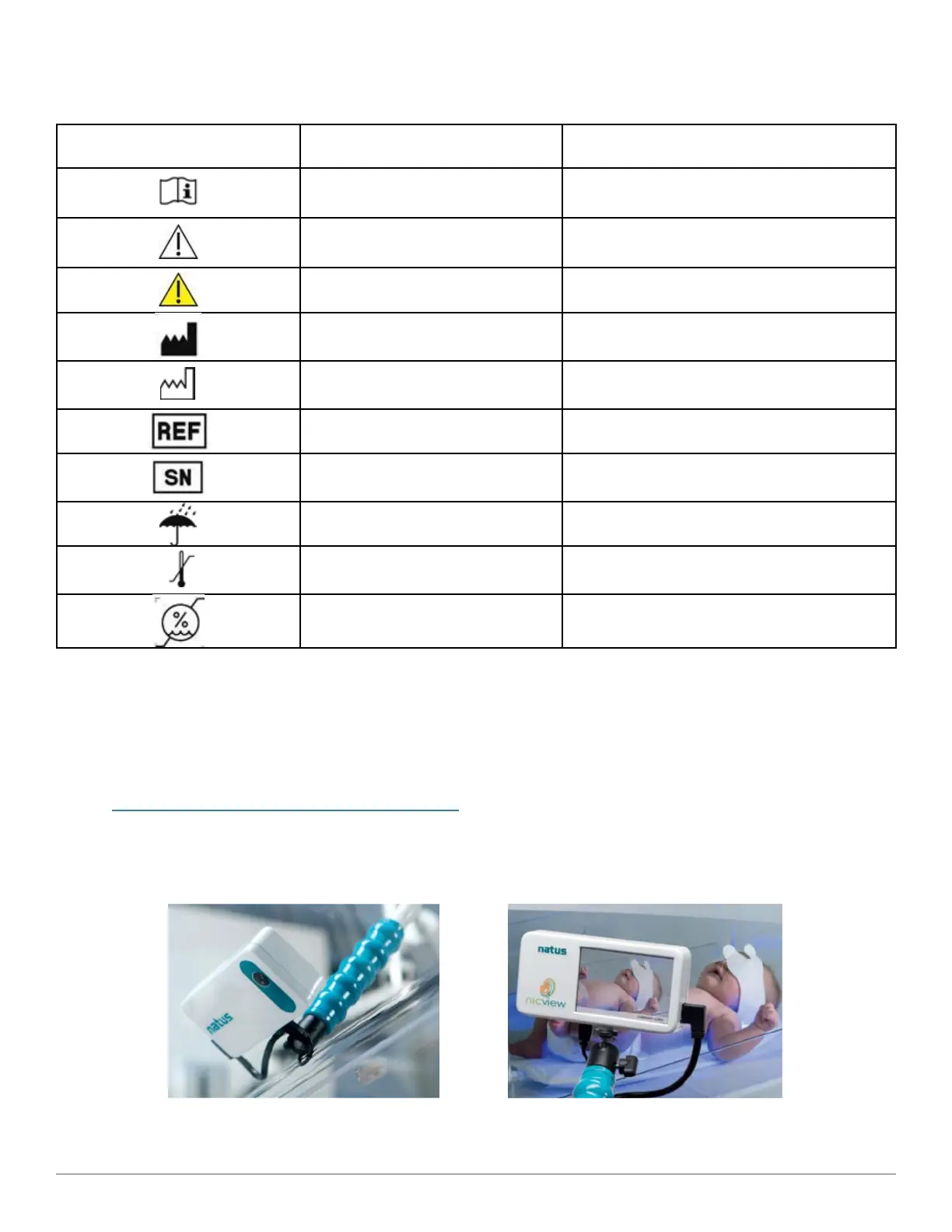
2.1 CAMERA & CAMERA MOUNTING ARM
The key hardware components of the NICVIEW System are the camera and mounting arm.
2.1.1 NICVIEW 2



 To Next Page