EasyManua.ls Logo

Naxa NDL-252 - User Manual

Naxa NDL-252
9 pages
Print Icon
To Next Page IconTo Next Page
Loading...
User Manual
Model: NDL-252
Before attempting to connect, operate or adjust this player, please read these instructions completely.
And then put this manual in a safe place for future reference.
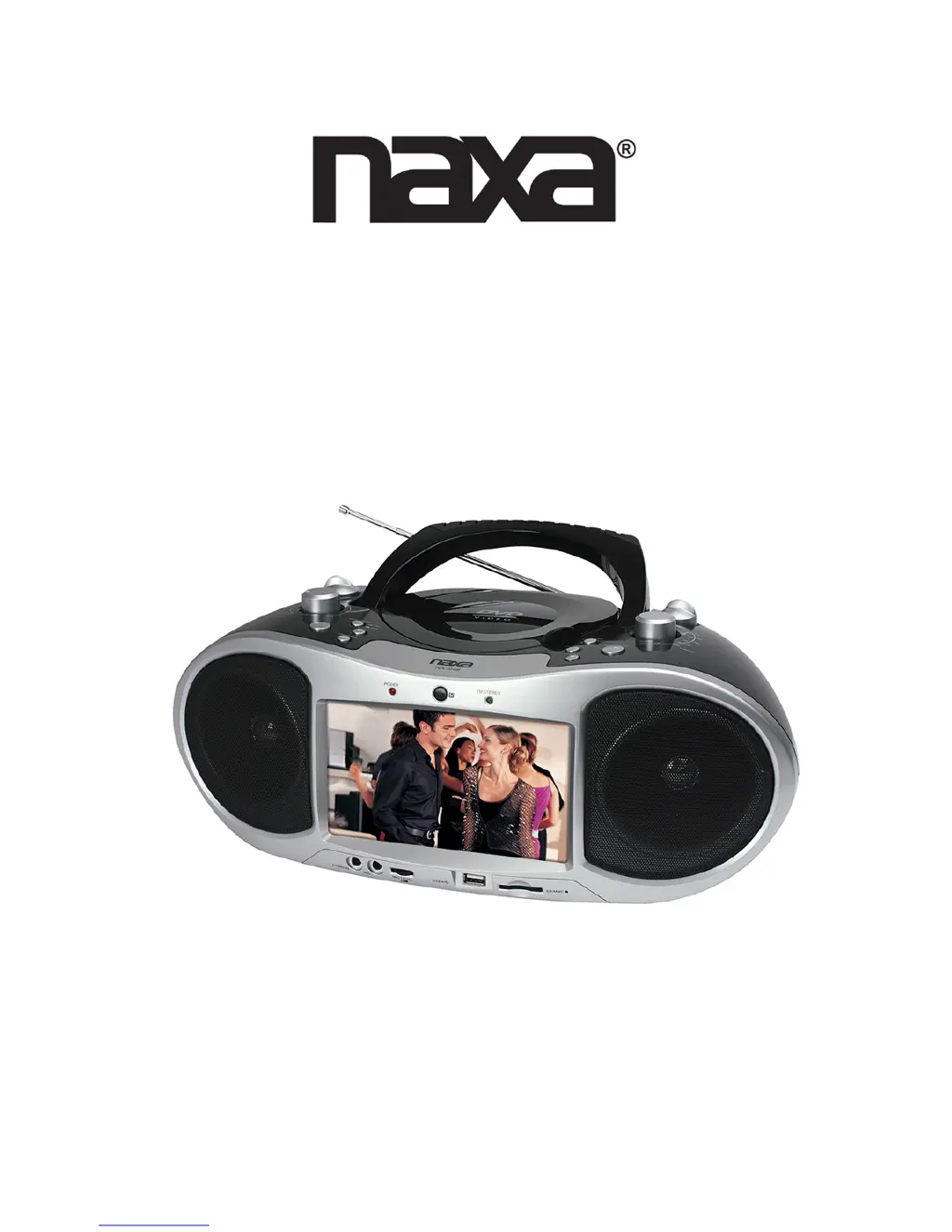
Portable DVD Player with AM/FM Radio
and USB/SD/MMC Inputs

Questions and Answers

  • M
    Michael ReyesJul 31, 2025
    Why won't the remote control work on my Naxa Portable DVD Player?
    • A
      aelliottJul 31, 2025
      If the remote control for your Naxa Portable DVD Player isn't working, first ensure the battery is correctly inserted, paying attention to the '+' and '-' direction. If the battery is flat, replace it with a new one. Also, make sure there are no obstacles blocking the signal between the remote and the DVD player's remote control sensor, and that you are aiming the remote directly at the sensor.
  • X
    xwilsonAug 7, 2025
    What to do if there is no sound on my Naxa NDL-252 Portable DVD Player?
    • M
      Michael HernandezAug 7, 2025
      If there is no sound from your Naxa Portable DVD Player, first ensure that the display panel is open and the volume isn't set to zero. If it is, increase the volume. Also, check if headphones are plugged into the PHONES socket, as speakers cannot be used simultaneously with headphones.
  • K
    Karen WellsAug 15, 2025
    How to fix Naxa Portable DVD Player when power does not turn on?
    • G
      Gerald Brown DDSAug 15, 2025
      If your Naxa Portable DVD Player doesn't turn on or suddenly turns off, ensure that the AC cord is securely plugged into an AC outlet. Try turning the power off and then back on.
  • C
    Cynthia ParrishAug 23, 2025
    What to do if my Naxa Portable DVD Player has no picture and sound?
    • C
      Christina RichardsonAug 23, 2025
      If your Naxa Portable DVD Player isn't producing a picture or sound, check that the A/V cables are securely connected. Make sure the disc is a DVD (region number 1 or all), DVD-RW, or AUDIO CD, and that it's free from scratches or dirt, with the label-side facing up. If viewing with a TV, ensure the TV channel is set to VIDEO or AV. If the pick-up lens of the DVD player is dirty, contact the service center for lens cleaning.

Summary

Safety Instructions

General Safety Guidelines

Read, retain, heed warnings, and follow all operating instructions for safe use.

Environmental and Usage Precautions

Avoid water, heat, blockages, and ensure proper ventilation for safe operation.

Electrical Safety

Protect power cords, use polarized plugs correctly, and unplug when unused or during storms.

Product Integrity and Service

Prevent liquid entry and damage; seek qualified service for product issues.

Playback Operations

Disc Handling and Troubleshooting

Troubleshooting Common Problems

Solutions for issues like power failure, no picture/sound, and distorted output.

Naxa NDL-252 Specifications

General IconGeneral
BrandNaxa
ModelNDL-252
CategoryPortable DVD Player
LanguageEnglish

Related product manuals