www.naxa.com Page 7
7
8
9
10
11
12
13
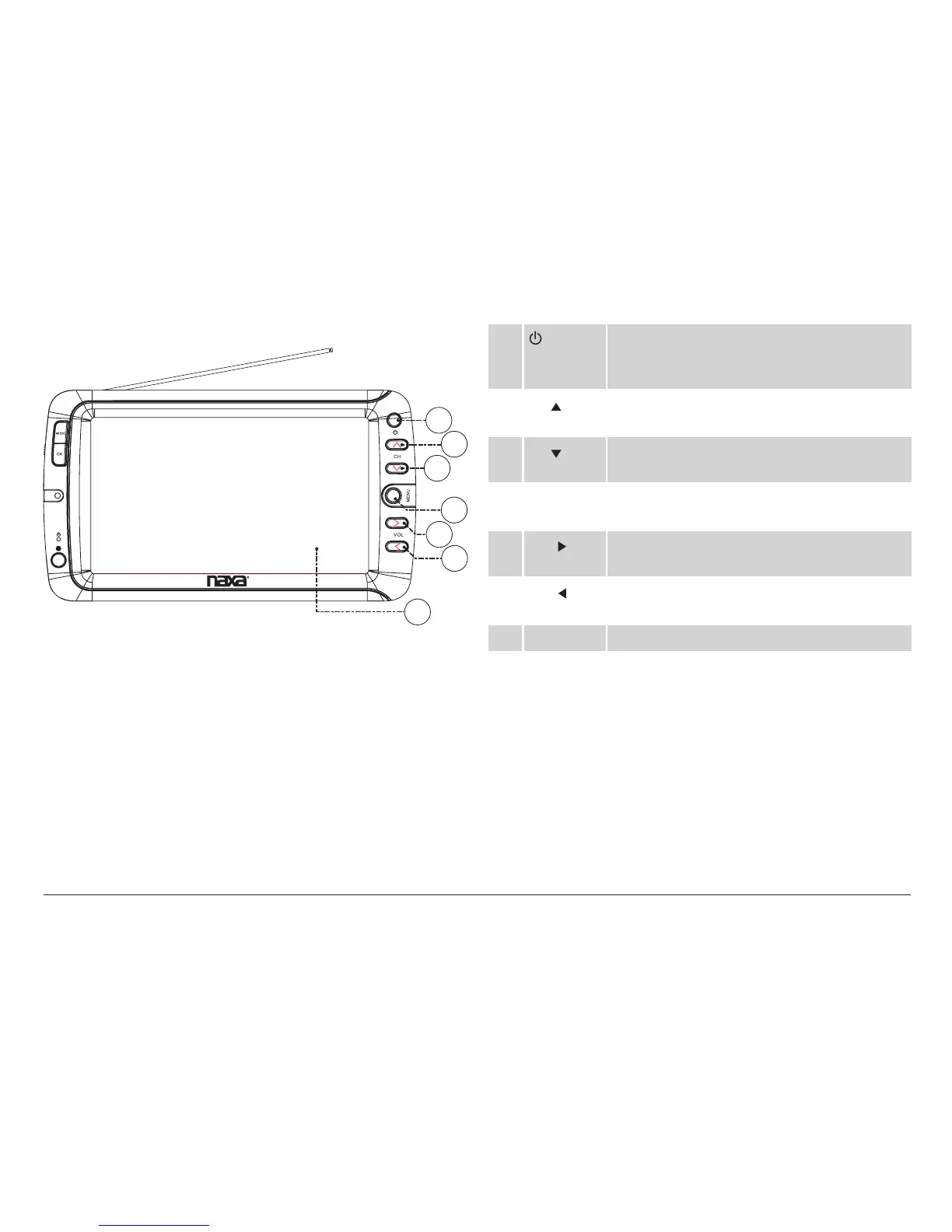
7 Power/Standby. Press to turn the TV on or to
place it in standby mode. Make sure that the
Master Power Switch [21] is set to ON.
8 CH
Channel up/browse up when navigating a
menu
9 CH
Channel down/browse down when navigat-
ing a menu
10 MENU Access the system menu to adjust the TV’s
options.
11 VOL
Volume up/browse right when navigating a
menu
12 VOL
Volume down/browse left when navigating
a menu
13 TV display Color TFT LCD screen


 To Next Page
 Loading...