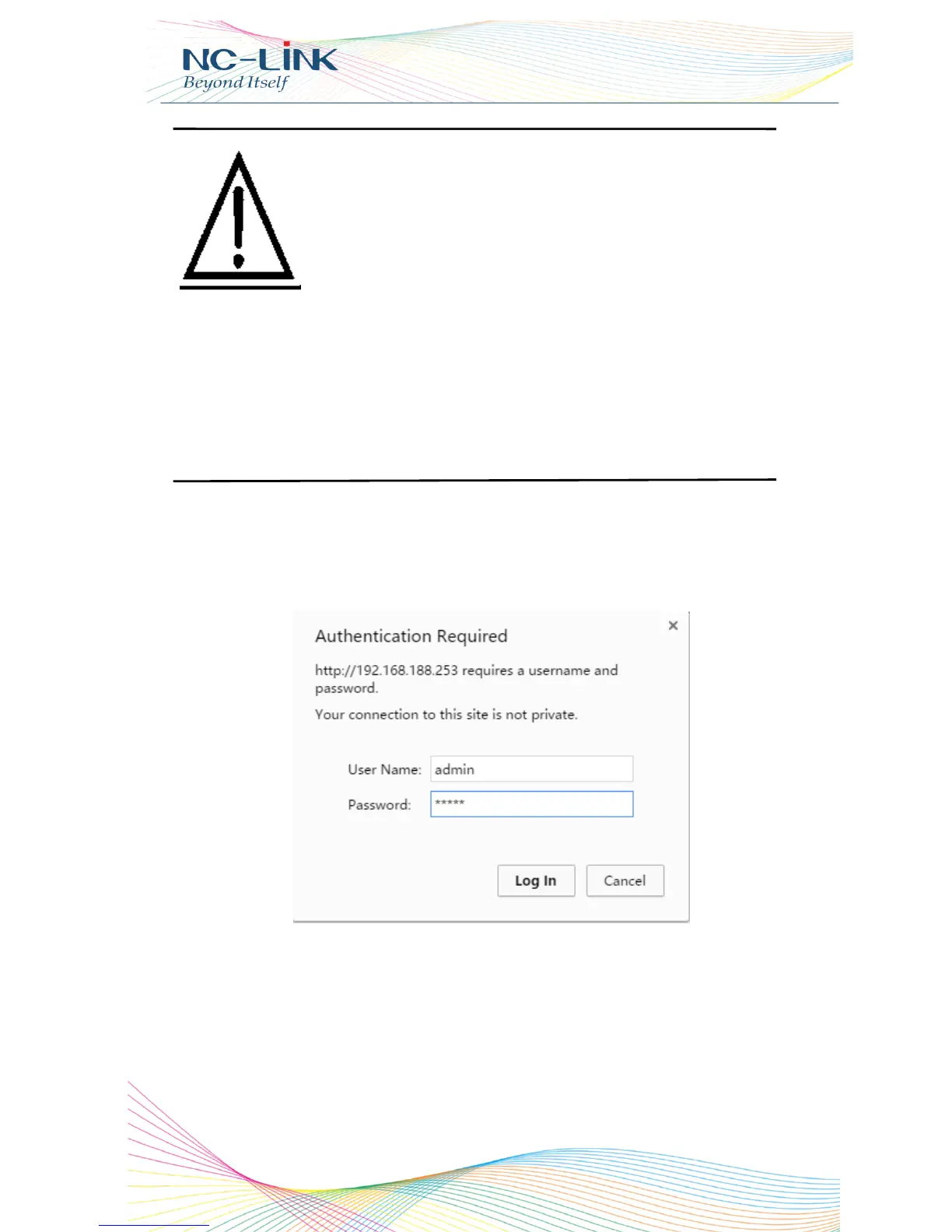
Login the CPE: Open your web browser, type in 192.168.188.253 in the
address bar, enter the Password: admin, which you can found on the label
attached to the device, click LOGIN
P8 Login
If your computer with build in 802.11b/g/n wireless
adapter, but can’t search the available wireless
networking after refresh, please contact with computer
supplier or after-sale department after appear following
points:
1. Right click My Network Places, select Proferties,
appear Local Area Connection or Other Connection,
No Wireless Network Connection
2. There is Wireless Network Connection in My
Network Places, Show General and Advanced after
right click Wireless Network Connection and select
Properties, but no Wireless Network Configuration
in Window


 To Next Page