REMOTE CONTROL
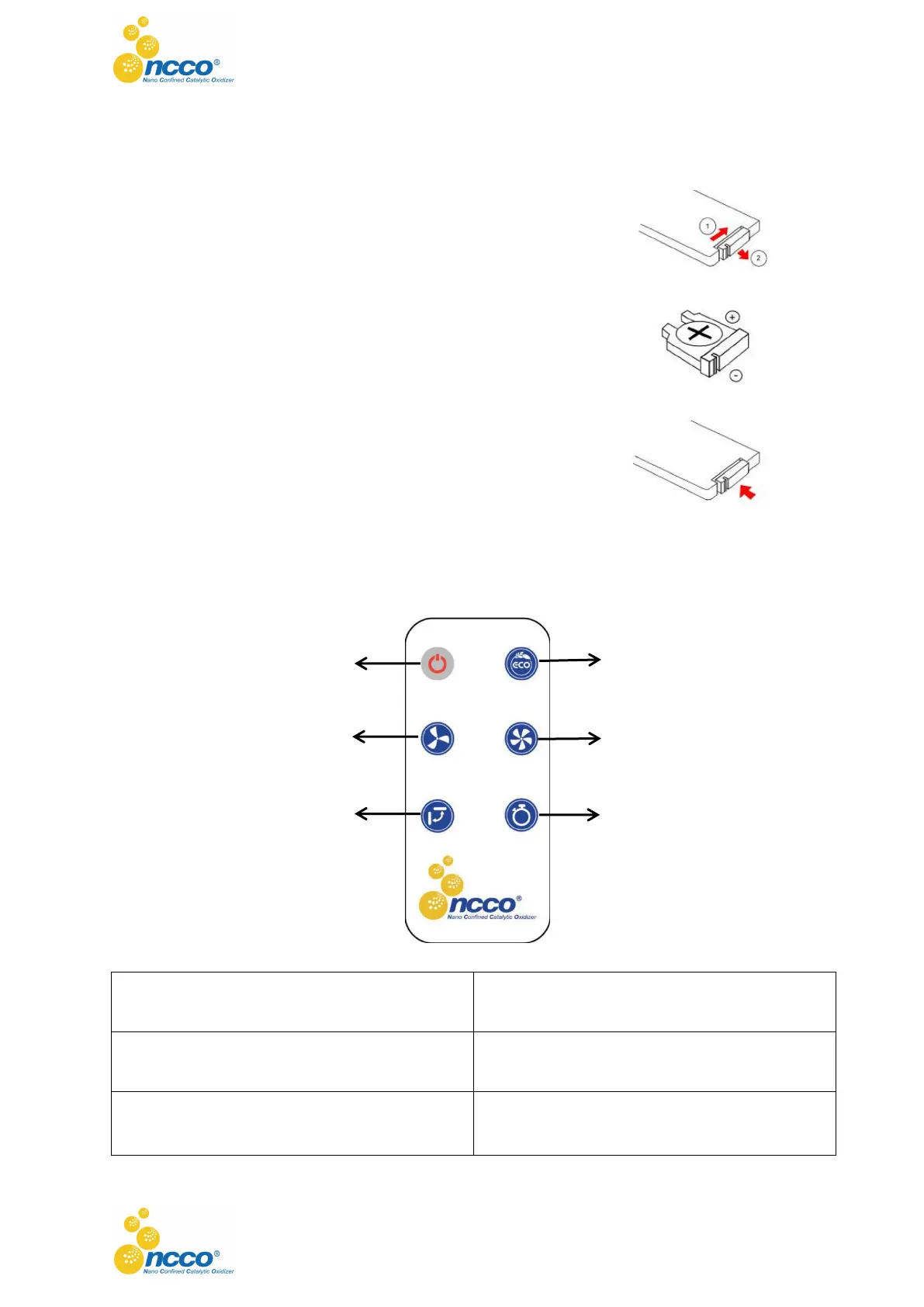
INSERT (OR REPLACE) THE REMOTE CONTROL BATTERY:
1. Remove the battery tray from the remote control in the direction of
the arrows that shown at the back.
2. Insert a new lithium battery in correct polarities.
3. Slide the tray back until clicking into place.
NOTE:
1. Use 1 x 3V lithium battery of CR2025.
2. If battery has not been used for 6 months, it may lose the capacity
of supplying power.
3. If you do not intend to use the remote control for a long period of
time, please remove the battery.
REMOTE CONTROL BUTTONS INSTRUCTION
3. Air Speed Reduce Button
4. Air Speed Increase Button



 To Next Page