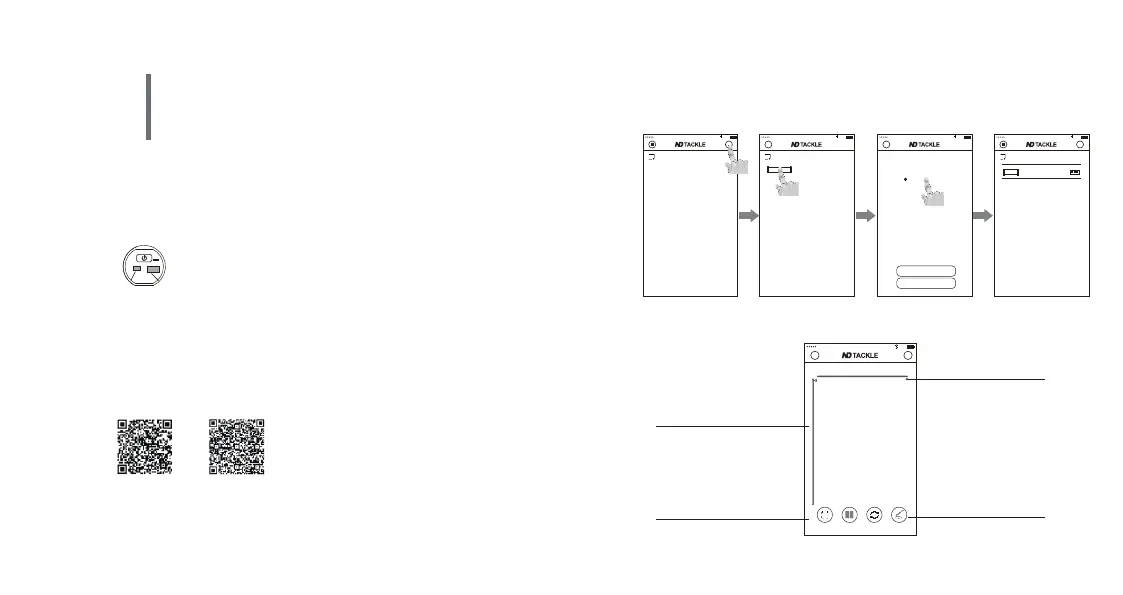
•Add your Bivvy Light Pro t o APP
D) Link to your Smart Phone
11:11
100%
+
My De vices
11:11
100%
+
My De vices
ND Li ght 1 Turn o n
11:11
100%
Bluet oo th Devi ce s Nearl y
Lig ht F0C7 7FAD53 EF
<
Sav e
Sca n
11:11
100%
Dev ices
<
•Control the Bivvy Light Pro v
ia APP
11:11
100%
Brightness 100% Color Value #FFFFFF Battery 68%
<
...
ON/OF F READI NG FL OW C UST OM
Adjust Color Value
Adjust Brightness
Mode Button
ON/OFF
You can use the USB(Micro B) with
Smart phone charger to charging ND Light
Long press the Power On/Off Button
(Short press for Mode changing)
Download the APP from Apple Store or Google Play
A) Charging Your Bivvy Light Pro
B
) Power On your Bivvy Light Pro
C) Download the APP
Red Flash: Low Power
Green Flash: Charging
Green Light Up: Full Charge
APPL E STOR E Goog le Play
Use your Bivvy Light Pro
6

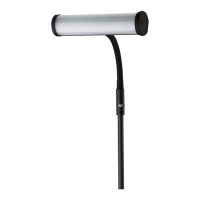

 To Next Page