Need help?
Do you have a question about the Neat Bar Pro and is the answer not in the manual?
Details the process and options for mounting the Neat Bar Pro on a wall.
Details the process and options for mounting the Neat Bar Pro on a screen.
Details the process and options for placing the Neat Bar Pro on a table.
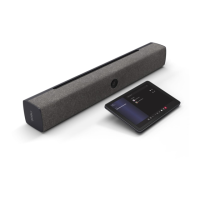
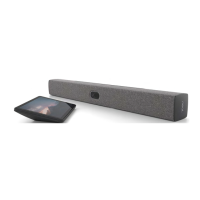
Lists all the items included in the Neat Bar Pro package.
Lists all the items included in the Neat Pad package.
Step-by-step guide on how to attach the Neat Bar to its mounting adapter.
Step-by-step guide on how to detach the Neat Bar from its mounting adapter.
Instructions for connecting the necessary cables to set up the Neat Bar system.
Details the essential components required for a fully functional setup.
 General
| Camera | 120° field of view |
|---|---|
| Microphone | 16-element microphone array |
| Connectivity | Wi-Fi, Ethernet |
| Ports | Ethernet, HDMI out (2), HDMI in (1), USB-C (1) |
| System | Android-based |
| Zoom | Zoom Rooms |
| Video outputs | HDMI |
| Audio | Full duplex audio with echo cancellation |
| Operating Temperature | 0°C to 35°C |
| Compatibility | Zoom, Microsoft Teams |
| Display | No built-in display, connects to external monitors |

 To Next Page