English
English
04 05
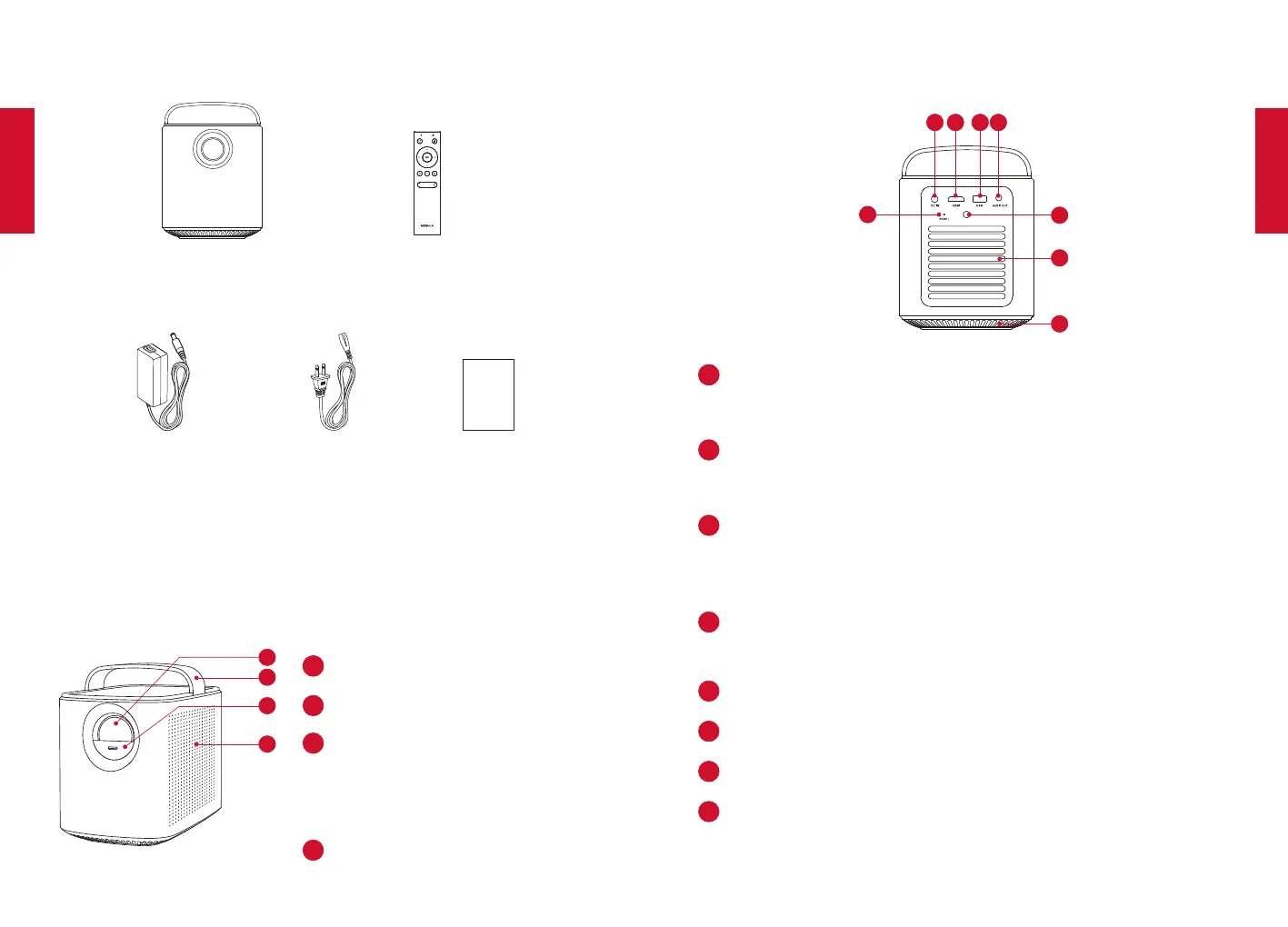
What’s Included
Main unit
Remote control with batteries
Owner’s Manual
Overview
1.
Front View
2
3
4
Lens
Handle
Lens cover
• Slide down to power on and
automatically adjust focus
• Slide up to power off
Loudspeaker
2.
Rear View
6
5
8
DC IN
• Connect to power supply
HDMI
• Connect to a playback device with HDMI output
USB
• Connect to a USB storage device
• Charge a USB device as a power bank
AUDIO OUT
• Connect to a headphone or an external speaker
Infrared Receiver
Air ventilation (outlet)
Air ventilation (inlet)
RESET
• Press and hold for 3 seconds to reset



 To Next Page