EasyManua.ls Logo

Nebula Capsule D4111 - User Manual

Nebula Capsule D4111
72 pages
Print Icon
To Next Page IconTo Next Page
Loading...
Owner’s Manual
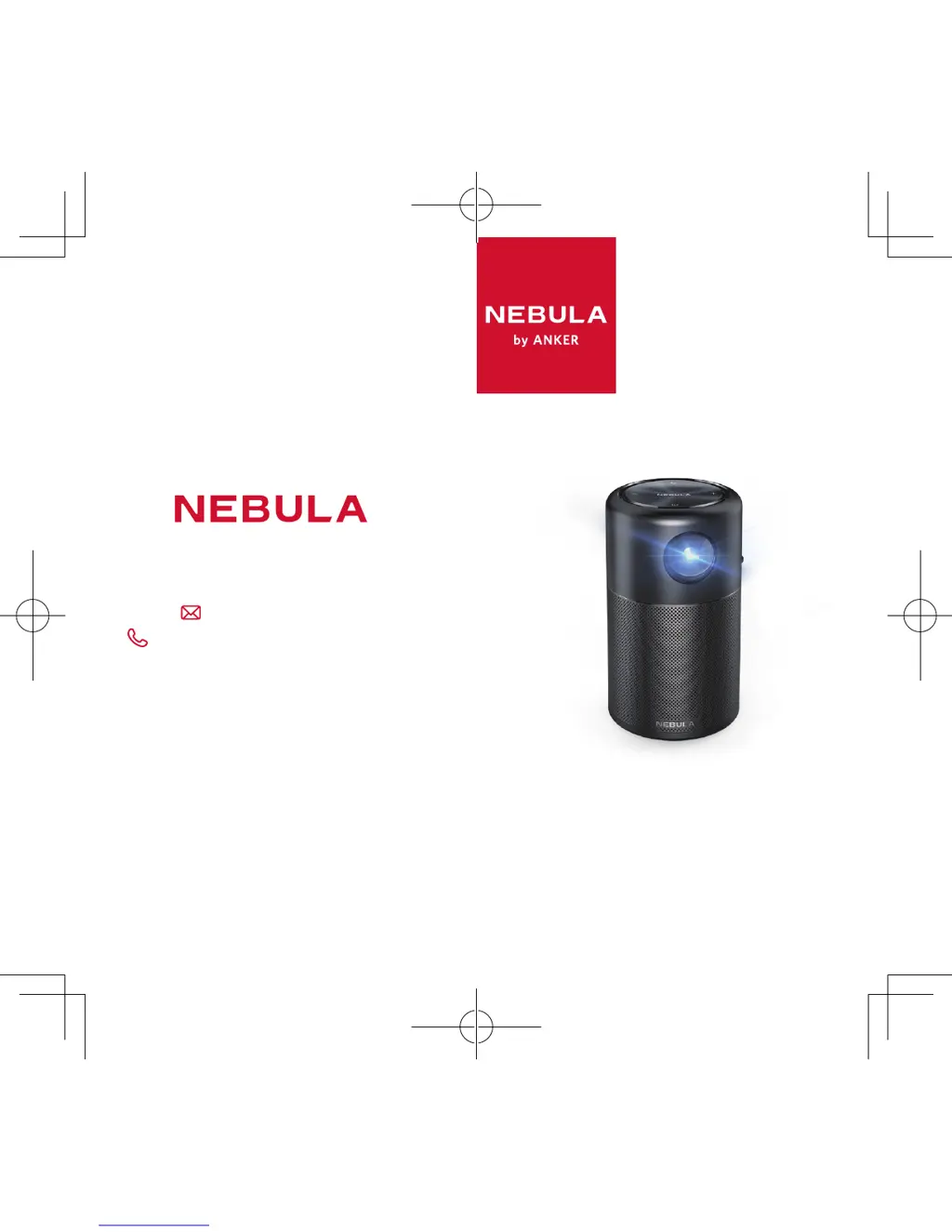
Nebula Capsule
+1 (800) 988 7973 (US) Mon-Fri 9:00 - 17:00 (PT)
+44 (0) 1604 936200 (UK) Mon-Fri 6:00 - 11:00 (GMT)
+49 (0) 69 9579 7960 (DE) Mon-Fri 6:00 - 11:00
+81 03 4455 7823 (日本) - 9:00-17:00
www.SeeNebula.com
For FAQs and more information, please visit:
support@SeeNebula.com
© Anker Technology Co., Limited. All rights reserved.
NEBULA and the NEBULA logo are trademarks of
Anker Technology Co., Limited, registered in the
United States and other countries.
Mode: D
4111
51005000908
V
04

Questions and Answers

Summary

Safety Instructions

Setup Precautions

Instructions for reducing fire and electric shock risk, and proper device placement.

Safety and Usage Details

Hearing Safety Advice

Advice on listening volume to prevent hearing damage.

Charging and Battery Precautions

Information on charging, battery precautions, and disposal.

Cleaning, Repairs, and Warnings

Guidelines for cleaning, authorized repairs, and optical radiation warning.

Whats Included

Device Overview

Front View Components

Identifies components on the front of the device.

Rear View Components

Identifies components on the rear of the device.

Bottom View Components

Identifies components on the bottom of the device.

Top View

Remote Control Functions

Button and LED Indicators

Explains the functions of the remote control buttons and LED indicators.

Getting Started

Placement Guidelines

Instructions on device placement for optimal projection distance and size.

Remote Control Activation

Steps to activate the remote control battery and replace it.

Initial Setup Steps

Guidance on charging the device and completing initial on-screen settings.

Nebula App Connection

App Download and Setup

Instructions for downloading and connecting the Nebula Capsule Control app.

Settings Configuration

Network Setup

Steps to connect the device to a wireless network (Wi-Fi).

Bluetooth and Projector Settings

Configures Bluetooth modes and projector display settings like image mode and color temperature.

Projector Mode Adjustments

Keystone Correction

Adjusts image distortion automatically or manually for optimal projection.

Projection Orientation

Adjusts the projection orientation based on device placement (front, rear, ceiling).

App Manager

Manage Installed Applications

Instructions for checking, opening, stopping, or uninstalling apps.

General and System Settings

System Preferences

Configures device language, time, updates, and recovery options.

Enjoying Your Device

HDMI Playback Connection

Connect this device to an HDMI playback device with an HDMI cable.

Wireless Screen Casting

Wirelessly cast the screen of your smartphone or tablet onto the projection surface.

Device Apps and Storage

Accessing Online Services

Access online services, enjoy media, and browse the internet.

Connecting USB Storage

Connect a USB storage device to enjoy music, video, and pictures.

Specifications

Troubleshooting Common Issues

Remote Control Problems

Solutions for remote control power issues and non-functionality.

Image Quality Issues

Troubleshooting blurred images and reversed projection.

Connectivity and Updates

Fixes for Wi-Fi connection problems and firmware update procedures.

Notices and Compliance

Declaration of Conformity

Product compliance with European Community radio interference requirements.

Recycling and Disposal

Guidelines for proper disposal and recycling of the product and batteries.

FCC Compliance Information

FCC Notice and Warnings

Device compliance with FCC rules, including interference and modification warnings.

FCC Radiation Exposure Statement

Statement on FCC compliance with radiation exposure limits.

Shielded Cables Requirement

Requirement to use shielded cables for connections to other computing devices.

Nebula Capsule D4111 Specifications

General IconGeneral
Display TechnologyDLP
Resolution854 x 480 (WVGA)
Brightness100 ANSI Lumens
Lamp Life30, 000 hours
Aspect Ratio16:9
Throw Ratio1.2:1
Offset100%
Focus AdjustmentManual
Wi-FiYes
BluetoothYes
RAM1 GB
ROM8 GB
Speaker5W
Video PlaytimeUp to 4 hours
Charging Time2.5 hours
Operating SystemAndroid 7.1
Projection Size20 - 100 inches
ModelD4111
Projection ModeFront
Keystone CorrectionAuto
InterfaceHDMI, USB
Weight470g
Battery5, 200mAh

Related product manuals