EasyManua.ls Logo

Nebula MH-91 - Display Panel Operation; Basic Panel Controls; Menu Navigation Structure

Nebula MH-91
9 pages
Print Icon
To Next Page IconTo Next Page
To Previous Page IconTo Previous Page
Loading...
4
MENU
Reset
Person
Lcd Disp
General
Add DMX
Fans
Run
Yes
No
High
Normal
Low
Auto
Auto1
Auto2
Slave
DMX512
(001~512)
60 close
Always
Basic
Main
Dim Speed
Dimmer 4
Dimmer 3
Dimmer 2
Dimmer 1
Dimmer 0
Info
Edition
Use
Dimmer
Tilt
Invert
PAN Normal
Reverse
Normal
Reverse
Normal
Reverse
No
Yes
P/Begin
P/End
T/Begin
T/End
Use
PT Range
(000~255)
No
Yes
(000~255)
(000~255)
(000~255)
ZOOM
Normal
Effict1
Effict2
3
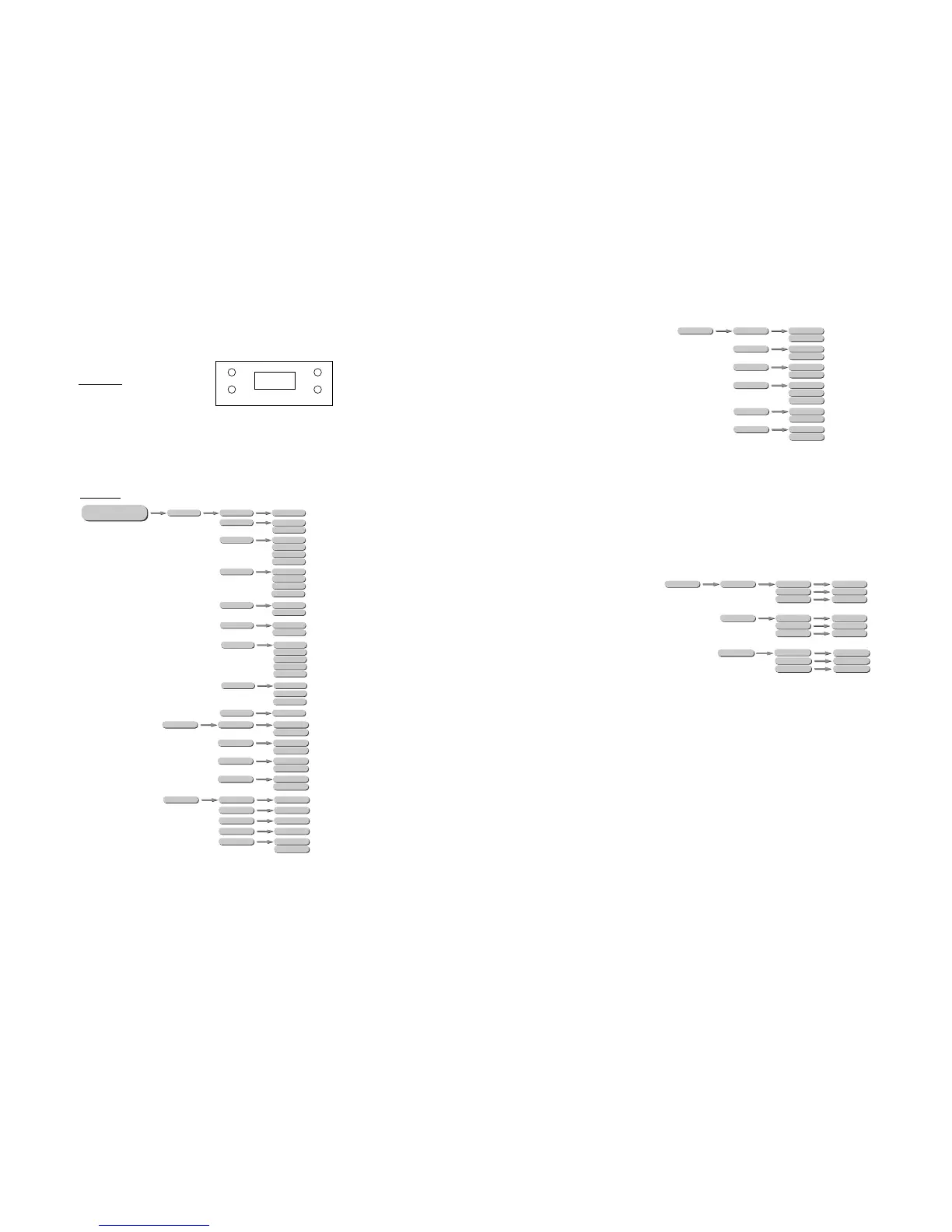
DISPLAY PANEL OPERATION
DOW N
ENT ER
UPMEN U
MENU Scroll through the main menu or exit from the current sub-menu
ENTEREnter the currently selected menu or confirm the current function
value
DOWNScroll 'DOWN' through the menu list or decrease the value of the
current function
UP Scroll 'UP' through the menu list or increase the value of the
Current function
3.1 BASIC
3.2 MENU
5
RGB-W
RED
GREEN
BLUE
(000~255)
(000~255)
(000~255)
BlackD
Special
Reset
Power
Color
Fan
No
Yes
DMX
System
Normal
High
OFF
DMX
System
Calib
White 2
White 1
RED
GREEN
BLUE
(000~255)
(000~255)
(000~255)
RED
GREEN
BLUE
(000~255)
(000~255)
(000~255)
Rgbtow
Dmxerror
Save
Black
RED