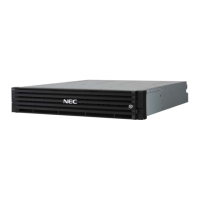
2. M310 Component Selection (3)
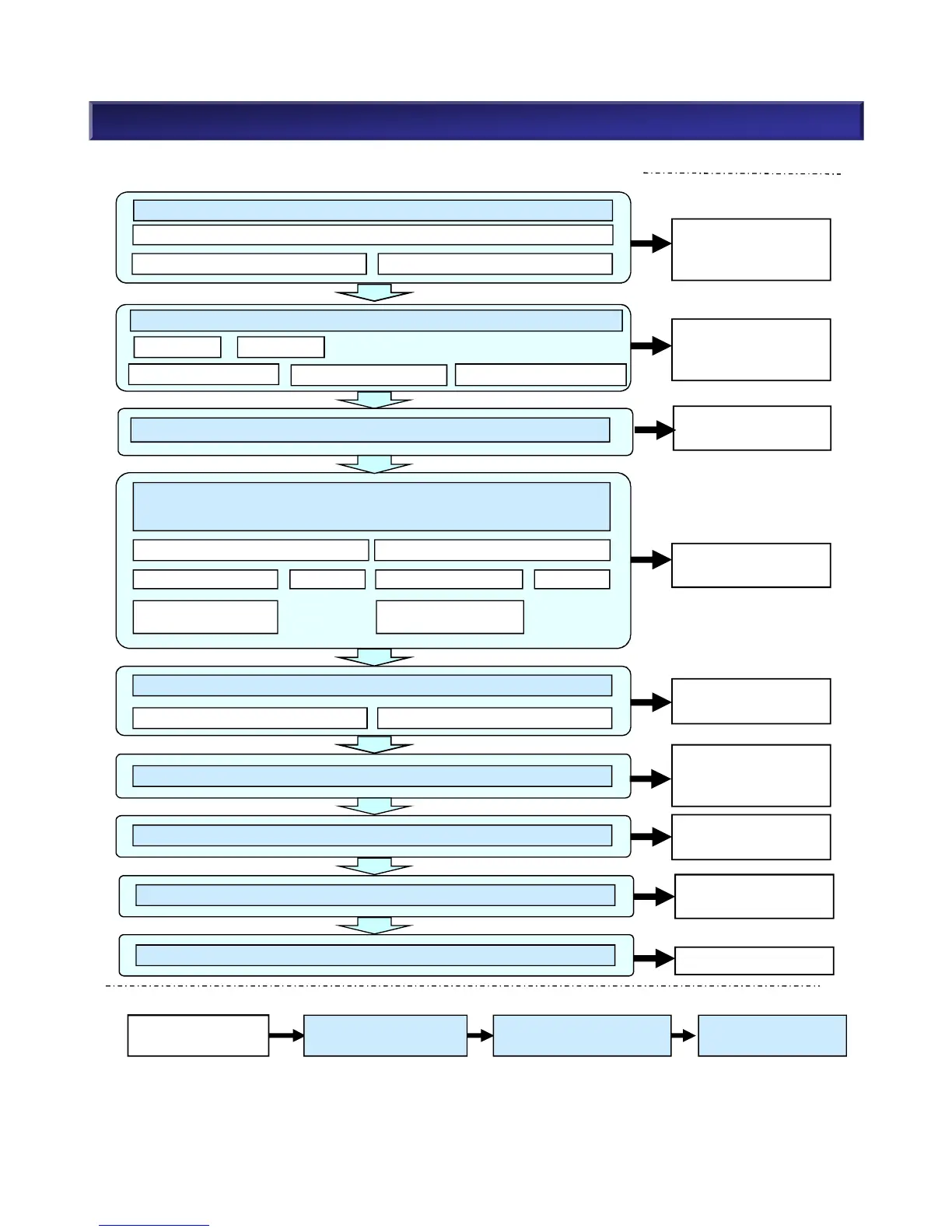
n Steps for Component Selection When Purchasing a New System
(5) Select Disk Enclosure (Number, Type, Power)
2.5” 3.5”
Refer to (2-1) Disk
Array Unit, a) Base
Unit
(1) Select Model of Disk Array Unit (Power/Disk Size)
(4) Select Disk Drive
(Type, Capacity, Number, Function/Hot Spare Disk)
2.5” 3.5”
Select Encryption
Function
SAS SSD NL-SAS SSD
Select Encryption
Function
Refer to (5) Disk
Enclosure
Refer to (2-1) Disk
Array Unit, b) Host
Port Card
Refer to (4-1) Disk
Drive
(2) Host Port Card (Host I/F)
(9) Select Rack
(8) Select Front Bezel
Refer to (8) Front
Bezel
Refer to 3. Rack Guide
(7) Select Dummy HDD
Refer to (7) Dummy
HDD
33
NEC Confidential
FC/10Gb iSCSI Combo
8Gb FC 16Gb FC
10Gb iSCSI(Copper)
10Gb iSCSI(Optical)
Power Supply(AC,DC)
n Steps for Expansion
Expand Disk
Capacity
(4)Select Disk Drive
(7)Select Dummy HDD
(5)Select Disk Enclosure
(8)Select Front Bezel
(9)Select Rack
2.5” 3.5”
Refer to (3) NEC
Storage Manager
(3) Select Basic Software
(6) Select Cache Capacity
Refer to (6) Cache
Memory, c) Cache
Capacity Expansion

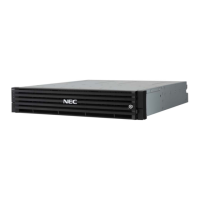

 To Next Page