
 To Next Page
T
Thomas AllenAug 10, 2025
What to do if NEC Monitor battery for clocks is empty?
- HHeather BrownAug 10, 2025
If the battery is empty, connect the NEC monitor to the power to recharge it. Then, set the DATE & TIME in the OSD (On-Screen Display).

What to do if NEC Monitor battery for clocks is empty?
If the battery is empty, connect the NEC monitor to the power to recharge it. Then, set the DATE & TIME in the OSD (On-Screen Display).
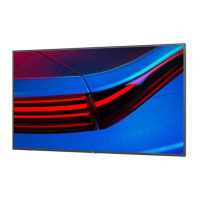
What to do if the battery for clocks is empty in my NEC MultiSync P555 Monitor?
If the battery for clocks is empty, connect the NEC monitor to the power to recharge it. Then, set the date and time in the OSD (On-Screen Display).



 General