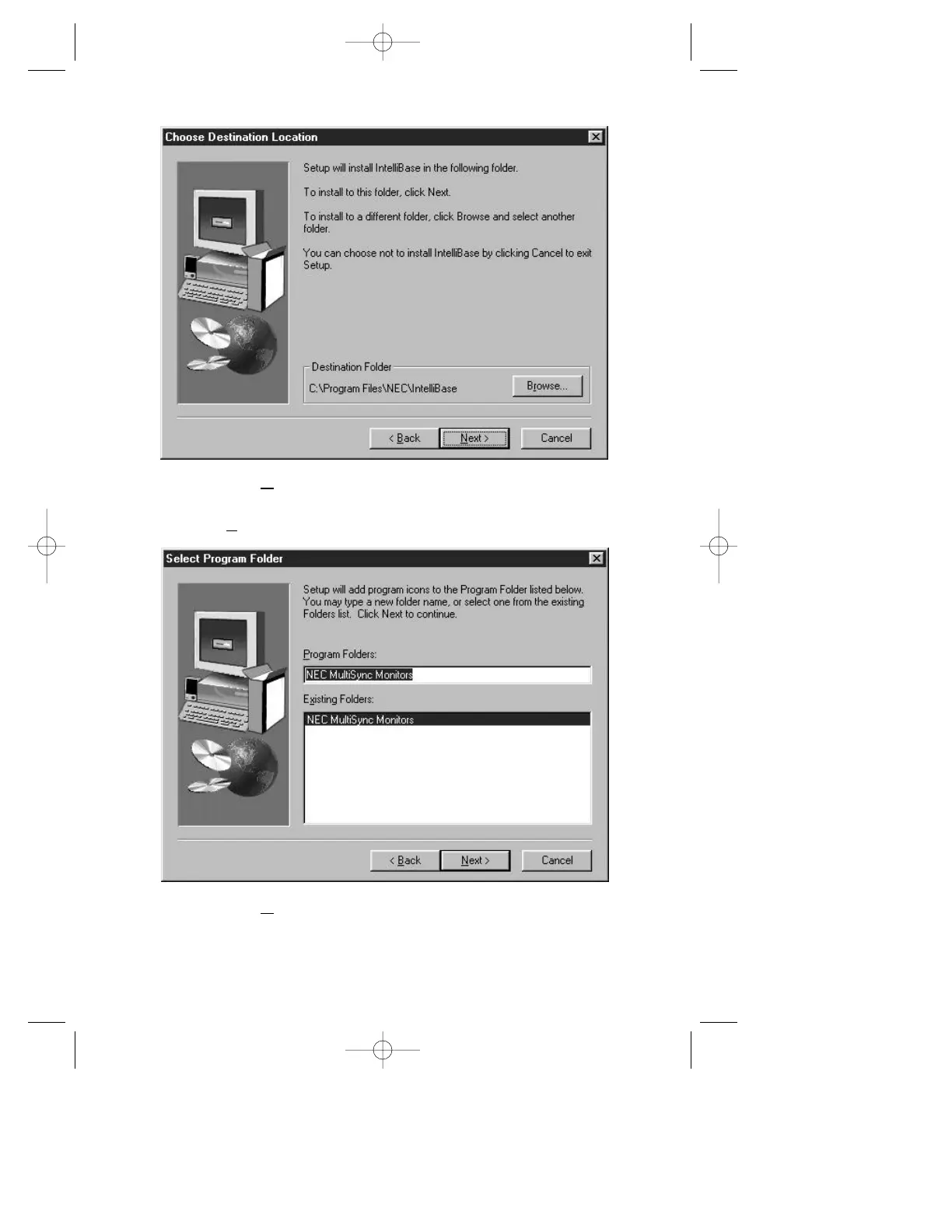
ext > button to install the IntelliBase
™
control panel
to the destination shown or select a different location by using
the Browse button.
19
Step 22 Click on Next > button to install the IntelliBase control panel
using the default name. You may also choose to rename it or
to install it in an existing folder.
203 Eng Fr Cndn manual 12/21/98 11:20 AM Page 23



 To Next Page