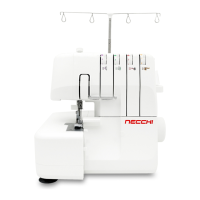
⑩ ⑪ ⑫
⑨
①
②
③ ④ ⑤ ⑥ ⑦ ⑧
Right needle thread
Tension
control
Number of thread
Stitch length control
Lower looper thread
4 3 2
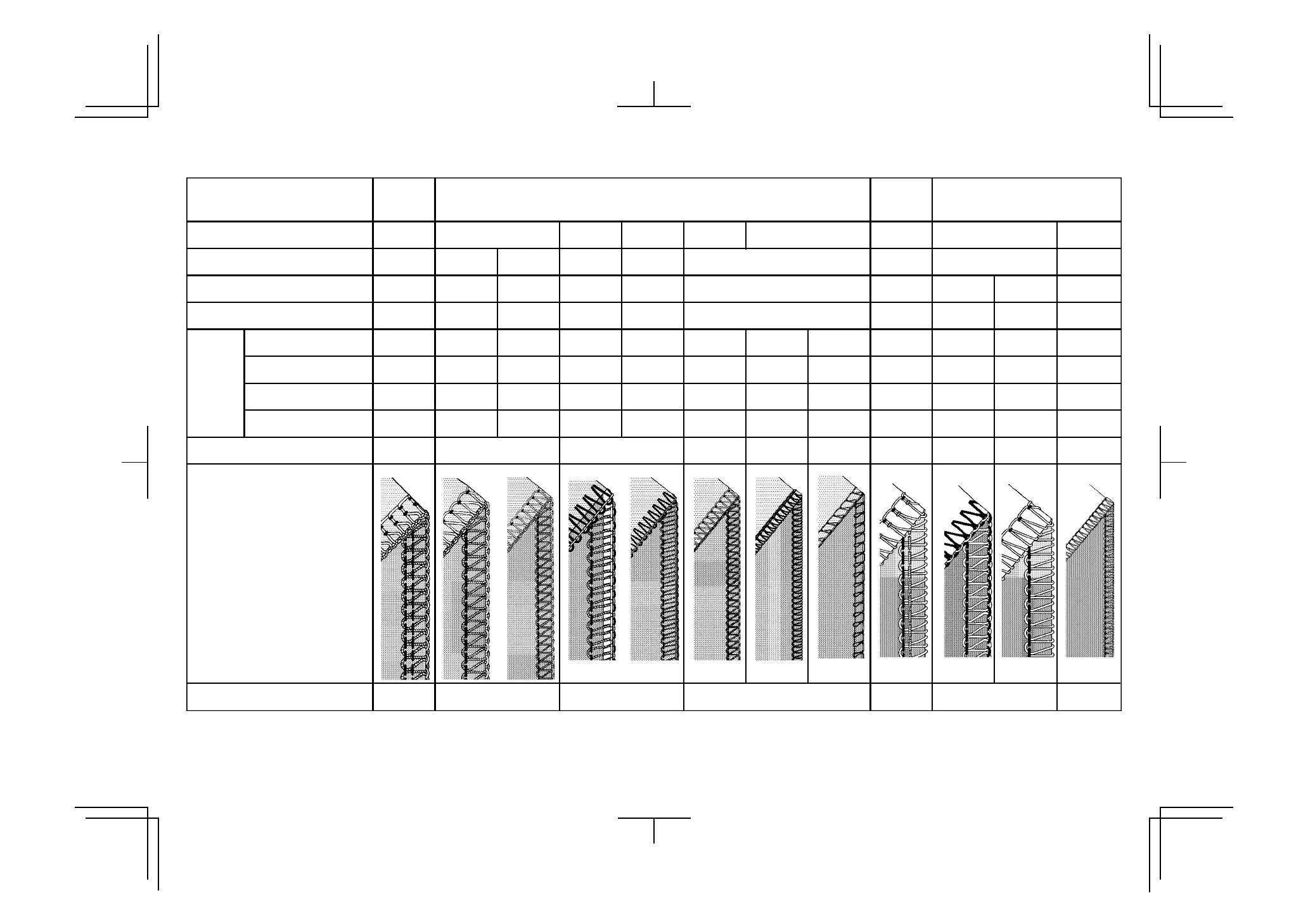
Flat seam Narrow hem Rolled hem Picot stitch Rolled hem
- 6 -
6
- 6 -
Overedge cutting width dial
Needle to use Left and Right
Left
Left LeftRight Right Right Right
3
6
Left and Right
Super stretch
4 - 6
Stitch finger
○ ○○ ○ ○ ○ ○ ○
Two thread convertor
○ ○ ○ ○
Reference page
20 27 18 17 17, 20
Left needle thread
Upper looper thread
Ref. No.
17,18, 27
- 4 -
- 4 -
2.5 - 3.5
- 4 -
-
2.5 - 3.5
- 4 -
- 4 -
7 -
-
3 - 5
0 -
- 4 -
2 - 2.5
- 4 -
- 4 -
- R -
7 -
0 -
- 4 -
- 4 -
- P -
- 4 -
-
2 - 3.5
0 -
-
0 -
- 4 -
2.5 - 3.5
1 -
- 5
1 - 2
- 4 -
- 4 -
- 0 - -- - - 0 - - 4 - -- 4 -
- 4 -
- 4 -
- 4 - - 4 - - 4 - - 4 - - - -
-
- 4- 4
2.5 - 3.5
4 - 6
4 -
- 5 - 4
Note:The above settings of tension and overedge cutting width dial are for general guidance.
Tension settings may vary with different threads and fabrics.
A little fine tuning will improve your stitching in many cases.
Following advice helps you.
1.Turn overedge cutting width dial. (See page 21)
2.Adjust needle tensions when you sew thin or thick material.
3.Reduce the tension when you use thick thread.
4.Incorrect tension setting causes stitch skipping. Adjust the tension setting.
5.Tension setting will have problem when needle setting is incorrect.
Try test-sewing with a piece of fabric you are going to use and find the best settings.
SETTING CHART
16



 To Next Page