EasyManua.ls Logo

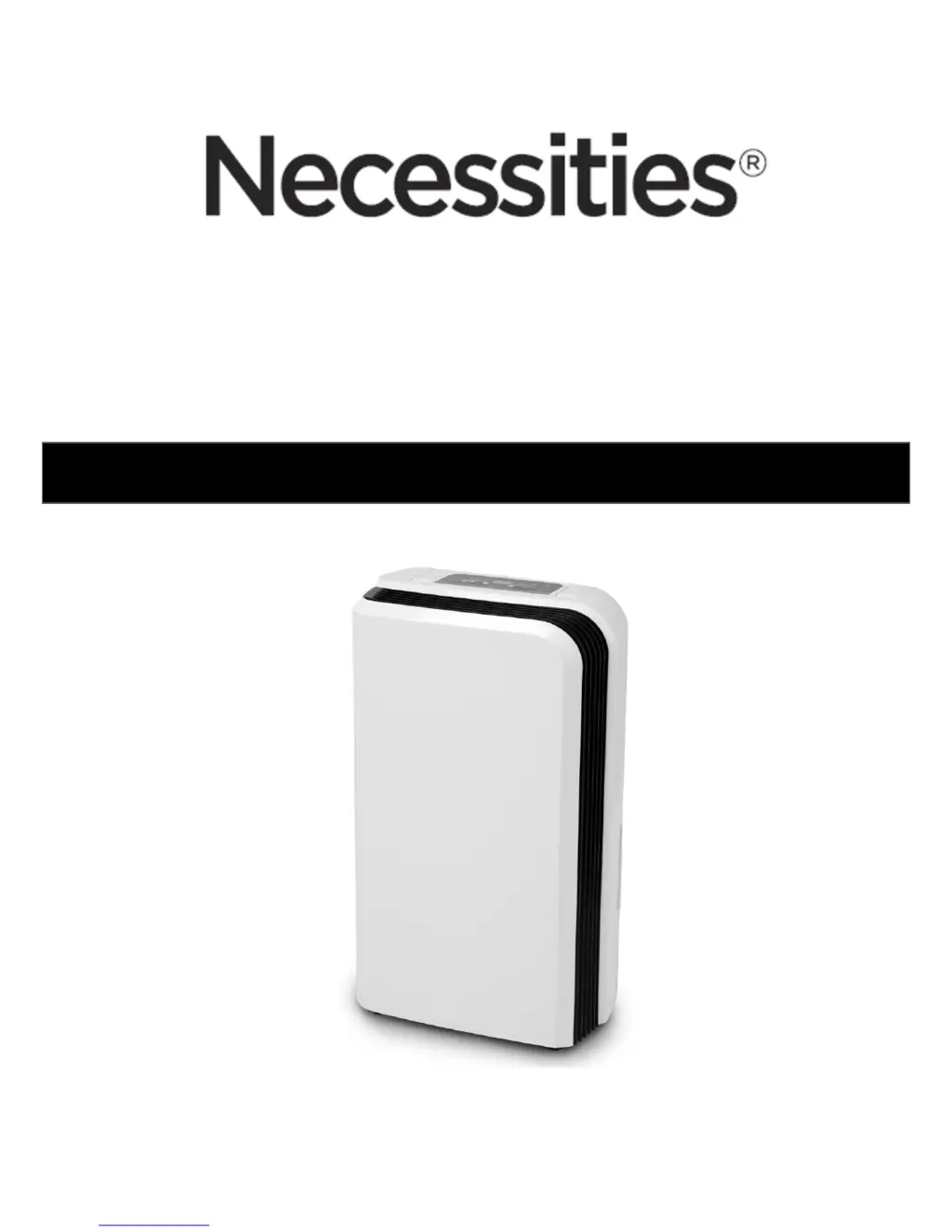
NECESSITIES TWDH110 - User Manual

Default Icon
8 pages
Print Icon
To Next Page IconTo Next Page
Loading...
For Model: TWDH110
10L DEHUMIDIFIER
OPERATING INSTRUCTIONS
Attention: This Dehumidifier is rated to extract 10L per day in an environment of 80% humidity and
temperature of 30°C. This is the world-wide standard for rating dehumidifiers. In NZ we do not have
climatic conditions with this humidity and high temperature. Accordingly the extraction levels will be
lower.

Questions and Answers

  • L
    Lisa SanchezAug 2, 2025
    Why is my NECESSITIES Dehumidifier not reducing humidity effectively?
    • M
      Michael LongAug 2, 2025
      If your NECESSITIES Dehumidifier operates but only slightly reduces humidity, it could be due to a few reasons. The room might be too large for the unit's capacity, in which case a larger dehumidifier is recommended. Alternatively, there may be too many humidity sources in the room, suggesting the need for a higher-capacity dehumidifier. High room ventilation can also hinder performance; try reducing ventilation by closing windows and doors.
  • A
    Andrew TaylorAug 12, 2025
    What to do if my NECESSITIES Dehumidifier is not extracting water?
    • G
      Gregory WilliamsAug 12, 2025
      If your NECESSITIES Dehumidifier isn't extracting water, it might be due to several reasons. First, check if the water tank is full and empty it if necessary. Then, make sure the water tank is correctly placed. A clogged air filter can also prevent water extraction, so clean it according to the user manual's instructions. Lastly, very low room temperature or humidity can cause the dehumidifier to stop extracting water, which is normal in such conditions.
  • L
    Leah PatelAug 21, 2025
    Why NECESSITIES Dehumidifier will not turn on?
    • M
      Maria ElliottAug 21, 2025
      If your NECESSITIES Dehumidifier will not turn on, the most likely cause is that it is not properly connected to a power source. Ensure the dehumidifier's plug is securely inserted into the mains power supply, and then turn the unit on.

Summary

Warnings and Safety Precautions

Dehumidifier Components

Component Identification

Lists and identifies all physical parts of the dehumidifier unit, including panels, outlets, and cords.

Control Panel Overview

LED Indicator Lights

Details the function and meaning of various LED indicator lights on the control panel.

Digital Display Functions

Explains the meanings and operational status shown on the digital display.

Push Button Controls

Describes the purpose and operation of each push button for controlling the unit.

Operating Instructions

Getting Started and Basic Operation

Covers initial setup, power on/off, and setting desired humidity levels.

Timer Functionality

Explains how to set the automatic on/off timer for the unit in hourly increments.

Fan Speed Adjustment

Details how to select and adjust the desired fan speed between high and low.

Water Tank Full Alert

Describes the system response, alerts, and actions when the water tank is full.

Permanent Water Drainage

Cleaning and Maintenance

Air Filter Care

Instructions for removing, cleaning, drying, and replacing the air filter.

Storage Instructions

Technical Specifications

Trouble Shooting Guide

One Year Warranty Information

NECESSITIES TWDH110 Specifications

General IconGeneral
BrandNECESSITIES
ModelTWDH110
CategoryDehumidifier
LanguageEnglish