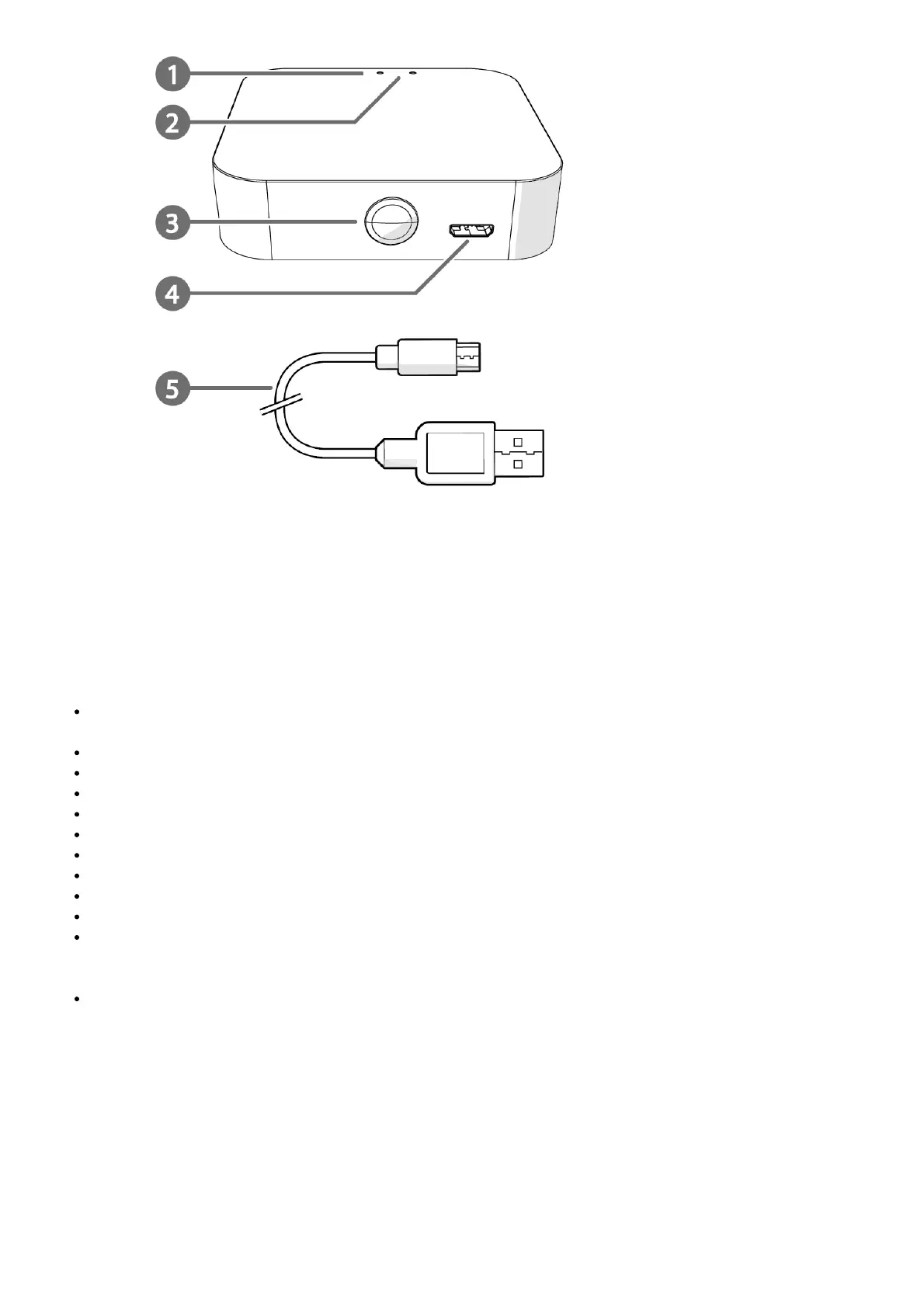
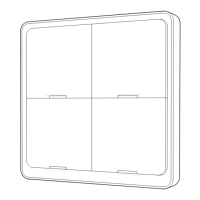
Main parts
1. Wi-Fi status LED
2. Zigbee status LED
3. Function button
4. Micro USB port
5. Micro USB cable
Safety instructions
Ensure you have fully read and understood the instructions in this document before you install or use the
product. Keep this document for future reference.
Only use the product as described in this document.
Do not use the product if a part is damaged or defective. Replace a damaged or defective product immediately.
Do not drop the product and avoid bumping.
This product may only be serviced by a qualified technician for maintenance to reduce the risk of electric shock.
Disconnect the product from the power source and other equipment if problems occur.
Disconnect the product from the power source before service and when replacing parts.
Do not expose the product to water or moisture.
Children should be supervised to ensure that they do not play with the product.
Only power the product with the voltage corresponding to the markings on the product.
Some wireless products may interfere with implantable medical devices and other medical equipment, such as
pacemakers, cochlear implants and hearing aids. Consult the manufacturer of your medical equipment for more
information.
Do not use the product at locations where the use of wireless devices is prohibited due to potential interference
with other electronic devices, which may cause safety hazards.
Installing the app
1. Download the Nedis SmartLife app for Android or iOS on your phone via Google Play or the Apple App Store.
2. Open the Nedis SmartLife app on your phone.
3. Create an account with your mobile phone number or your e-mail address and tap Continue.
4. Enter the received verification code.
5. Create a password and tap Done.
6. Tap Add Home to create a SmartLife Home.
7. Set your location, choose the rooms you want to connect with and tap Done.



 To Next Page