Doc#: 313-0001-002 REV 0 10 of 11
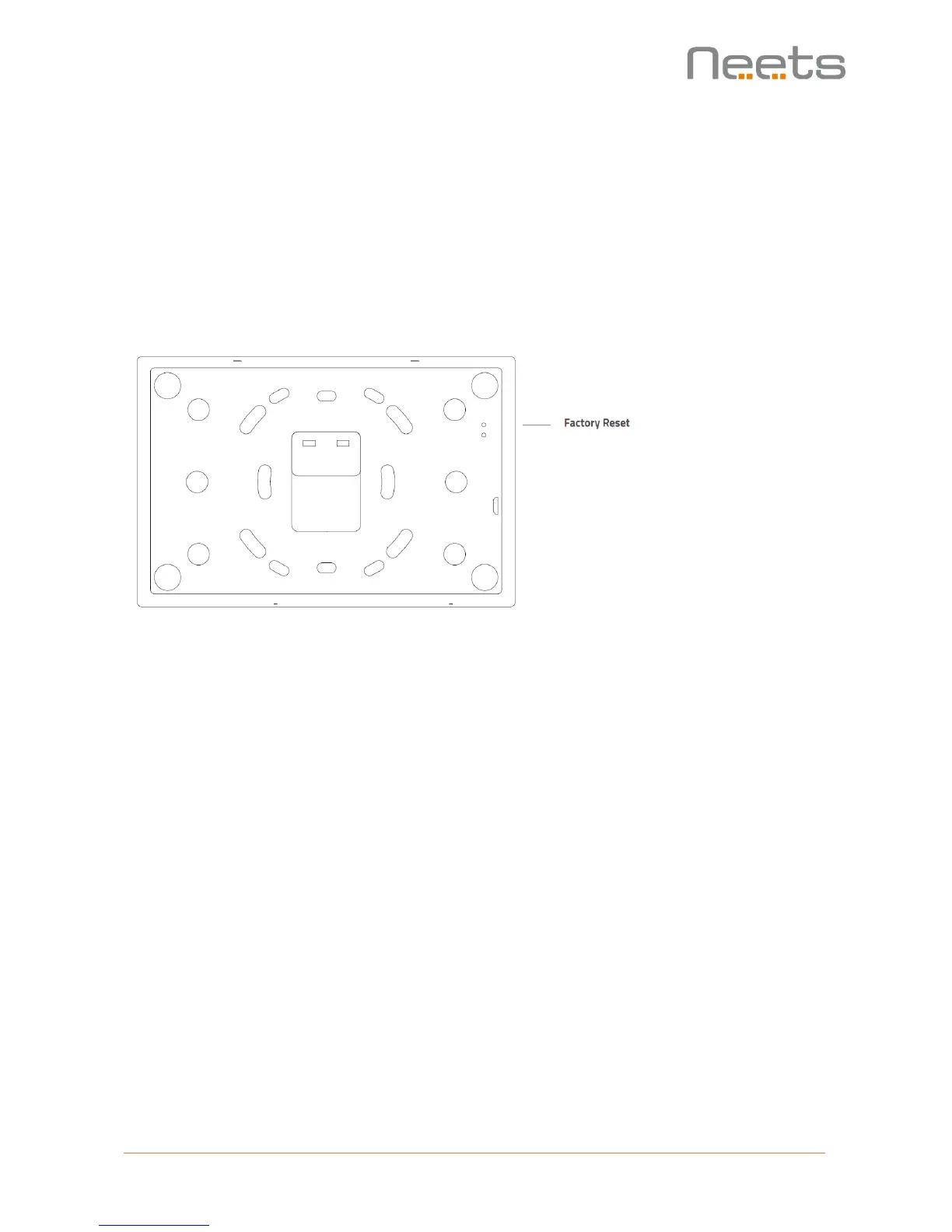
Factory reset
If the device is not responding and a reboot does not recover the device, a factory reset can be
performed.
The reset is initiated by pressing the upper pinhole switch on the backside of the Touch Panel.
After the reset, the Neets application need to be updated (See how to on page 11).
Note: A factory reset should only be performed by authorized personnel. Please contact Neets
Support before the factory reset is performed.



 To Next Page