Doc#: 313-0001-002 REV 0 5 of 11
Configurations of the Touch Panel
Entering the settings
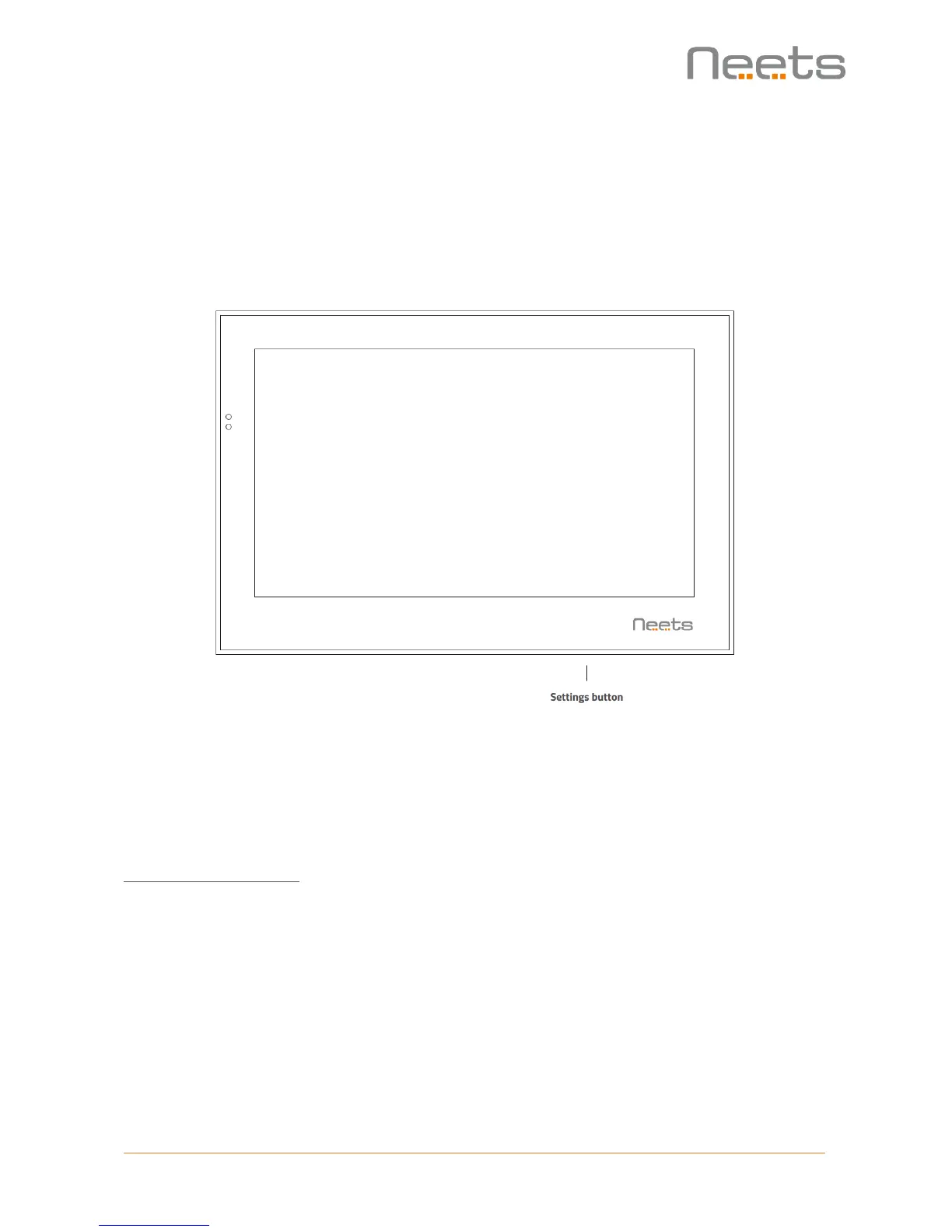
To change the settings of the Touch Panel you need to press the settings button located at the
button right of the Touch Panel.
To access the settings menu, use the include ejector pin and press gently on the settings button.
If the settings are protected by password, you need to enter this in order to get access to the
settings (default password is: 1234).
Set the Touch Panel IP address
IP address from DHCP
To configure the Touch Panel with DHCP (default setting):
1. In "Control system IP address" -> Enter the IP address of the control system
2. In "Ethernet settings" ->
o Choose DHCP (which will automatically assign the IP address)
3. Jump back to the application settings menu by pressing "back" button twice
4. Choose "Connect to the control system"
Now, the project GUI from the control system will load and you can take control.



 To Next Page