Familiarising yourself with your appliance en
7
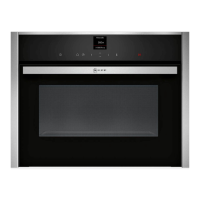
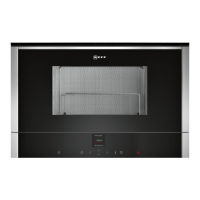
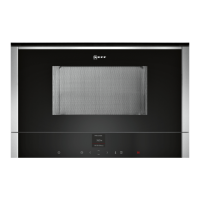
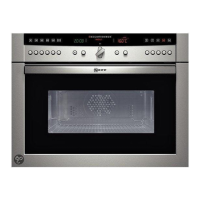
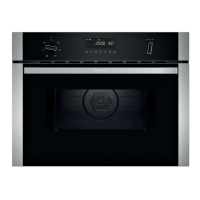
On certain models, specific details such as the colour and shape may differ from those pictured.
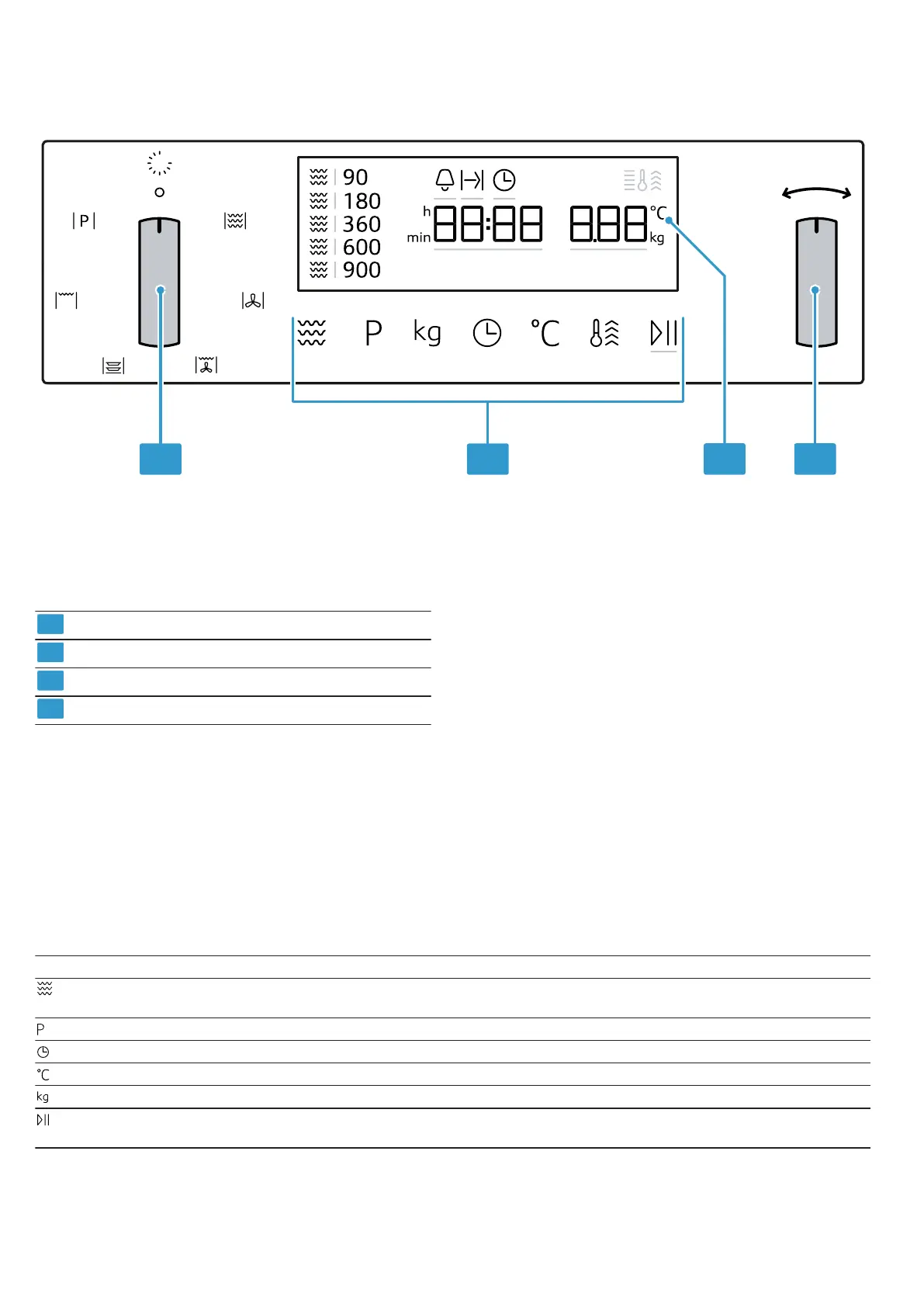
Function selector
Touch fields
Display
Rotary selector
Function selector
Use the function selector to set the types of heating
and other functions.
On some product variants, the function selector can be
pushed in.
If you turn the function selector from the off position to
a function, it takes a few seconds for the relevant func-
tion to be available.
Rotary selector
Use the rotary selector to change the settings values
shown in the display.
On some product variants, the rotary selector can be
pushed in.
In selection lists, e.g. programmes, the first selection
follows the last.
For values, e.g. weight, turn the rotary selector back
the other way when you reach the minimum or max-
imum value.
Touch fields
Touch fields are touch-sensitive surfaces. To select a function, touch the relevant field.
Symbol Name Use
Microwave Select the microwave power levels or switch on the microwave func-
tion for a type of heating.
Automatic programmes Call up the selection of automatic programmes.
Time-setting options Timer, cooking time or set the time.
Temperature Select set the temperature.
Weight Select set the weight.
Start/stop Press briefly: Start or stop operation.
Press and hold: End operation. The settings are reset.


 To Next Page