Familiarising yourself with your appliance en
19
5 Familiarising yourself with your appliance
5.1 Controls
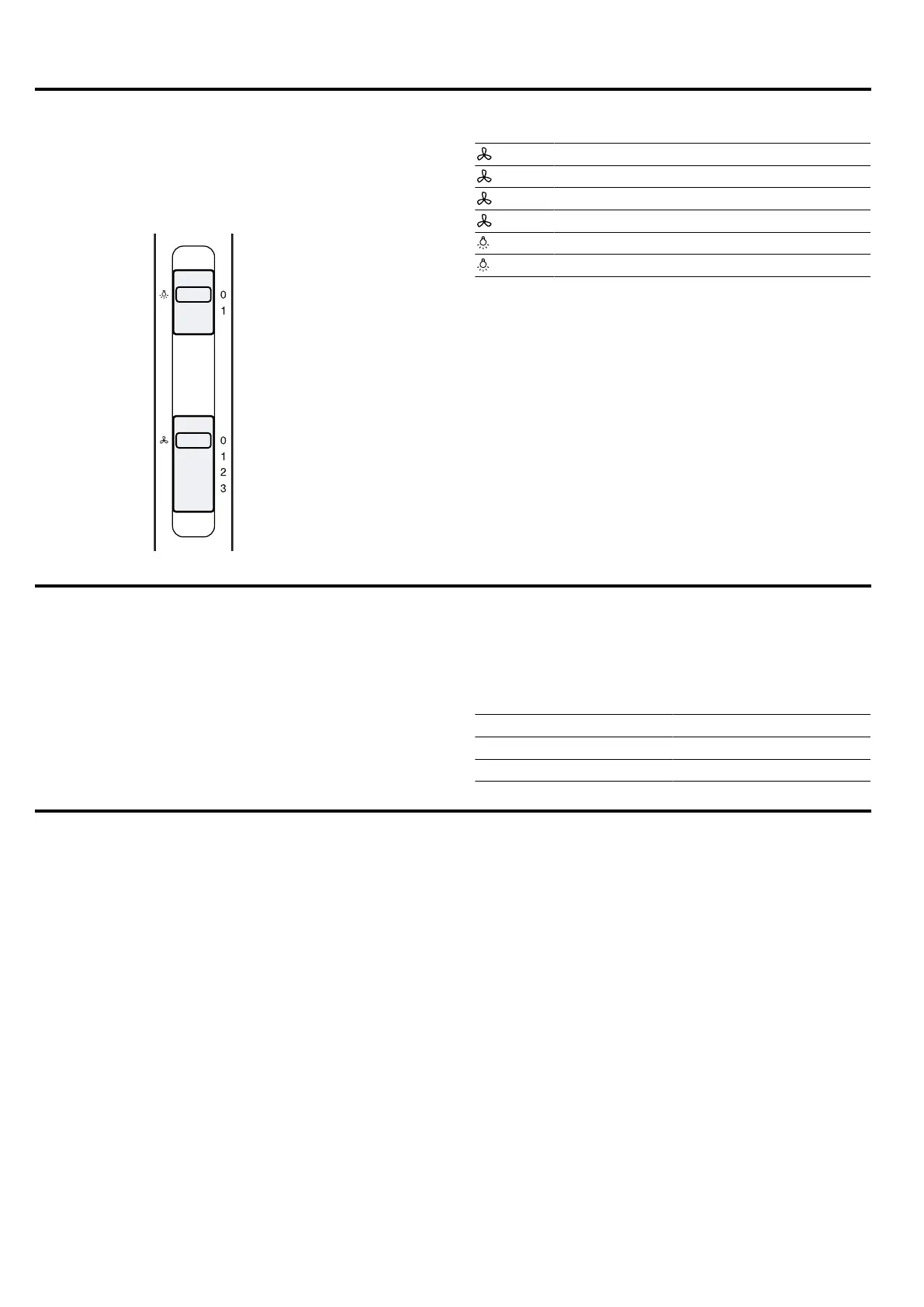
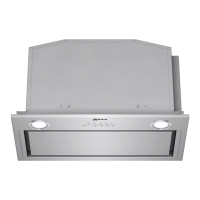
The controls are used to configure all functions of your
appliance and to obtain information about the operat-
ing status.
: 0 Switches off the fan
: 1 Switches on fan setting1
: 2 Switches on fan setting2
: 3 Switches on fan setting3
: 0 Switches off the lighting
: 1 Switches on the lighting
6 Accessories
You can buy accessories from the after-sales service,
from specialist retailers or online. Only use original ac-
cessories, as these have been specifically designed for
your appliance.
Accessories vary from one appliance to another. When
purchasing accessories, always quote the exact
product number (E no.) of your appliance. →Page22
You can find out which accessories are available for
your appliance in our catalogue, in the online shop or
from our after-sales service.
www.neff-international.com
Accessories Order number
Standard odor filter DWZ0IN0A0
Standard recirculation kit DWZ0IN0T0
7 Basic operation
7.1 Switching on the appliance
▶
Set the slide control to position1.
7.2 Setting a fan setting
▶
Set the slide control to position 1, 2 or 3.
7.3 Switching off the appliance
▶
Set the slide control to position0.
7.4 Switching on the lighting
The lighting can be switched on and off independently
of the ventilation system.
▶
Set the slide control to position1.
7.5 Switching off the lighting
▶
Set the slide control to position0.


 To Next Page