Familiarising yourself with your appliance en
13
Partition with humidity control-
ler →Page14
Fruit and vegetable container
→Page14
Rating plate →Page33
Cool-fresh container
→Page15
Flat frozen food container
→Page15
Frozen food container
→Page26
Butter and cheese compart-
ment →Page15
Door storage compartment
for large bottles →Page15
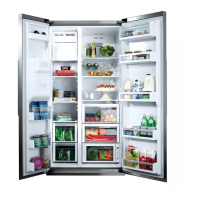
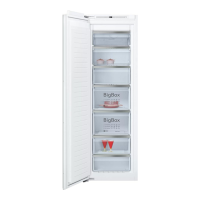
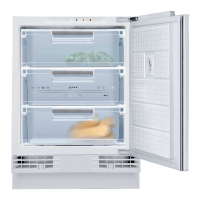
Note:Deviations between your appli-
ance and the diagrams may differ
with regard to their features and size.
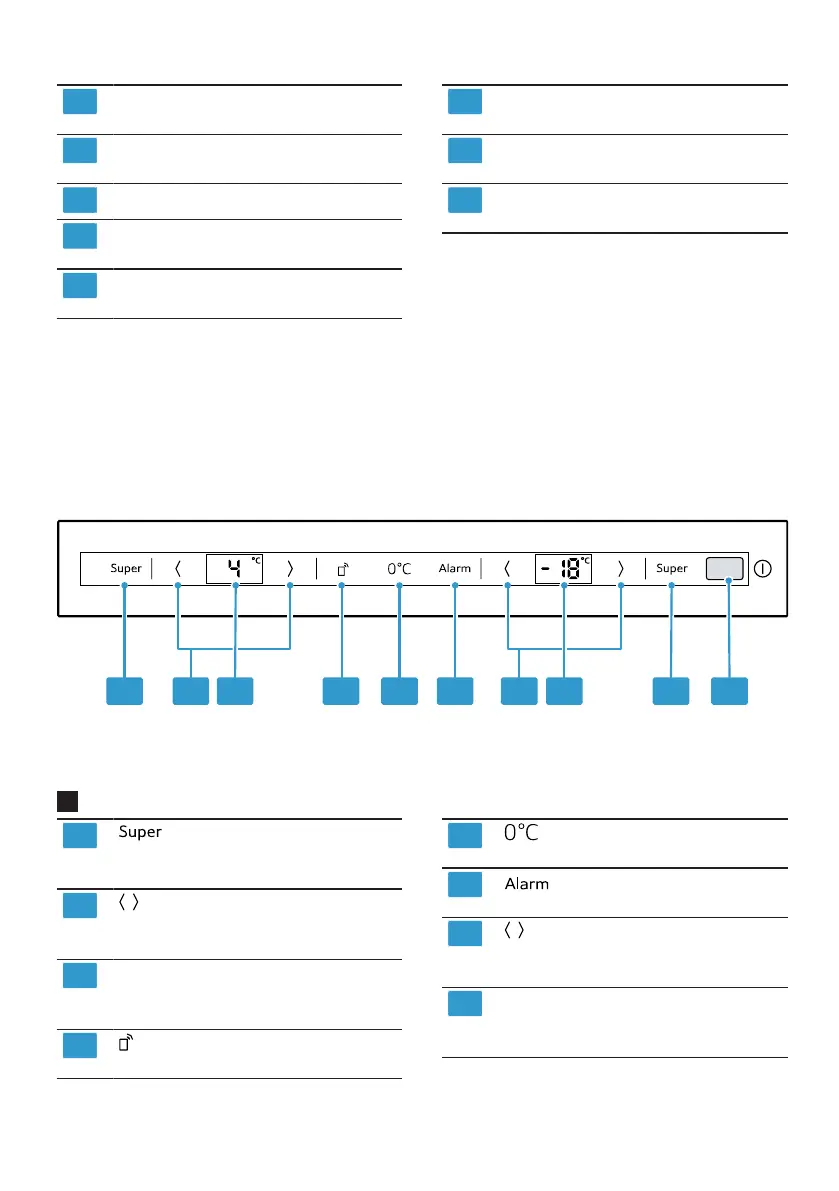
5.2 Control panel
You can use the control panel to configure all functions of your appliance and
to obtain information about the operating status.
2
(Refrigerator compart-
ment) switches Super cooling
on or off.
/ (Refrigerator compartment)
sets the temperature of the
refrigerator compartment.
Displays the set temperature
for the refrigerator compart-
ment in°C.
opens the menu for setting
Home Connect.
lights up when the appli-
ance is operating.
switches the warning
signal off.
/ (Freezer compartment)
sets the temperature of the
freezer compartment.
Displays the set temperature
for the freezer compartment
in °C.



 To Next Page