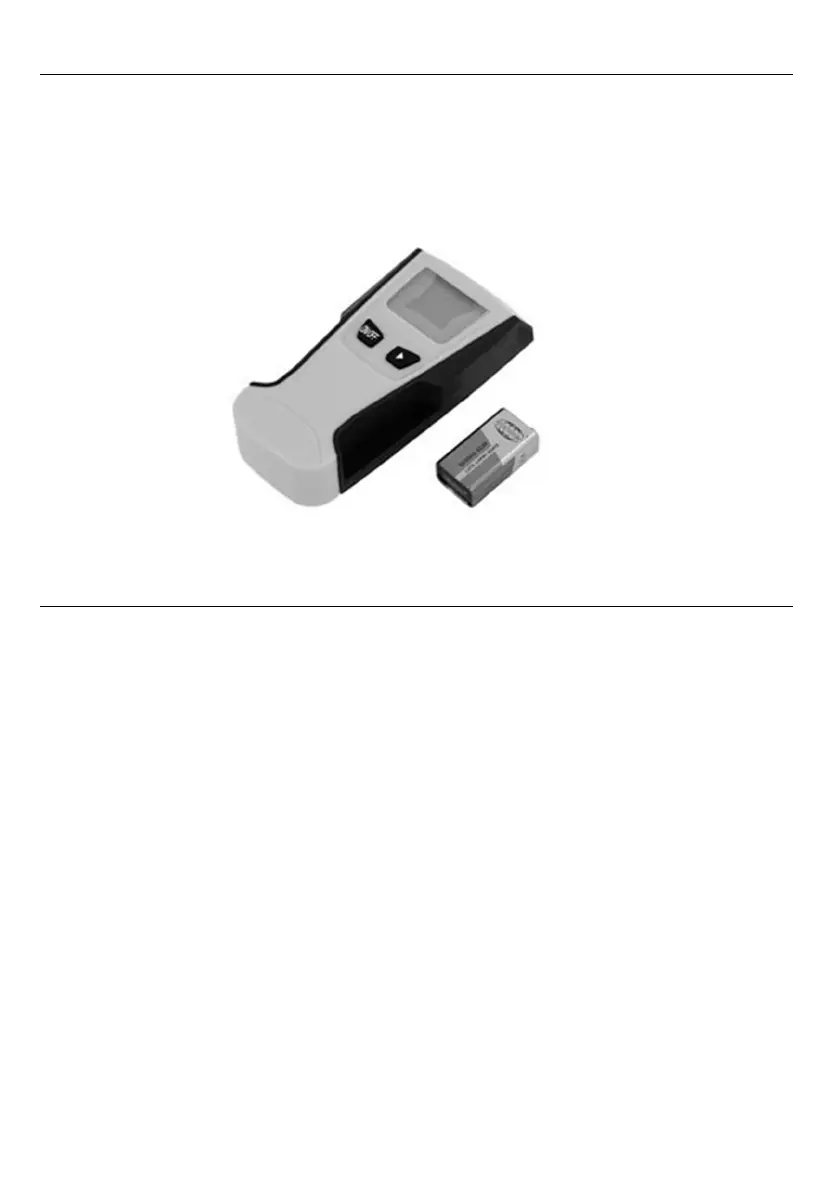
4. UNPACKING AND CHECKING
Carefully remove the product from the packaging and examine it for any sign of
damage that may have happened during shipping. Lay the contents out and
check them against the parts shown below. If any part is damaged or missing;
please contact the seller and do not attempt to use the product .
5. USING THE TOOL
5.1. MODE SELECTION
When scanning for studs, there are three scan modes to choose
for properly thick of the scanning surface:
1/2" Scan Mode scans through surfaces up to 1/2 inch thick.
1" Scan Mode scans through surfaces up to 1 inch thick.
1-1/2" Scan Mode scans through surfaces up to 1-1/2 inch thick.
If the thick of the scanning surface is unknown, you can start with 1-1/2"
Scan Mode. And then choose more suitable Scan Mode to verify the
centre of studs again.
When scanning for metal pipes or rebar, select Metal Mode.
When scanning for electrical wires, select AC Mode.
5.2 HOW TO USE
IMPORTANT OPERATING TIPS,PLEASE READ CAREFULLY
Tool Position: For proper use, always place scanner flat against the surface
before turning on power.



 To Next Page