Version: 4.0
28.08.2017
KEN001BT55X
8
EN
CONTROL PANEL
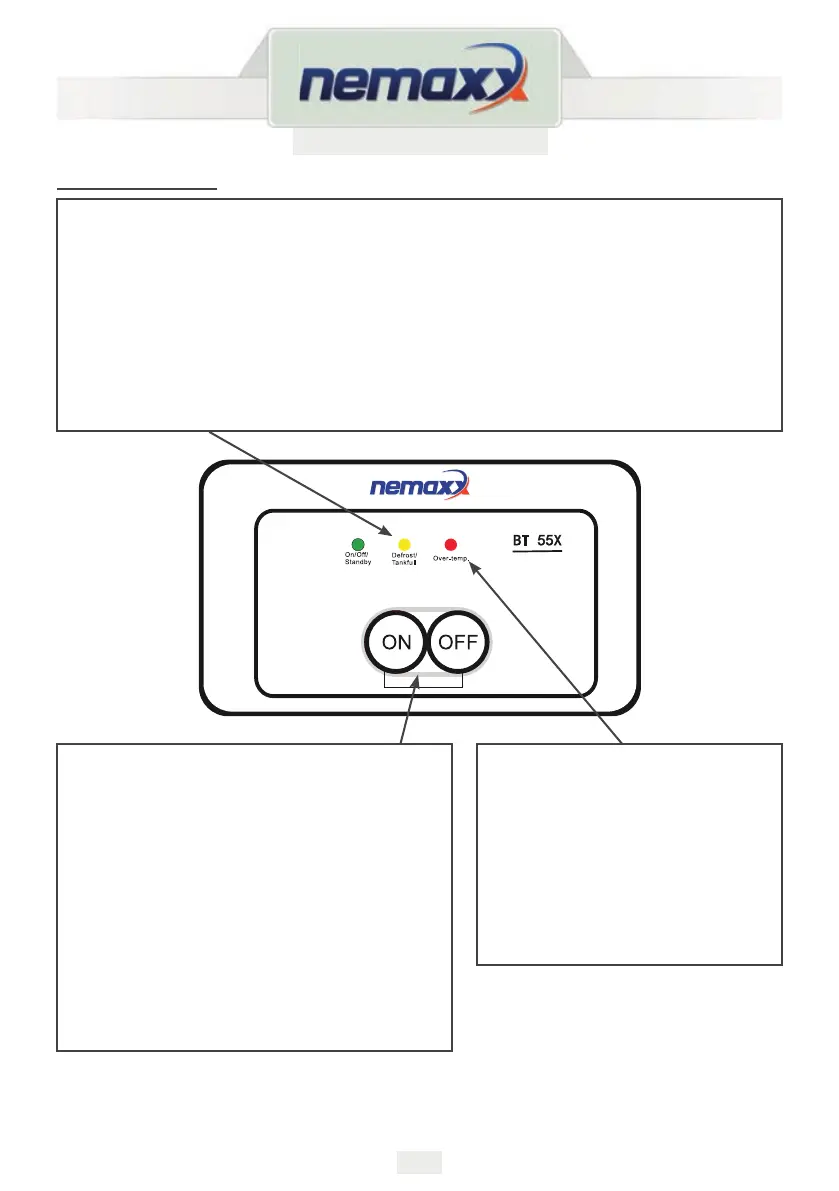
If the defrost indicator (yellow) keeps on and the On/O/Standby indicator (green)
ashes, it means the device is defrosting.
The unit returns to work after defrosting.
If the yellow indicator and the green indicator ash simultaneously, it means the water
bucket is full.
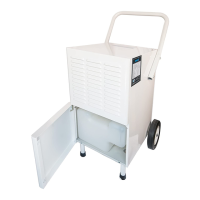
The unit will stop for 3 minutes after taking out the bucket.
Please put the bucket back to the unit in 3 minutes, or the unit will resume working
automatically and water will ow into the unit.
If it is less than 3 minutes, it will postpone working until it reaches 3 minutes.
Press On/O button once, the green indicator
is on, and the unit starts working.
Press this button again, the green indicator
o, and the unit stops.
If turning on the unit for second time, the
green indicator ashes for 3 minutes, and then
the unit will start working.
The green indicator keeps on when the unit
is running; and the green indicator is o when
the unit stops.
When the green indicator ashes, it means
the unit is standby.
It will start automatically after 3 minutes.
If the red indicator is on and the
green indicator ashes and
warning occurs at the same time,
the unit stops under protection
caused by over temperature.
If the indicator ashes when the
unit is working or standby, it means
the temperature sensor is broken
(open-circuit or short-circuit).


 To Next Page