13
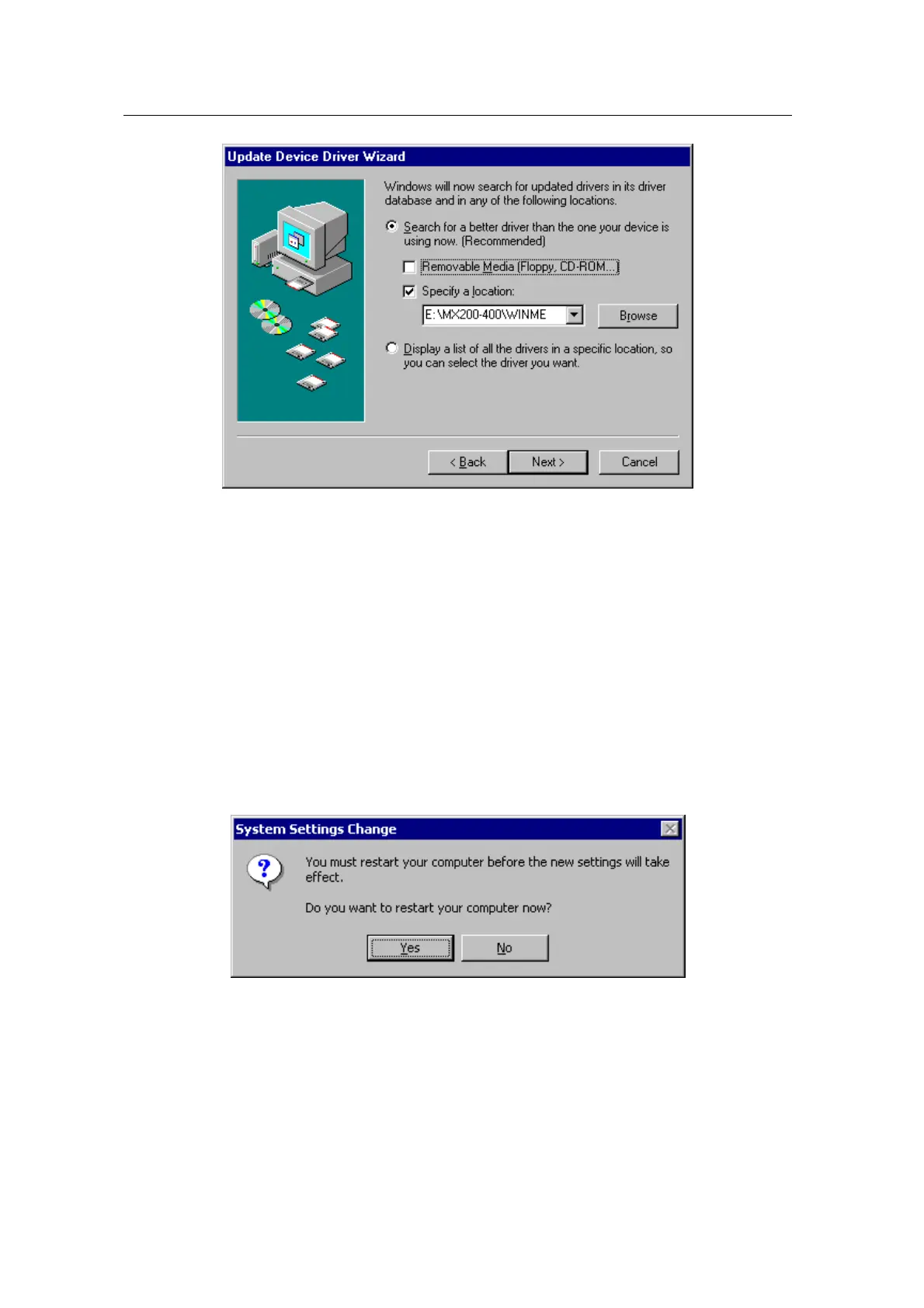
7. Select “WINME” folder on “MX200-400” folder of CD-ROM drive by using “Browse” button
then click “OK”.
8. When it turns back to the “Update Device Driver Wizard”, then click “Next”.
9. “NVIDIA GeForce2 MX / MX400 (vX.XX)” in “Update Device Driver Wizard” is displayed,
then click “Next”.
10. The appropriate drivers will be copied and the system will be configured automatically.
11. Click “Next” then “Finish”.
If a dialog box appears asking if you want to restart your system, select “Yes”.



 To Next Page