18
In case of exchanging the VGA card to the NEMESIS GEFORCE2 MX200/MX400 in
Windows 2000.
When you remove the existing VGA card from your system and newly install the NEMESIS
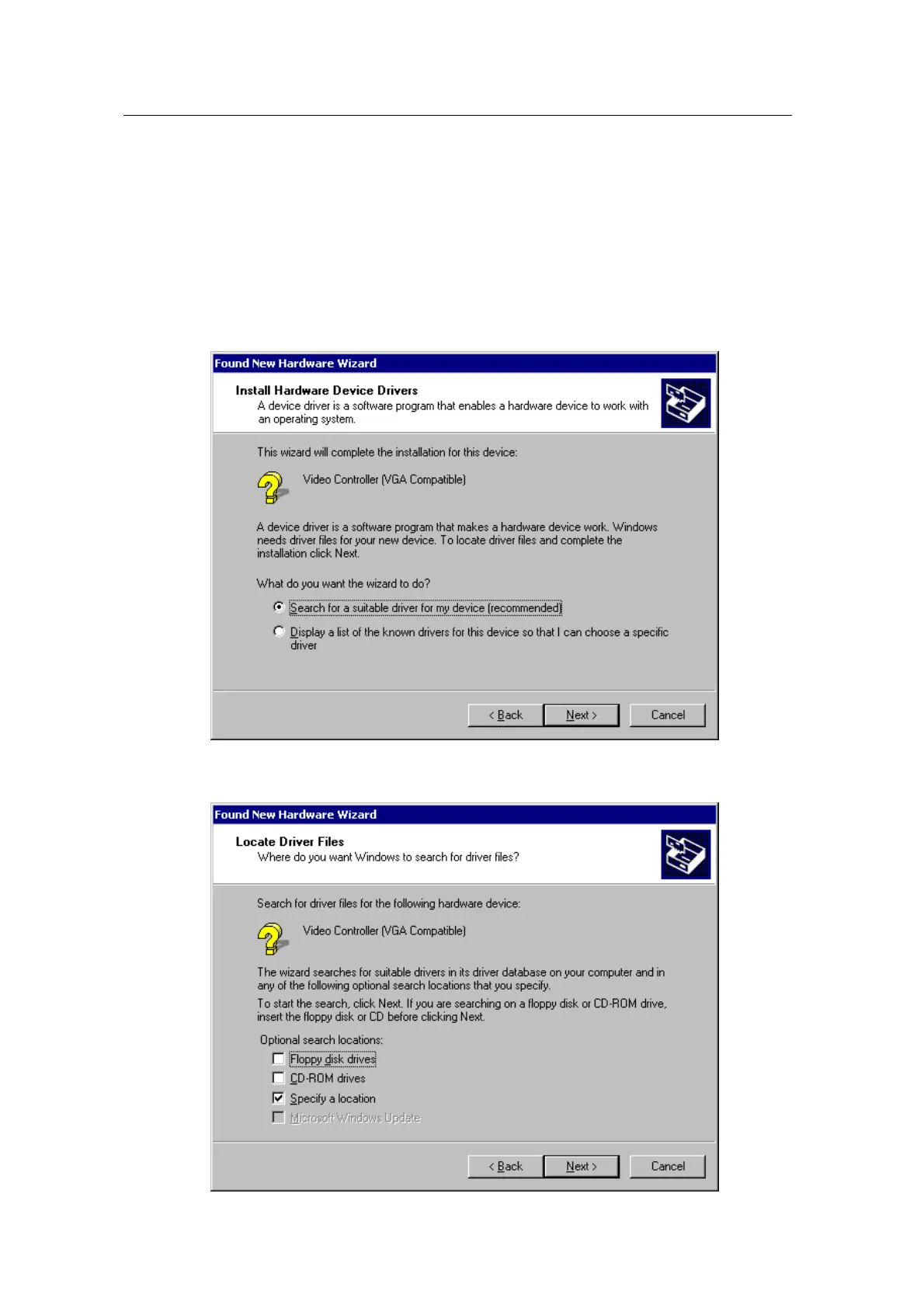
GEFORCE2 MX200/MX400 “New hardware found” dialog box appears and “add new
hardware wizard” is started automatically.
1. Click “Next”.
2. Select ‘Search for the best driver for your device(recommended)’and click “Next”.
3.
Insert the installation CD into your CD-ROM Drive.
4. Select “Specify a location” and click “Next”,



 To Next Page