19
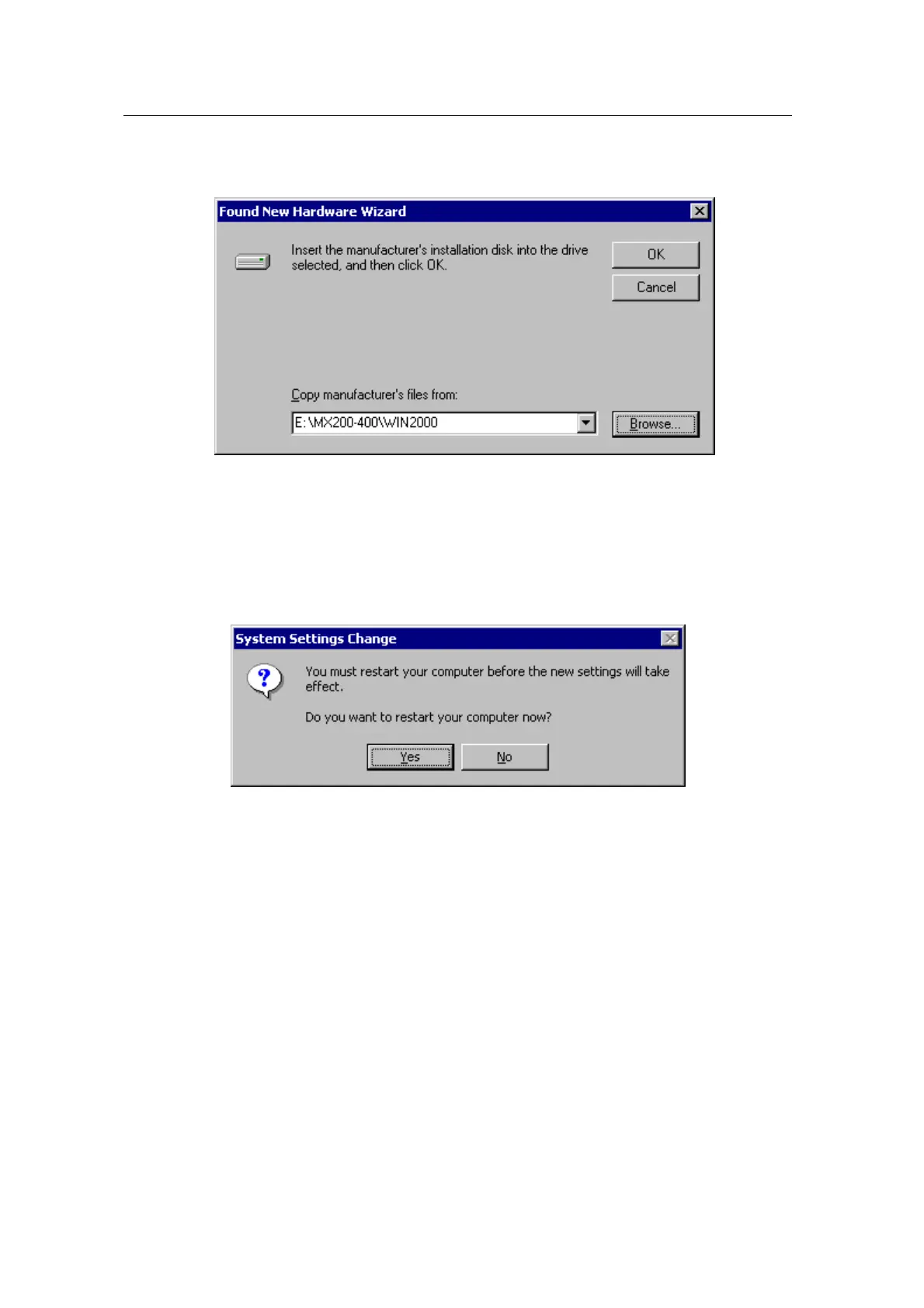
5. Select “WIN2000” folder on “\MX200-400” folder of CD-ROM drive by using “Browse”
button. Click “Next”.
6. If the driver has not been certified by WHQL, “Can not find the digital signature” dialog box
appears. Click “Yes” to proceed.
7. A message that the driver has been installed successfully appears. Then click “Finish”.
It will prompt you to restart your computer, click “Yes” to restart your computer to complete
the installation.



 To Next Page